
1. why the security of WordPress is often underestimated
Around 43% of all websites are operated on the basis of WordPress.
It is precisely because the content management system is so widespread that it is a popular target for attacks.
Because hackers generally focus on systems that are widely used. There they can often hack many potential victims with little effort.
But the popularity of WordPress also has advantages - thanks to the large community, work is constantly being done to close potential vulnerabilities, provide security updates and develop protective measures.
Most successful attacks on WordPress websites are not due to security vulnerabilities in the core system.
Much more frequently, outdated plugins, insecure passwords or poor hosting configurations are the problem.
Operators who ignore updates or install questionable extensions are exposing their website to unnecessary risks.
WordPress itself offers a stable foundation - the actual vulnerabilities are often caused by user negligence or ignorance.
Many people also consider open source software to be fundamentally insecure because the code is publicly accessible.
However, I can tell you that it is precisely this transparency that ensures greater security.
Thousands of developers check the code every day, discover vulnerabilities and continuously improve it.
Closed systems, on the other hand, are often more vulnerable because only a small team can identify security vulnerabilities.
WordPress is therefore generally secure - it is much more the way it is used and maintained that determines its actual security.
2 How secure is WordPress compared to other systems?
As already mentioned, WordPress is often portrayed as insecure.
How does it compare to other content management systems?
Shopify
Shopify is a closed platform where operators control updates and security measures centrally.
Users have less control, but also less responsibility.
Comparing security with WordPress is difficult. In general, both platforms are secure with the advantage that WordPress is open-source.
Joomla and Drupal
Like WordPress, both of these platforms are open source systems.
They are considered safe, but are less popular.
This is why they are less often the target of large-scale attacks.
WordPress
WordPress offers a flexible environment, but requires users to consciously manage updates, plugins and hosting.
With the right configuration, WordPress can be just as secure as other solutions.
The uncertainty is not in the system itself, but in the implementation.
Wer WordPress professionell betreibt, hat Kontrolle über Sicherheitsmassnahmen – ein Vorteil, den SaaS-Lösungen wie Shopify nicht bieten.
Studies show that over 95% of hacked WordPress websites are compromised by insecure plugins, themes or weak passwords - not by errors in the core system.
An analysis by Sucuri revealed:
- 60% of hacked WordPress websites had outdated software.
- 41% of infected sites were attacked via insecure plugins.
- 36% of the hacks resulted from weak access data.
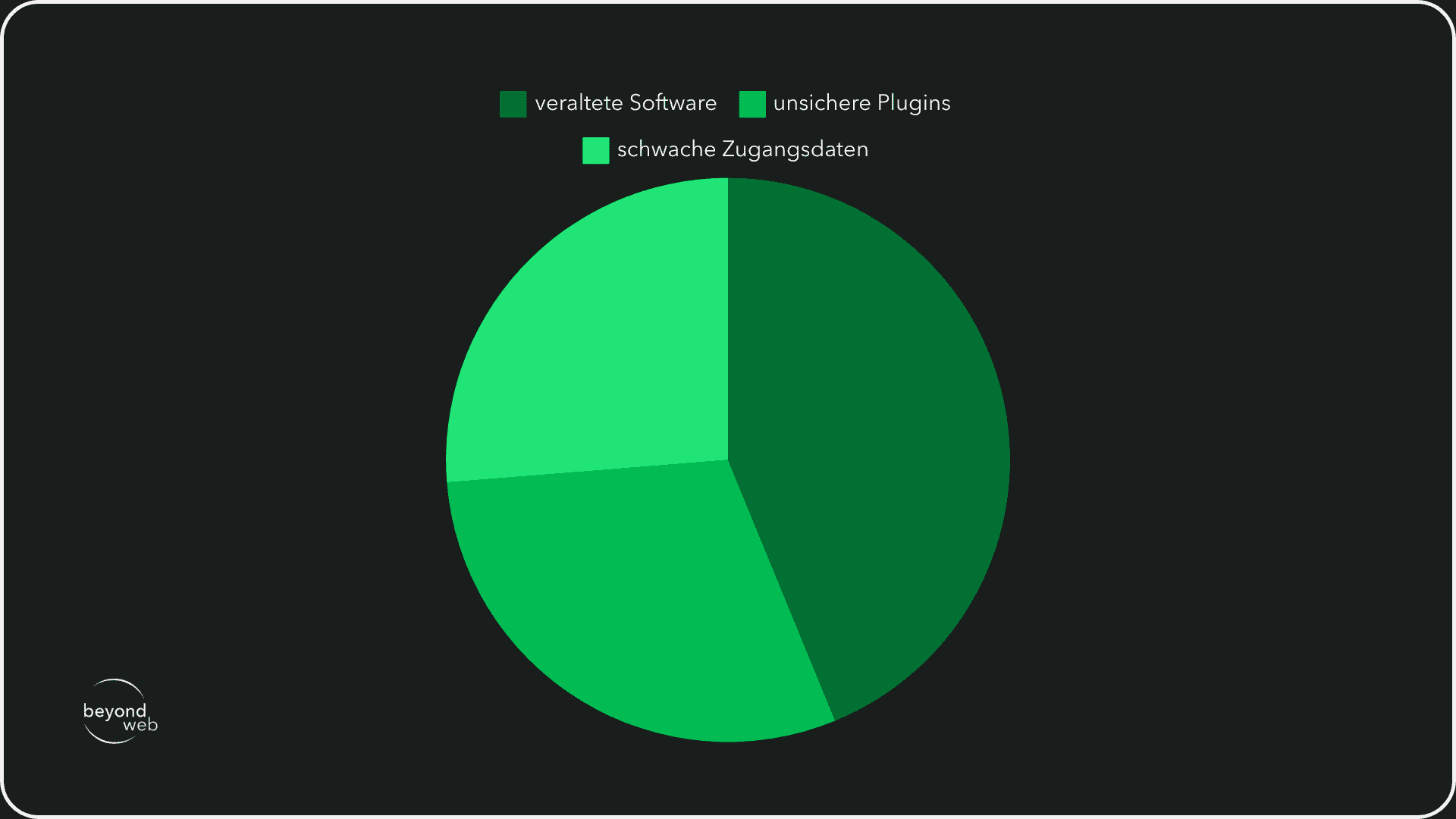
The study shows: Most attacks could have been prevented by regular updates, secure passwords and a well-thought-out plugin selection.
Hackers therefore often go for the weakest link - they try to achieve their goal with as little effort as possible.
If your website is considered more secure than the average WordPress website, you can significantly reduce the risk of a hacker attack.
3. the biggest threats to WordPress sites
In principle, any website can be the target of an attack.
WordPress is particularly in focus due to its widespread use.
Attackers use known vulnerabilities to gain access, inject malicious code or overload systems.
The most common types of attack affect either the login system, the database or the website structure.
Many attacks can be prevented if you as the operator regularly update your website and implement the usual security measures.
The following six threats are among the biggest risks for WordPress websites.
3.1 Brute force attacks
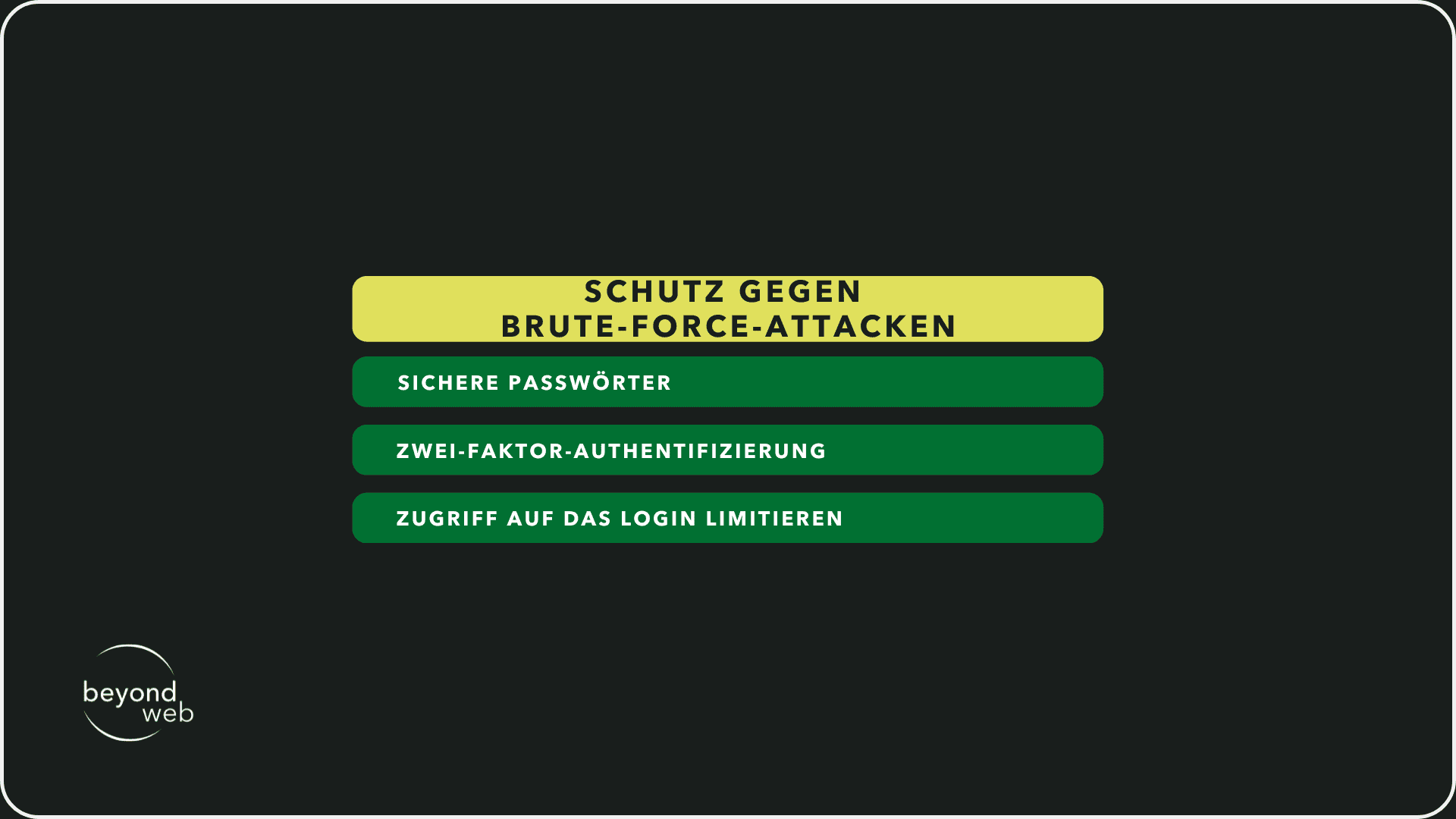
Brute force attacks attempt to guess passwords through automated attempts.
Hackers use tools that test thousands of combinations in a short time.
Weak passwords or default admin names therefore increase the risk of being hacked enormously.
How can you protect yourself?
- Use secure passwords with special characters, numbers and capital letters
- Activate two-factor authentication
- Limit access to the login (e.g. through IP blocks)
3.2 SQL injections
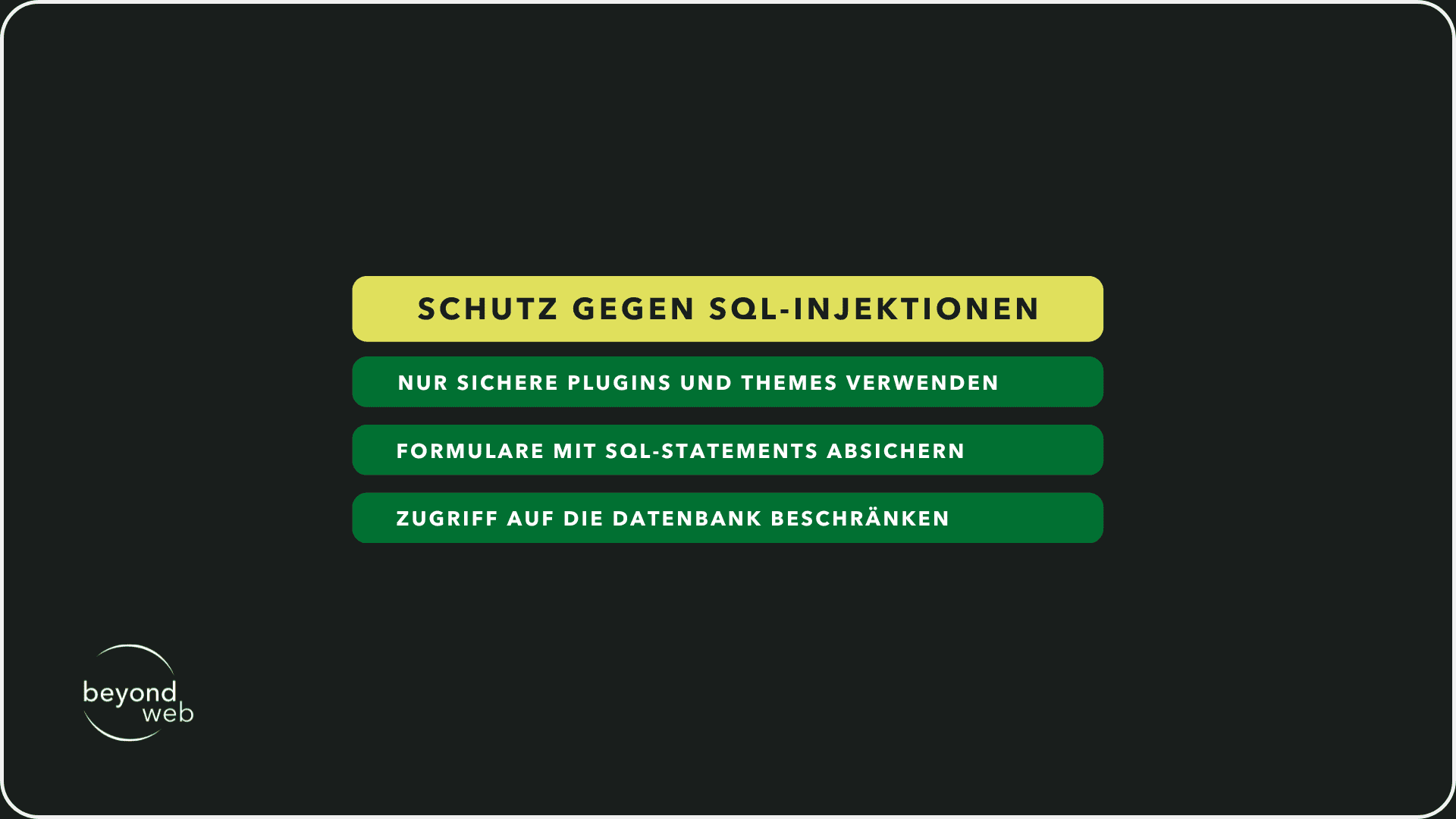
SQL injection attacks manipulate database queries to gain access to confidential data or change content.
Poorly programmed forms or insecure plugins often cause these problems.
How can you protect yourself?
- Only use secure plugins and themes
- Secure forms and input fields with prepared SQL statements
- Restrict access to the database
3.3 Malware & backdoors
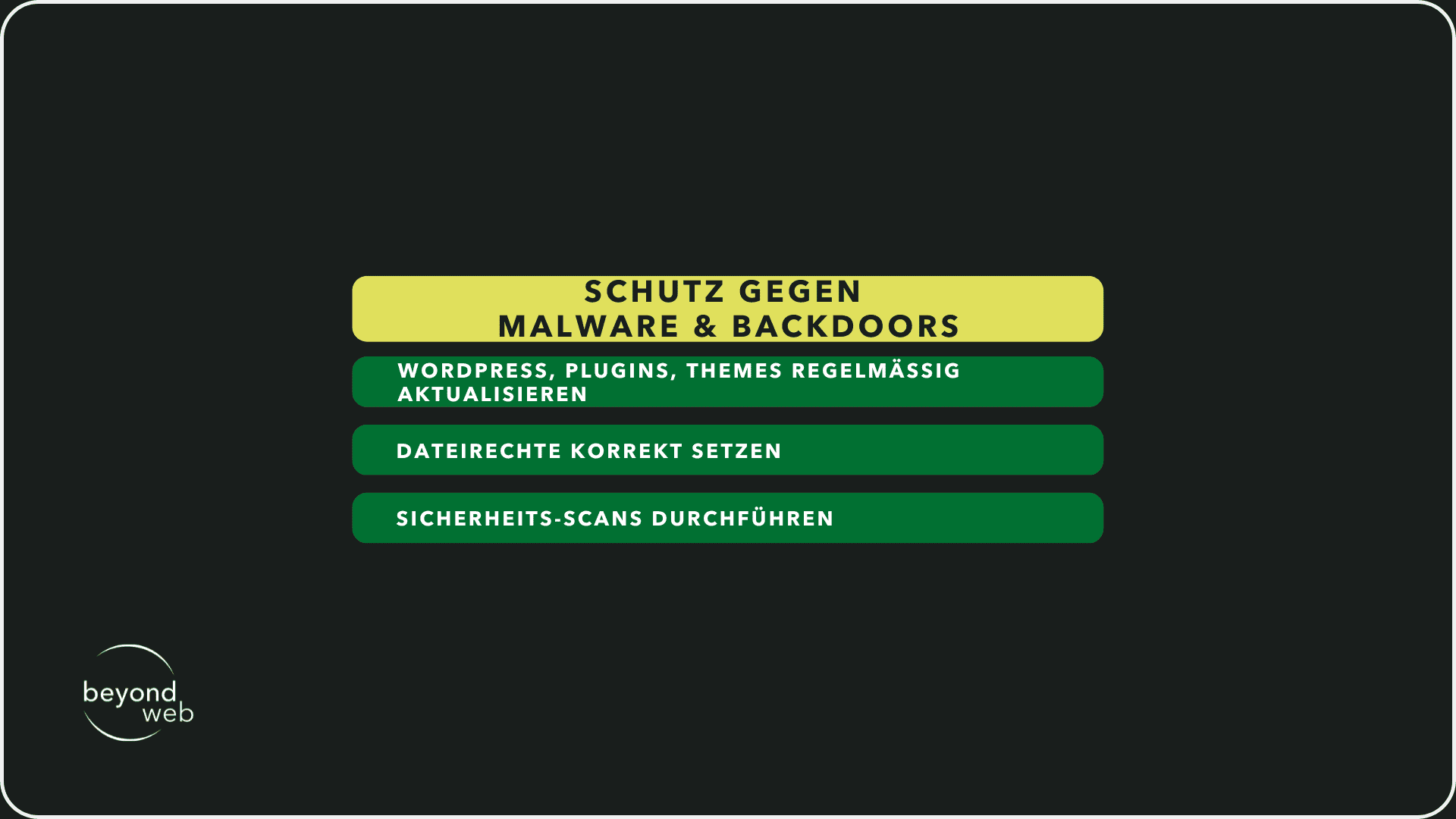
Malware is often infiltrated through insecure plugins, hacked FTP access or outdated themes.
Backdoors allow attackers to gain recurring access to the website unnoticed.
How can you protect yourself?
- Update WordPress, plugins and themes regularly
- Set file permissions correctly and restrict unnecessary script access
- Perform security scans (e.g. with Sucuri or Wordfence)
3.4 Cross-site scripting (XSS)
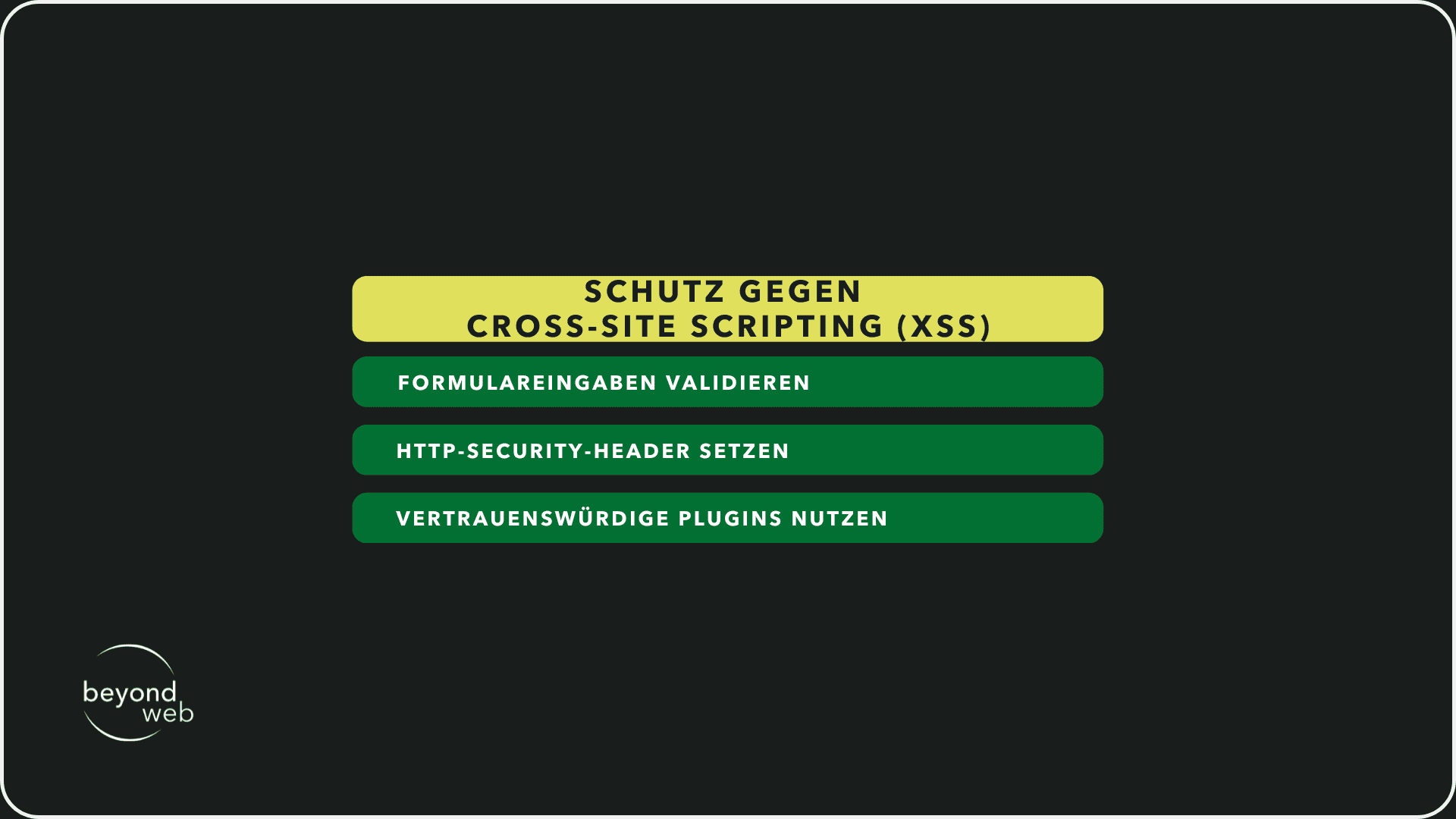
In XSS attacks, hackers inject malicious JavaScript code into your website.
This code is then executed on visitors to your website and can steal data or trigger actions on behalf of the user.
How can you protect yourself?
- Validate and filter form entries
- Set HTTP security header
- Use trustworthy plugins
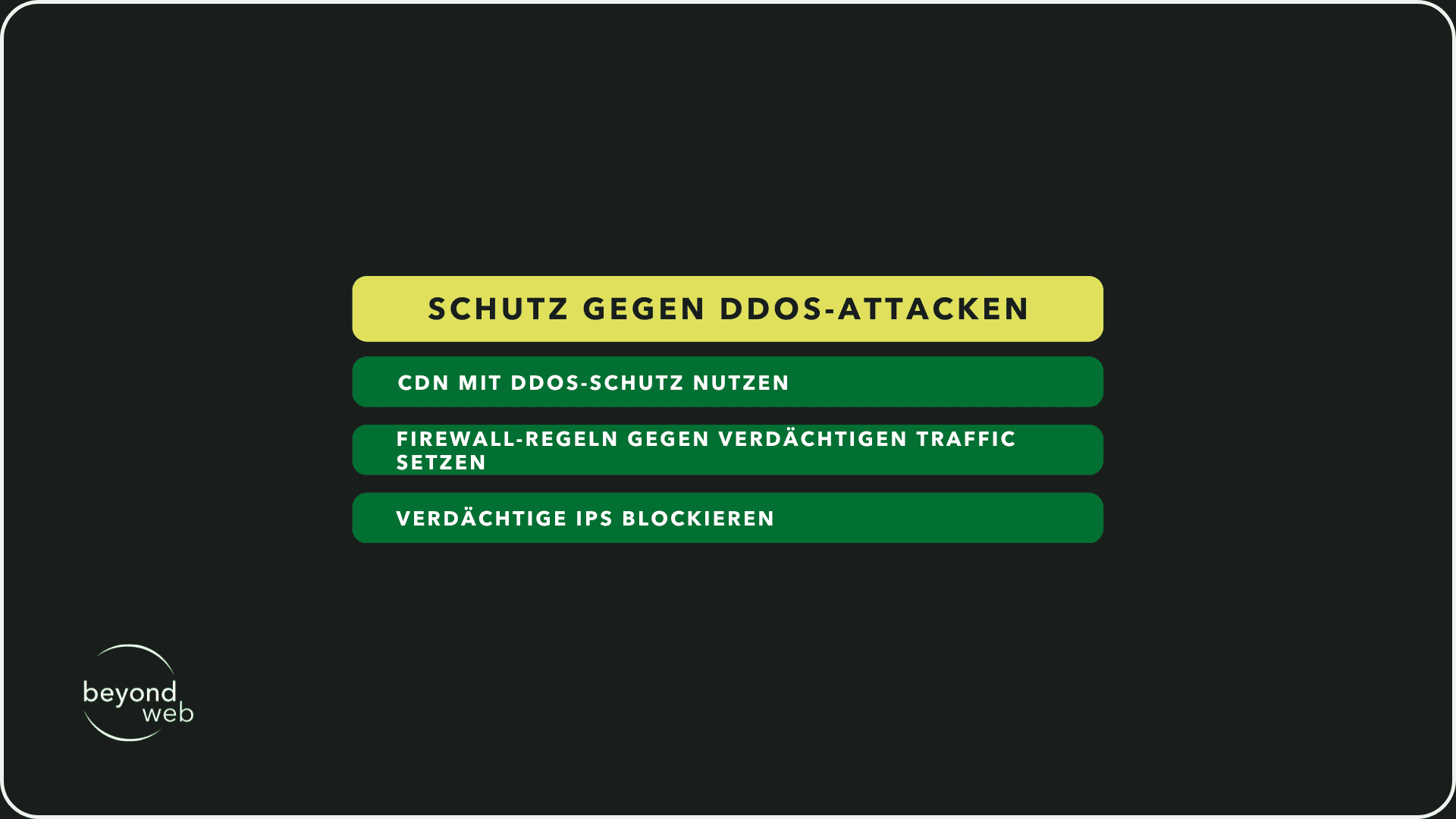
3.5 DDoS attacks
DDoS attacks overload a server with masses of requests.
This makes the website inaccessible.
Such attacks are often carried out via botnets.
How can you protect yourself?
- Use CDN with DDoS protection (e.g. Cloudflare)
- Set firewall rules against suspicious traffic
- Block suspicious IPs
3.6 Supply chain attacks
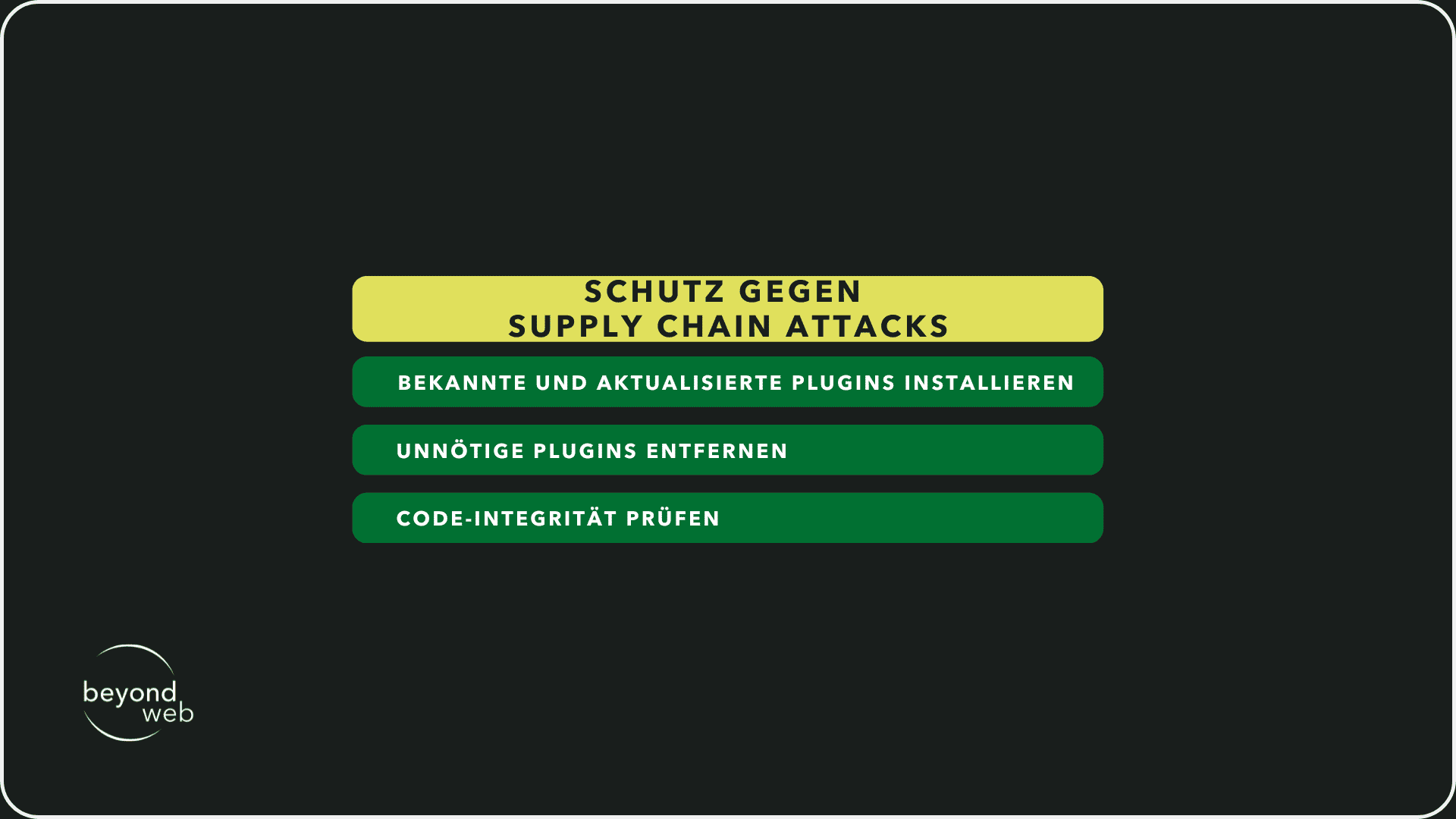
In supply chain attacks, hackers attack developers or plug-in providers in order to spread malicious code directly via updates.
How can you protect yourself?
- Only install known and regularly updated plugins
- Remove unnecessary plugins
- Check code integrity
4. legal aspects
Security is not just a technical issue - as the operator of a WordPress website, you also have a legal responsibility.
Violations of data protection laws or inadequate security measures can have expensive consequences for you.
If your website is hacked and personal data is affected, this may be considered a breach of the GDPR.
GDPR and WordPress security
The General Data Protection Regulation (GDPR) stipulates that you must protect user data from unauthorized access.
This includes concrete measures such as
- SSL encryption to secure data transmission
- Restricted access to sensitive data to prevent misuse
- Regular updates and security checks to avoid vulnerabilities
If you do not implement these measures and user data is compromised as a result of a security breach, you may be held responsible.
It becomes particularly problematic if you cannot provide any documentation about your safety measures.
Security obligations for online stores
Wenn du einen Online-Shop mit WooCommerce betreibst und Kreditkartenzahlungen akzeptierst, musst du die PCI-DSS-Richtlinien (Payment Card Industry Data Security Standard) beachten.
This means:
- Payment data must not be stored unsecured
- Your website must be protected against unauthorized access
- You must carry out regular security updates
WooCommerce itself fulfills the PCI-DSS requirements as long as you use a secure payment gateway such as Stripe or PayPal.
However, if your server stores credit card data directly, you are responsible for protecting it - and liable in the event of a data leak.
Managed vs. self-hosted WordPress
Depending on how you operate WordPress, your area of responsibility will differ:
- Managed WordPress hosting (e.g. Kinsta, WP Engine): Your hosting provider takes over many security-related tasks, such as automatic updates, firewalls and backups. But you are still responsible for the security of your plugins, user accounts and stored data.
- Self-hosted WordPress (e.g. on a low-cost web hosting or your own server): You are responsible for all security measures yourself - from updates and server configurations to securing your database. Without regular maintenance, the risk of security vulnerabilities increases.
A common misconception is that your hosting provider is completely responsible for the security of your website.
This is not the case.
Even if your provider provides security measures, it is up to you to secure your website correctly and comply with the data protection guidelines.
5. signs of a hack
If your WordPress website has been hacked, this can lead to data loss, ranking crashes and legal problems.
However, many operators only notice an attack when it is already too late.
Therefore, in this section I would like to show you which warning signs indicate an infection, how you can recognize attacks at an early stage and which tools can help you.
Typical symptoms of malware or attacks
A hacker attack often leaves traces.
If you notice one or more of these signs, you should act immediately:
- Unexpected redirects: Your visitors are suddenly redirected to strange or dubious pages.
- Unknown content: Suddenly new pages, posts or links appear on your website that you have not created.
- Login problems: Your admin access no longer works or unknown users are appearing in WordPress.
- Slow loading times or high server load: Your website is suddenly extremely slow or your hosting provider reports an unusually high server load.
- Warnungen von Google: Deine Seite wird in den Suchergebnissen als „unsicher“ markiert oder du erhältst eine Nachricht in der Google Search Console.
- Antivirus warnings: Visitors report that their anti-virus protection sounds an alarm when they visit your website.
If you see any of these symptoms, you should act quickly.
Hackers often use backdoors to regain access to your site - even if you have already fixed obvious problems.
Tools for detection (Wordfence, Sucuri, etc.)
There are specialized security plug-ins and scanners that help to identify suspicious activity:
- Wordfence: Detects malware, blocks attacks in real time and displays suspicious IP addresses.
- Sucuri: Provides a security scan and helps clean up hacks.
- Google Safe Browsing: Checks whether your site is on a blacklist.
- SiteCheck (Sucuri): Scannt deine Website auf Malware, Spam oder schädliche Weiterleitungen.
These tools help you to detect attacks at an early stage.
If your website has been infected, you should back it up immediately and restore it.
6. how to make WordPress secure
Security starts with the right configuration.
A WordPress website is not insecure by default, but without protective measures it remains vulnerable to attacks.
Many operators rely on security plugins, but these alone are not enough.
A secure website needs strong hosting, regular updates and targeted security measures.
6.1 Server and hosting security
Secure hosting vs. shared hosting
Your hosting provider plays a crucial role in the security of your website.
Many people use inexpensive shared hosting, where several websites run on one server.
This saves costs, but increases the risk:
- A hacked neighboring website can put your website at risk
- Limited configuration options prevent optimal security
- Lower performance and lack of DDoS defense weaken protection
Secure hosting such as managed WordPress hosting offers firewall protection, automatic updates and isolated environments.
This keeps your website protected independently of other installations.
Why server-level security is crucial (firewall, WAF, malware scans)
In addition to WordPress-specific security measures, you should also pay attention to server security.
A good hosting provider protects your website with:
- Firewall rules to defend against attacks
- Web Application Firewall (WAF) to block malicious requests
- Regular malware scans to detect malware at an early stage
Even with strong WordPress protection measures, an insecure server configuration can put your website at risk.
6.2 Important measures for beginners
Strong passwords, 2FA & user management
Many attacks are carried out using weak access data.
To make your WordPress login secure, you should:
- Use a strong password (longer character strings with special characters and numbers)
- Activate two-factor authentication (2FA) to additionally secure the login
- Delete unnecessary user accounts and only assign administrators with caution
Only use plugins and themes from trustworthy sources
Insecure plugins and themes are one of the main causes of WordPress hacks.
Make sure that you:
- Only install plugins and themes from the official WordPress directory
- Regularly remove unused or outdated extensions
- Check reviews and updates before you install a new extension
Regular updates & backups
The majority of hacked websites use outdated software.
Automatic updates and backups are the best protection:
- Always keep WordPress, plugins and themes up to date
- Activate automatic backups so that you can perform a restore in an emergency
- Save additional manual backups to have independent backup copies
An automated backup and update system prevents many security problems before they arise.
6.3 Technical hardening methods for advanced users
Secure or deactivate XML-RPC and REST-API
XML-RPC and the REST API are often points of attack for brute force attacks and spam requests.
If you do not need these functions, you should deactivate them.
Alternatively you can:
- Restrict XML-RPC access to certain IPs
- Deactivate the REST API for unauthenticated requests
Protect WP-config.php
wp-config.php is one of the most important files in your WordPress installation.
Protect them by:
- Set file permissions to 400 or 440 so that only the server can access them
- Regularly update WordPress salts and keys to make sessions more secure
- Block the file in the .htaccess or Nginx configuration to prevent direct access
Why security plugins are not enough if the basis is insecure
Many operators rely on plugins such as Wordfence or Sucuri to secure their website.
However, a security plugin alone is not enough if:
- The server is configured insecurely
- Weak passwords are used
- Plugins and themes come from insecure sources
A security plug-in is a useful addition, but no substitute for a well thought-out security strategy.
7 The downsides of WordPress security plugins
Security pluginsfor WordPress promise protection against brute force attacks, SQL injections and other threats.
However, many of these plugins cause problems themselves.
Some have a negative impact on performance, others create security gaps or offer false security.
Therefore, I would like to explain to you in this section why security plugins should not be your only solution and what alternative measures you can use.
Why some security plugins do more harm than good
Many operators install a WordPress security plugin and feel secure with it.
However, some plugins entail more risks than benefits:
- High server load: Some plugins perform permanent scans that significantly slow down the loading time of your website.
- Misconfigurations: Improper settings can lock out legitimate users or block critical functions.
- False sense of security: A plugin does not replace basic security measures such as strong passwords or regular updates.
- Insecure plugins: Many free security plugins have vulnerabilities themselves. If hackers compromise a plugin, they have access to thousands of websites at the same time.
A security plugin alone does not make your WordPress website secure.
Performance vs. security problems
As already briefly mentioned, a security plugin can slow down your website considerably.
Especially if it uses live scans, firewall rules or brute force protection without server optimization.
Performance losses lead to the following:
- Visitors bounce because the page loads too slowly.
- Google rankings suffer because loading time is a ranking factor.
- The server is overloaded, which leads to failures.
An external web application firewall (WAF) such as Cloudflare or Sucuri can usually provide better protection without negatively affecting the loading time.
Alternative security strategies without plugins
A secure server and the right WordPress settings are often more effective than any plugin.
I'm therefore providing you with some useful measures to make your WordPress website more secure without having to rely on resource-intensive plugins:
- Use a secure hosting environment: Managed WordPress hosting such as Kinsta or WP Engine handles many security functions directly at the server level.
- Customize login URL: Change the default login URL to reduce brute force attacks.
- Activate two-factor authentication: An additional security layer for the login protects against attacks on passwords.
- Keep PHP version and WordPress core up to date: Outdated core software is one of the biggest security risks. Updates close known vulnerabilities.
- Set file permissions correctly: The wp-config.php file should be protected against unauthorized access.
- Use a firewall at server level: A WAF blocks attacks before they reach your website.
9. conclusion: WordPress is secure - but only if you do it right
The article has clearly shown: WordPress is secure!
If you configure WordPress correctly, carry out updates and take targeted security measures, you can reliably protect your website.
Many operators rely exclusively on security plugins and believe that this solves the problem.
But proper security starts with choosing the right hosting and a secure login strategy.
So the question is not whether WordPress will become more secure or more dangerous in the future, but how you use it.
The developers of WordPress are constantly working to keep the core secure.
However, human error remains the greatest weakness.
If you ignore updates or install insecure plugins, you open the door to hackers.
Security is therefore not a state, but a process.
However, if you carry out regular maintenance, implement strong protective measures and handle your website with care, you can operate your WordPress website securely.
The right decisions therefore make the difference between a secure website and one that becomes the target of attacks.
10. frequently asked questions about WordPress security
Security is one of the most important issues for anyone running a WordPress website.
Many users ask themselves the question: Is WordPress secure enough to protect my company, my customers and my data?
The answer depends on several factors.
A well-secured WordPress installation offers a high level of security, but you have to implement the right measures yourself.
In this section, you will therefore find my answers to the most frequently asked questions about WordPress security.
Is WordPress secure enough for companies?
Yes, WordPress is secure if you manage it correctly.
Viele grosse Unternehmen, Medienportale und E-Commerce-Shops setzen auf WordPress, weil das System flexibel und leistungsfähig ist.
The core software is regularly updated and further developed by a large open source community.
The biggest vulnerabilities are usually insecure plugins and themes, outdated PHP versions or poorly chosen passwords.
However, if you use a secure hosting environment, protect your login URL, activate two-factor authentication and carry out regular updates, you can run your WordPress website reliably.
Falls du dir unsicher bist, ob WordPress oder eine Alternative wie Wix oder Webflow besser für dich geeignet ist, haben wir detaillierte Analysen wie Wix vs. WordPress und Webflow vs. WordPress, die dir helfen, die richtige Entscheidung zu treffen.
How often should I update my website?
WordPress updates are very important for security.
As soon as a new version is released, you should install it.
The same applies to plugins and themes.
Most security vulnerabilities are caused by outdated software that is targeted by hackers.
Recommended update frequency:
- WordPress core: Immediately after new releases (test first for major updates)
- Plugins and themes: Weekly or immediately for security-relevant updates
- PHP version: Always use the currently supported version
Automatic updates for minor security patches are activated in WordPress.
If you want to test major updates manually, you can check them first on a staging page.
Which security plugin is the best?
There are many WordPress security plugins, but not all of them are useful.
The most important functions are:
- Firewall protection to block malicious requests
- Brute force protection to prevent login attacks
- Malware scans to detect infected files
- Two-factor authentication to prevent unauthorized access
Recommended security plug-ins:
- Wordfence: Comprehensive protection including firewall and login security
- Sucuri: External Web Application Firewall (WAF) for better protection
- iThemes Security: Simple security solutions for beginners
A security plugin alone is not enough.
You should also use secure passwords, secure the login URL and use a WAF at server level.
Should I switch to managed WordPress hosting?
Managed WordPress hosting such as Kinsta, WP Engine or Raidboxes offers many advantages:
- Automatic updates for WordPress, PHP and server software
- Daily backups to restore data in an emergency
- DDoS protection and firewall to block attacks
- Malware scans to detect malicious files at an early stage
- Optimized performance to keep your website fast
With low-cost shared hosting, you are responsible for many security measures yourself.
This means manual updates, your own firewall rules and frequent backups.
If you have little experience with WordPress security, managed hosting is therefore the better choice.
What should I do if my website has been hacked?
If you notice a hacker attack, you should react quickly.
The most important immediate measures:
- Take the website offline or put it into maintenance mode
- Run Sucuri SiteCheck or Wordfence scan to find the malware
- Change all passwords (WordPress, hosting, FTP, database)
- Update plugins and themes to close security gaps
- Remove suspicious users or files
- Restore a clean backup if your files have been changed
- Activate firewall to prevent future attacks
If you are unsure, you can hire a security service such as Sucuri or Wordfence to clean the website of malware.
If you host your website with a managed WordPress hosting service such as Kinsta, malware removal is often included free of charge.
After that, however, you should revise your security strategy to avoid new attacks.