
Warum sich WordPress für professionelle Firmenwebsites eignet
Many companies are asking themselves whether WordPress is professional enough to serve as a future-proof solution for corporate websites.
Während Webflow, Framer und Typo3 immer mehr Aufmerksamkeit bekommen, bleibt WordPress trotzdem das meistgenutzte Content-Management-System (CMS) der Welt.
But why do so many companies, agencies and developers rely on WordPress?
Ich möchte dir im folgenden Abschnitt die wichtigsten Argumente darlegen, warum sich WordPress als zeitgemässes CMS für professionelle Webseiten, Online-Shops und E-Commerce-Plattformen eignet.
Flexibility and scalability through open source
WordPress may be older than many modern CMS systems, but that's exactly what makes it so powerful.
Since its foundation in 2003, a huge developer community has formed around WordPress.
Today, there are over 65,000 plugins and an enormous selection of themes that can be used to integrate almost any function.
Mit Page Buildern wie Elementor oder WooCommerce für E-Commerce-Websites kann WordPress problemlos erweitert werden.
The system is also evolving on a daily basis.
New plugins and security updates are constantly being released, which means that WordPress is always adapting to the latest requirements.
In contrast to proprietary CMS systems such as Typo3, Craft CMS, Webflow or Framer, WordPress is open source.
This means:
- Full control over the website - The code is open and can be customized by anyone.
- Independence from providers - You are not dependent on a single company.
- Large developer community - thousands of developers work on improvements every day.
Proprietary CMS systems, on the other hand, are closed platforms.
The source code is not publicly accessible.
Companies must therefore trust that the providers will continue to develop the system in the right direction.
With WordPress, you remain independent and can customize your website at any time.
Meets the highest design standards
Many people still think of WordPress as a blogging platform or a system for simple websites.
This may have been the case in the early 2000s - today WordPress is one of the most powerful solutions for corporate websites, online magazines, e-commerce platforms and event websites.
With the right tools, impressive designs can be implemented on WordPress websites.
A standard theme is not enough if you want to exploit the full potential.
Agencies and companies therefore rely on premium themes or individual solutions with page builders.
Why WordPress is suitable for sophisticated design:
- Elementor, Bricks and Oxygen Builder allow maximum design flexibility.
- Complex animations and interactions can be easily integrated.
- Individual corporate designs can be implemented without restrictions.
Unsere Agentur Beyondweb hat zwischen 2020 und 2022 eine eigene Testphase mit Webflow gemacht.
We wanted to know whether we could use it to create "even cooler" websites and animations.
The reality?
Webflow looks modern, but there's nothing you couldn't do with WordPress.
Rather the opposite:
- Webflow quickly becomes complicated - Operation is more difficult than the marketing promises.
- The editor crashes regularly - especially with complex animations.
- Performance problems with large websites - Webflow cannot process large amounts of data as well as WordPress.
After two years, we moved our own agency website back to WordPress - because it is more stable, more flexible and better suited for long-term use.
High security
One of the biggest rumors about WordPress is that it is insecure.
Dabei liegt das Problem nicht am System selbst, sondern an schlechter Wartung.
WordPress is particularly secure as open source software - provided you keep your plugins, themes and the system up to date.
Large companies and organizations use WordPress because it is extremely resilient with the right security measures.
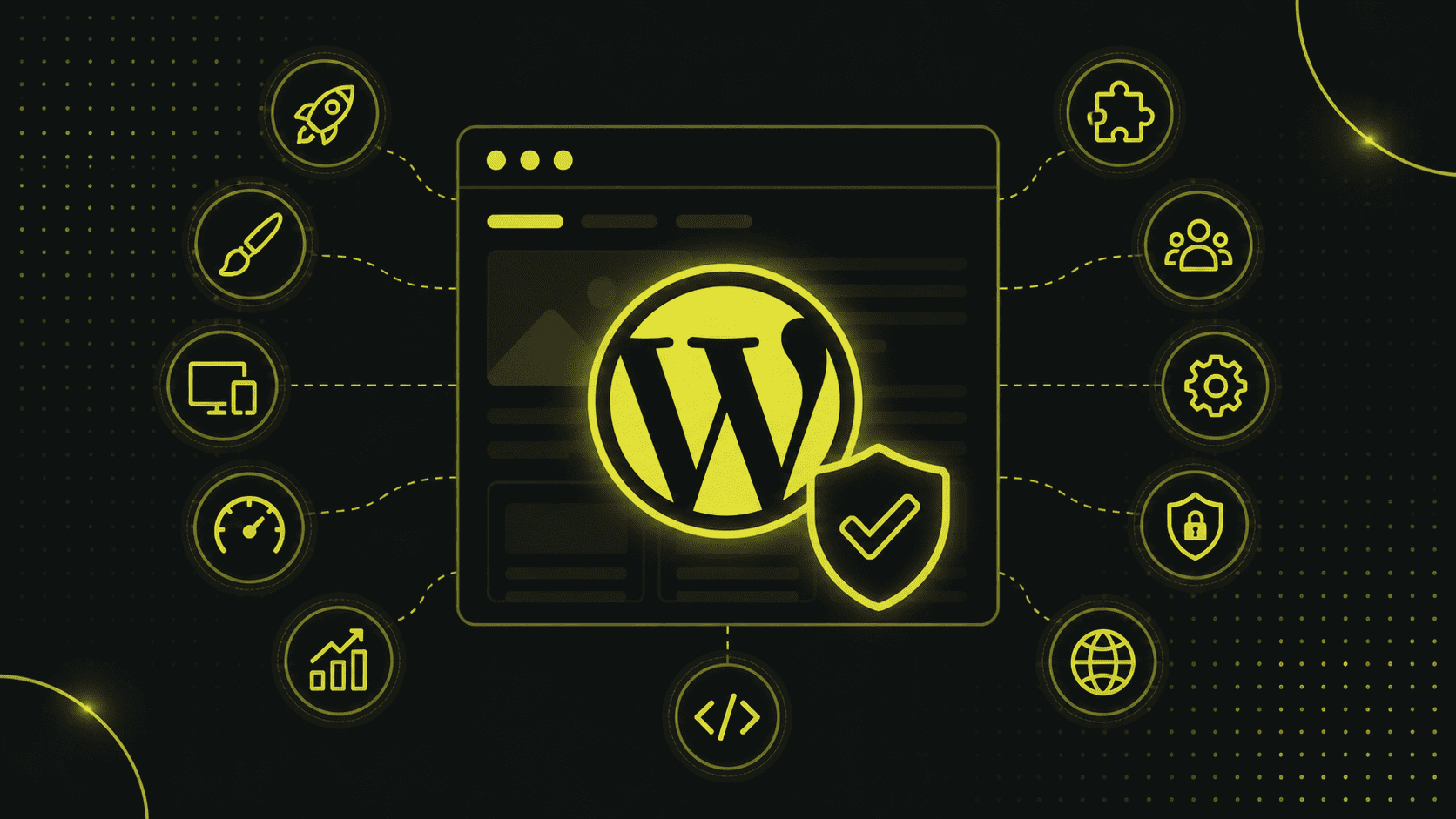
Best Practices für eine sichere WordPress-Website:
- Regular updates for the CMS, plugins and themes.
- Firewall & DDoS protection with providers such as Cloudflare or Sucuri.
- Security plug-ins such as Solid Security Pro or Wordfence.
- Managed WordPress hosting with specialized providers such as Kinsta or Raidboxes.
| Best practices for a secure WordPress website |
|---|
| Regelmässige Updates für CMS, Plugins, Themes |
| Firewall & DDOS-Schutz |
| Sicherheits-Plugins |
| Managed WordPress Hosting |
WordPress is more secure than many proprietary CMS systems that often receive fewer updates or hide important security features behind paywalls.
Easy to use
Modern website builders such as Webflow or Framer advertise that they are particularly easy to use.
However, simple does not always mean better.
We ran our own agency website with Webflow for two years to test the system in practice.
The result?
Webflow requires significantly more technical know-how than WordPress.
Why?
- Webflow requires CSS knowledge - Without basic knowledge of CSS, operation is cumbersome.
- Complex nesting makes management difficult - aligning elements correctly can be frustrating for beginners.
- Limited functions with large content management - Large websites with lots of data and products are difficult to manage.
WordPress has a clear advantage here:
- With Elementor & Co. anyone can get started - even without programming knowledge.
- Content is easy to manage - perfect for companies that use SEO, blogs or e-commerce functions.
- More control over hosting and performance - no dependence on expensive subscription models or provider servers.
WordPress is powerful, but thanks to the huge community, agencies and developers, there is a solution for every question.
Unternehmen, die auf eine langfristige, professionelle Plattform setzen wollen, haben mit WordPress eine zukunftssichere Wahl.
Conclusion
WordPress has long since evolved from a simple blogging platform to one of the most powerful content management systems in the world.
Companies that want to build a scalable, professional and future-proof website benefit from the flexibility, customizability and huge developer community.
Whether for company websites, online stores, e-commerce platforms or digital magazines - WordPress offers an independent, secure and expandable solution that grows with the requirements of a company.
The open source model ensures that companies are not tied to one provider, but retain full control over hosting, data and extensions.
With over 65,000 plugins and themes, almost all desired functions can be integrated, from e-commerce to marketing automation.
The scalability of WordPress makes it an ideal platform for companies of all sizes - from start-ups to international corporations.
Thanks to powerful SEO plugins such as Rank Math or Yoast SEO, WordPress also remains a leader in the field of search engine optimization.
Security concerns are a thing of the past with the right measures.
Regelmässige Updates, professionelle Hosting-Anbieter und spezialisierte Sicherheits-Plugins machen WordPress genauso sicher wie proprietäre CMS-Systeme.
Of course, WordPress requires a certain amount of training, especially if individual solutions are required.
However, with the right resources, even complex requirements can be implemented efficiently.
Compared to other systems, WordPress remains competitive.
While Typo3 and CraftCMS are often considered more technically demanding and require agency support, Webflow and Framer offer modern interfaces, but are limited in terms of long-term scaling.
Website-Baukästen wie Wix sind für einfache Projekte attraktiv, können jedoch nicht die Flexibilität und Unabhängigkeit bieten, die professionelle Unternehmen benötigen.
Continuous development makes WordPress relevant for the future.
Technologies such as headless WordPress, full-site editing and modern web development standards ensure that the system adapts to new requirements.
With its large community and open source approach, WordPress will remain one of the leading platforms for corporate websites, e-commerce solutions and digital content for years to come.
Wer eine flexible, leistungsstarke und langfristig tragfähige Plattform sucht, trifft also auch mit WordPress 2026 die richtige Entscheidung.
Häufige Fragen und Antworten zu WordPress im Jahr 2026
WordPress ist seit Jahren das meistgenutzte Content-Management-System (CMS), doch viele stellen sich die Frage, ob es auch im Jahr 2026 noch eine professionelle und zukunftssichere Lösung ist.
Companies in particular that need a powerful and flexible website wonder whether WordPress can keep up with newer alternatives such as Webflow, Framer or Typo3.
In this FAQ, I answer the most important questions about WordPress websites, security, costs and scalability.
1. Ist WordPress im Jahr 2026 noch professionell genug für Unternehmenswebsites?
Definitely.
WordPress has long since established itself as a professional platform for companies that need more than just a simple website.
Large companies, agencies and e-commerce platforms around the world rely on WordPress because it offers maximum flexibility, scalability and control.
Known brands such as Disney, Sony and Bloomberg use WordPress for their digital platforms - not because it is simply "enough", but because it is the best solution for their requirements.
Im Gegensatz zu Website-Baukästen wie Wix oder Webflow sind Unternehmen bei WordPress nicht von einem Anbieter abhängig.
You have full control over hosting, data, extensions and design without being tied to a closed system.
Mit leistungsstarken Plugins und Themes lässt sich jede Art von Website umsetzen – egal ob Unternehmensseite, Online-Shop oder Mitgliederplattform.
Many companies are looking for a CMS that will grow in the long term and can be customized.
With WordPress, you are not trapped in a fixed system, but can react flexibly to changes with new functions, design adjustments and marketing tools.
2. is WordPress secure enough for companies and larger web projects?
Yes, WordPress is secure if it is set up correctly and updated regularly.
Most security problems are not caused by the system itself, but by outdated plugins, insecure hosting providers or a lack of security measures.
Companies that want to rely on a secure WordPress website should consider the following measures:
- Perform regular updates for the CMS, plugins and themes
- Use security plugins such as Solid Security Pro or Wordfence
- Choose managed hosting with automatic backups and DDoS protection
- Activate two-factor authentication (2FA) for administrator accesses
- Use Cloudflare or other firewalls to block attacks
Many large companies and public institutions rely on WordPress - simply because it is just as secure as proprietary CMS systems when configured correctly.
The openness of the code also makes it possible to identify and close security gaps more quickly, which often takes longer with closed systems.
3. is WordPress suitable for large companies and e-commerce websites?
Yes, and there are numerous examples of this.
WordPress is scalable, which means that it is suitable for small start-ups as well as international corporations and large online stores.
Thanks to WooCommerce, the leading e-commerce plugin, you can create powerful online stores that can keep up with platforms such as Shopify or Magento.
With the right plugins and hosting solutions, WordPress can easily manage large volumes of products, orders and customer data.
For companies that need a high-performance website, there are solutions such as:
- Headless WordPress, where the frontend is operated with modern technologies such as React or Vue.js
- Enterprise hosting with powerful servers for maximum speed
- Scalable e-commerce solutions that can manage thousands of products and orders
There are also ready-made solutions in WordPress for multilingual websites, member areas or complex databases.
If you are looking for a platform that grows with your company's requirements, WordPress is the best choice.
4. is WordPress really the better choice compared to Webflow or Wix?
It depends on the requirements.
Wix and Webflow are easier to use for beginners, but they offer significantly less flexibility, control and expansion options.
Webflow advertises with a modern visual editor, but as soon as a website becomes larger or requires complex functions, the system quickly reaches its limits.
We ran our own agency website on Webflow for two years to test the platform.
Our conclusion: In practice, Webflow is more complicated, slower and less flexible than WordPress.
Einige Gründe, warum WordPress die bessere Wahl ist:
- Volle Kontrolle über Hosting, Daten und Backups – keine Abhängigkeit von einem Anbieter
- Larger selection of plugins and themes - with over 65,000 extensions, almost any function can be implemented
- Better SEO optimization - achieve better Google rankings with plugins such as Rank Math or Yoast SEO
- More powerful e-commerce functions - larger online stores can be implemented with WooCommerce than with Webflow
For small projects or simple landing pages, Webflow or Wix may be sufficient.
But for long-term, professional websites that need to adapt to business growth, there is no better alternative than WordPress.
5. what are the costs for a professional WordPress website?
WordPress itself is open source and free of charge, but for a powerful and professional company website there are some additional costs.
Depending on the project and requirements, expenses are incurred for hosting, premium themes, plugins and agency services.
The biggest cost items are:
- Domain & hosting: between CHF 10 and 50 per month, depending on the provider
- Premium themes & plugins: One-off costs or subscriptions between CHF 50 and 300 per year
- Security & maintenance: Professional security and backup tools cost between CHF 50 and 200 per year
- Agency or developer: If you need a custom-programmed WordPress website, one-off costs of CHF 8,000 or more may be incurred
Compared to proprietary systems such as Webflow or Shopify, however, WordPress remains more cost-efficient in the long term.
Many website builders charge high monthly fees for features that are often available for free or cheaper in WordPress.
If you want to set up a professional company website, an online store or a platform for digital marketing, you can use WordPress to operate a powerful website without being tied to expensive subscription models.