

What is a website?
A website is the entire Internet presence of a company.
It comprises all pages including the home page (also known as the homepage).
Anders ausgedrückt: Alle Seiten, die über die gleiche Domain erreichbar sind, gehören zu deiner Website.
Here is an example of everything that is part of our website:
- www.www.beyondweb.ch
- www.www.beyondweb.ch/kontakt/
- www.www.beyondweb.ch/seo-pakete
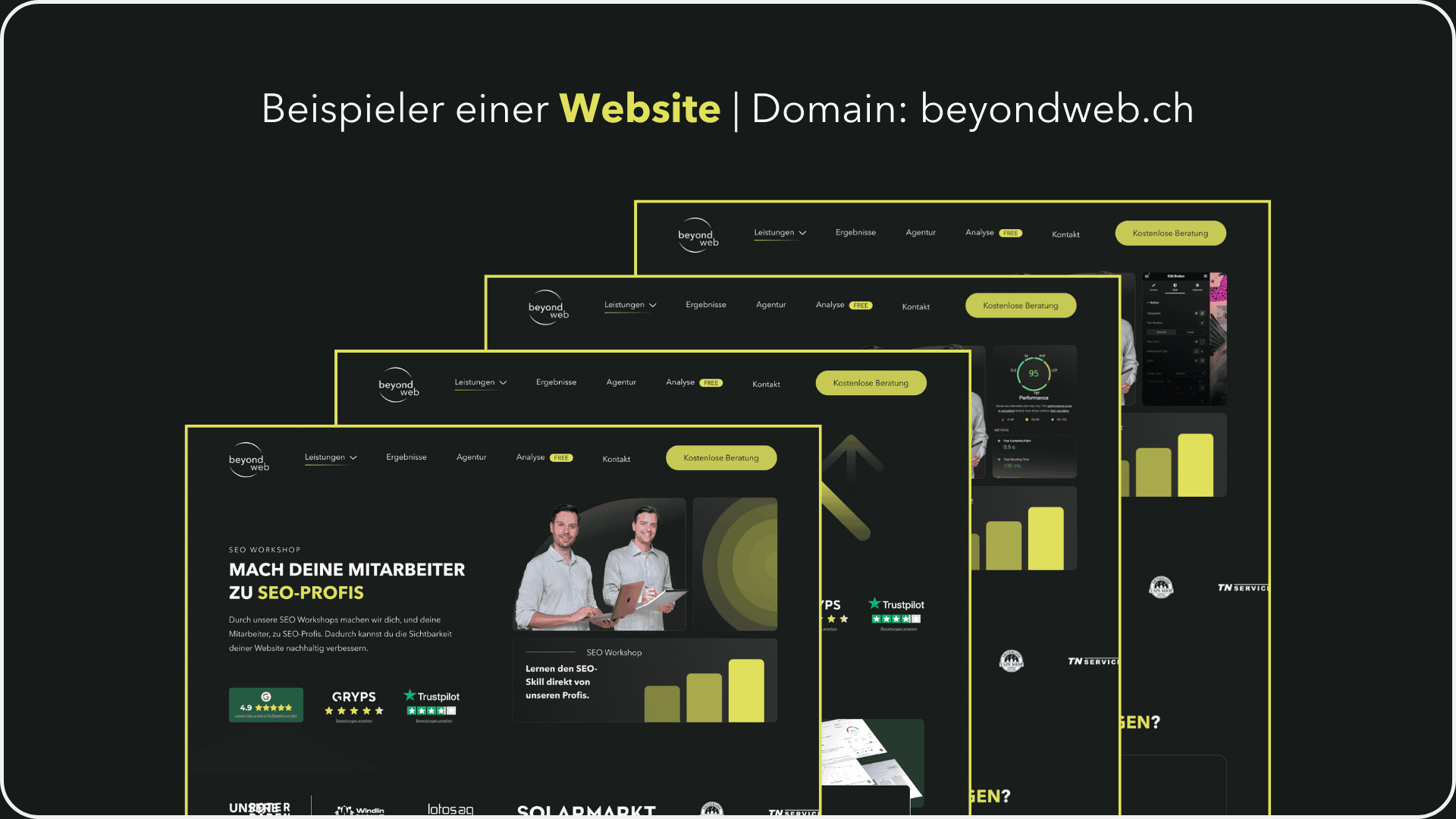
So, we have clarified the term website. So what is a website?
Was ist eine Webseite? Die Unterseite des Internetauftritts.
In contrast to a website, a web page is a single page within a website. It can also be referred to as a subpage or page. In English, a web page is also called a web page.
Soevery subpage that can be reached with the same main domain is referred to as a website.
Here is an example of a website including URL structure:
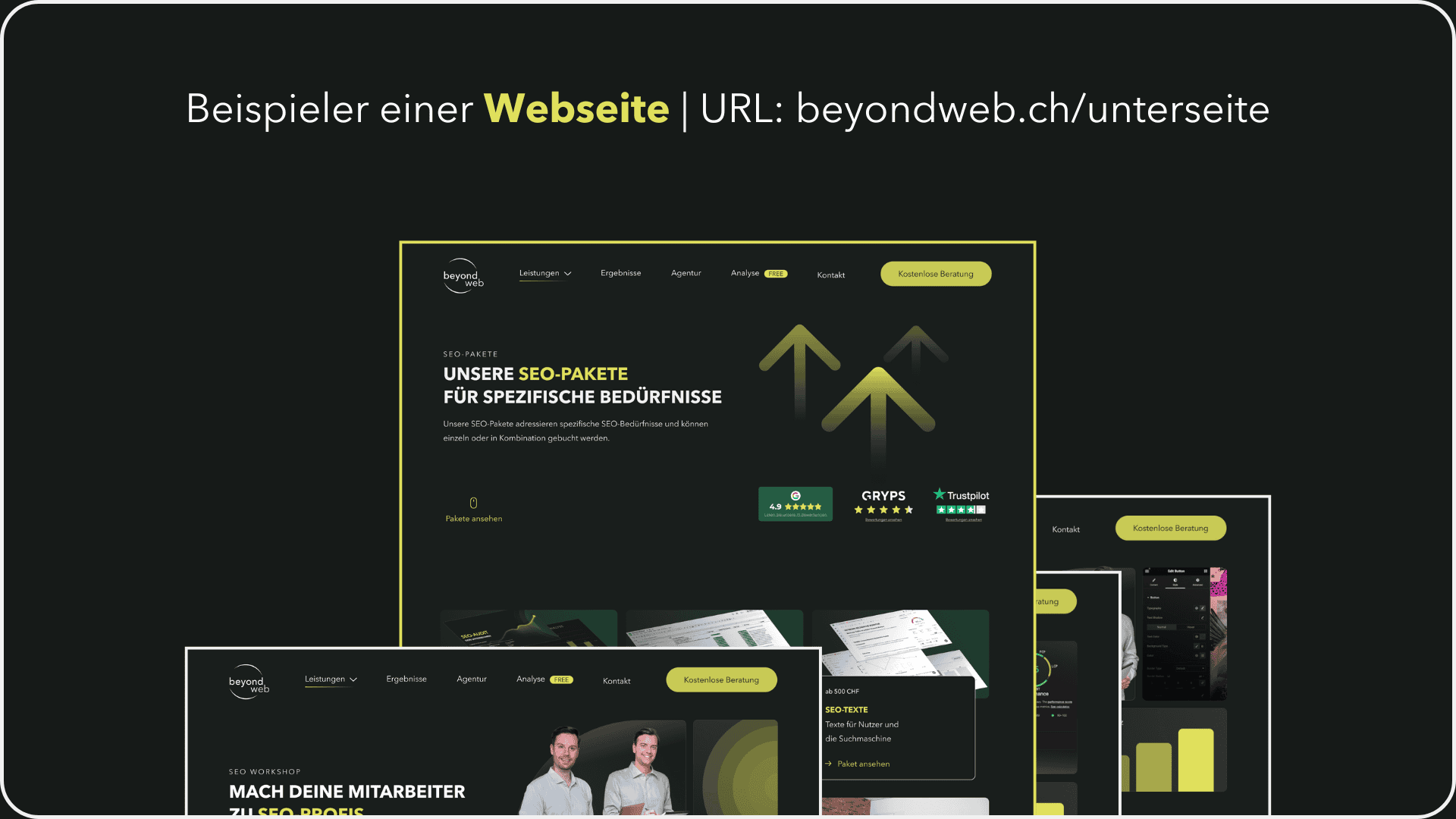
At best, each website pursues its own goal. Different layouts are often used to meet the requirements. The content of each page type is also different.
Here are a few examples of websites:
- A blog usually serves as an overview page with a list of posts.
- While the contact page lists various contact options.
- In einem Onlineshop gibt es immer eine Produktdetailseite (PDP), welche die Informationen zu einem Produkt liefert.
Weiterhin gibt es auch spezifische Webseiten, die mehrere Absichten verfolgen.
So wird auf einer Landingpage nicht nur informiert, sondern es werden auch Einwände behandelt, Lösungen angeboten oder Produkte vorgestellt, um einen potenziellen Kunden zum Handeln zu animieren.
This action can be subscribing to a newsletter, purchasing a product or contacting us for an initial consultation.
Interim conclusion
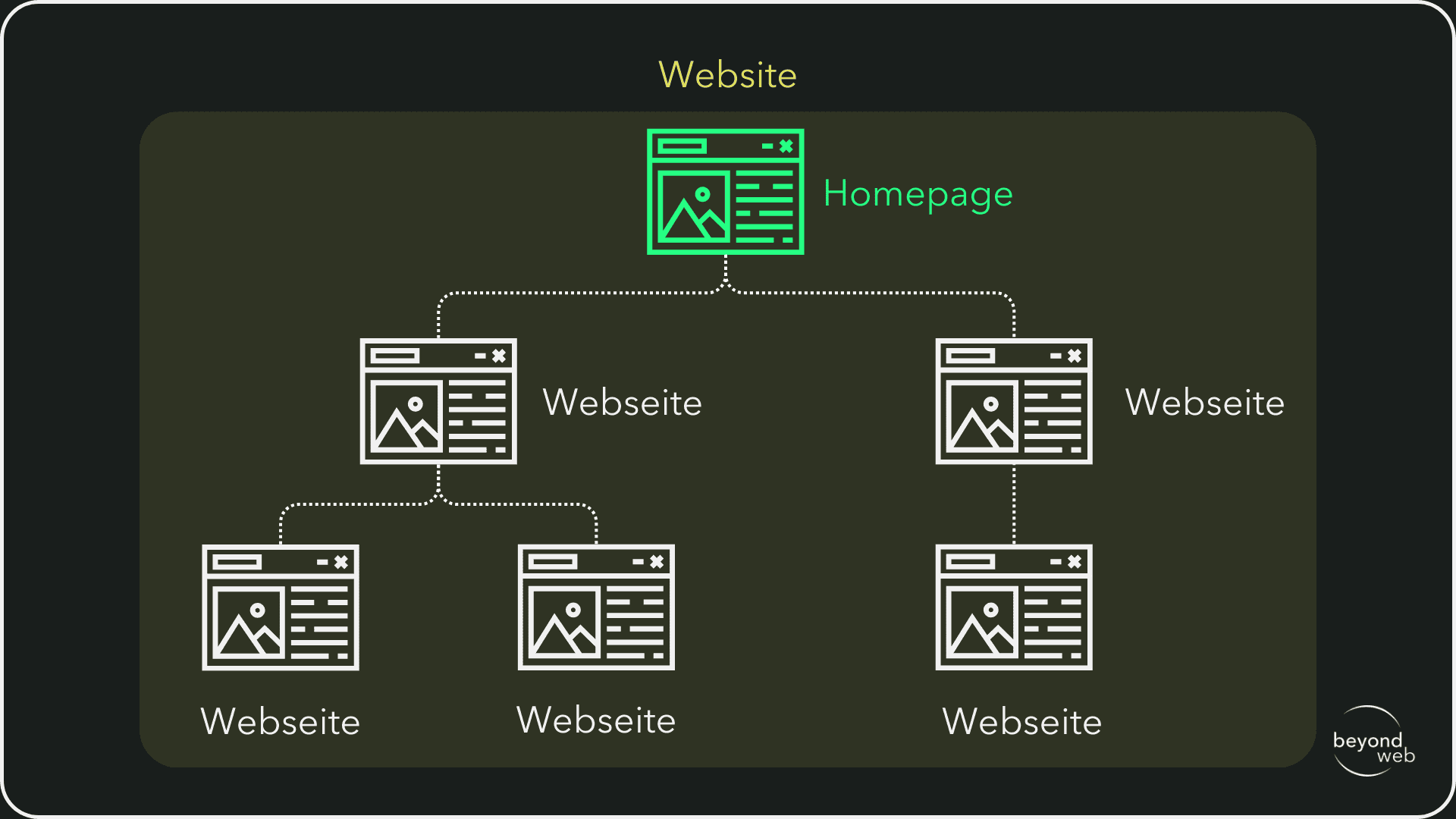
Webseite oder Website: Eine Website besteht aus vielen Webseiten.
Die Webseite ist ein Teil der Website und stellt eine einzelne Seite dar.
Die Website ist die gesamte Webpräsenz, während die Webseite eine spezifische Seite innerhalb der Website ist.
This is visualized again in the following graphic.
Was ist eine Homepage? Die Startseite einer Website.
The homepage is the start page of a website. It serves as the central entry point and is therefore the most important page of the website.
The homepage is often the first page that visitors see and provides an overview of the most important content and navigation elements.
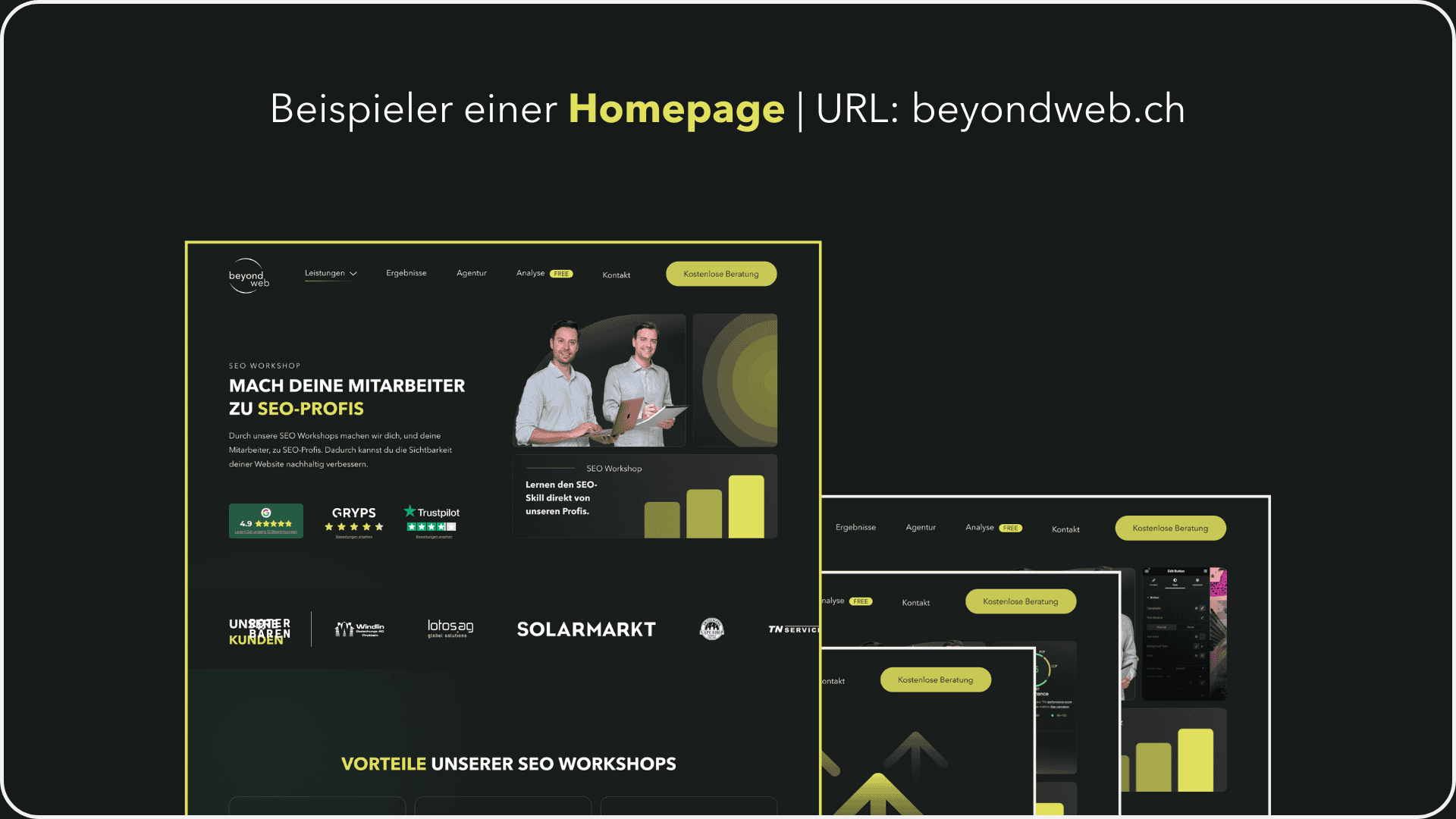
Here is an example of our own homepage:
Vor 10 Jahren war es üblich, bei kleineren Websites einen Punkt mit «Home» in der Navigation zu haben, welcher zurück zur Startseite führte.
Heute ist das nicht mehr so gebräuchlich, da man auch über das Klicken des Logos auf die Homepage gelangt.
Es braucht also nicht mehr beides.
The start page of a website should provide an overview of the entire website.
Frequently asked questions
What is the difference between a website and a homepage?
Wie sich aus den oben aufgeführten Erklärungen ableiten lässt, umfasst die Website die gesamte Online-Präsenz, während sich der Begriff Homepage nur auf die Startseite bezieht.
Die Homepage ist also in anderen Worten eine spezielle Art von Webseite, die (meist) als Einstiegspunkt für eine Website dient.
What is the difference between a website and a homepage?
Analog zum obigen Beispiel lässt sich aus den obigen Ausführungen ebenfalls ableiten, dass eine Homepage eine spezifische Webseite ist, die (oftmals) als Startseite dient.
Die Homepage wird auch oftmals als Zusammenfassung aller Seiten bezeichnet.
Sie sollte nutzerfreundlich aufgebaut sein und wesentliche Quicklinks zu den jeweiligen Unterseiten beinhalten.
Jede Homepage ist eine Webseite, aber nicht jede Webseite ist eine Homepage.
Eine Website ist die gesamte Online-Präsenz mit mehreren Webseiten.
Eine Webseite ist eine einzelne Seite innerhalb dieser Website.
What is the difference between a website and a one-pager?
Eine Website besteht aus mehreren einzelnen Webseiten, die verschiedene Inhalte und Funktionen bieten.
Sie umfasst oft eine Startseite (Homepage), Kontaktseite, Blog, Produktseiten und so weiter.
Ein OnePager hingegen ist eine Website, die nur aus einer einzigen Webseite besteht.
Alle Inhalte und Informationen werden auf dieser einen Seite dargestellt, oft durch Scrollen zugänglich gemacht.
Oftmals wird die Navigation ganz oben auf der Seite (also das Menü) dann mit Ankerlinks zu einzelnen Sektionen des OnePagers verlinkt.
OnePager sind ideal für einfache Präsentationen, Portfolios oder kleine Projekte, bei denen der Inhalt überschaubar bleibt.
Sie sind aber gerade bei viel Inhalten und einer Vermarktungsstrategie abgestützt auf SEO nicht geeignet.
Here is an example of a typical one-pager.

Difference between website and microsite?
A microsite is a smaller, thematically focused website that is often created for specific campaigns, products or events.
Oftmals ist eine Microsite nur über einen limitierten Zeitraum erreichbar (z.B. für eine Werbekampagne oder Aktion).
It can have its own domain or subdomain and is usually independent of the company's main website.
Microsites are often used to achieve specific marketing goals.
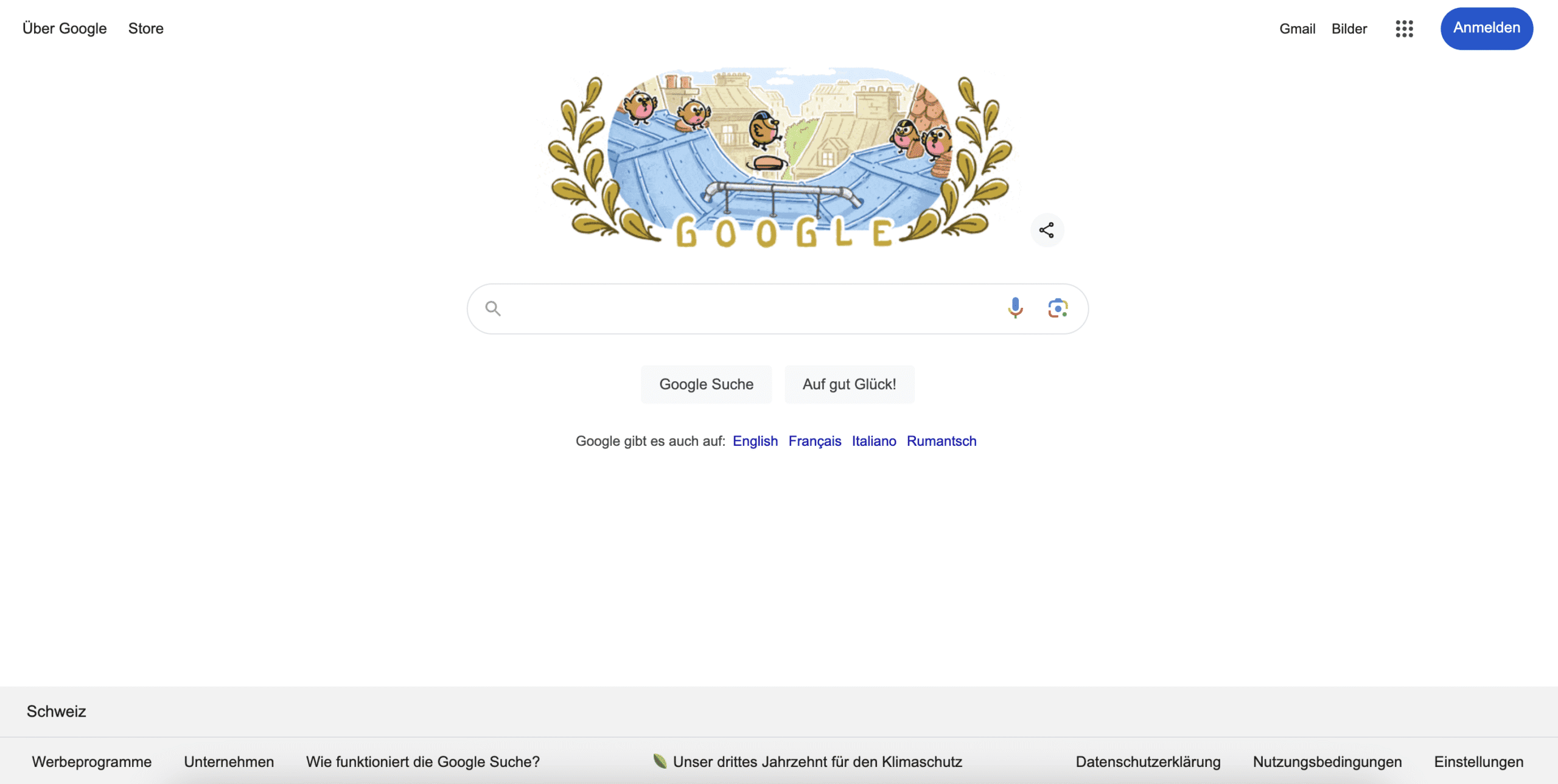
Was sind die meistbesuchten Websites in der Welt im Jahr 2024?
Laut SEMRush ist Google.com die meistbesuchte Website der Welt, mit 130,11 Milliarden monatlichen Besuchen.
Dicht gefolgt von youtube.com folgt mit 73,39 Milliarden Besuchen und auf dritter Stelle facebook.com mit 13,22 Milliarden Besuchen.
Die Statistik ist vom Juni 2024.
What criteria should I use to structure my website?
Not all websites are the same. There are many possibilities and ways to realize a website.
Wer sich wie ich bereits seit einigen Jahren mit dem Thema Website auseinandersetzt, weiss: Es gibt grosse Unterschiede in Qualität und Ausführung.
If you really want to create a website that generates additional sales and acquires new customers, you should focus on the following aspects:
- Target group: Know your target group and their needs. Structure the website in such a way that it maximizes user-friendliness for this group.
- Goals of the website: Define the main objectives (e.g. providing information, sales, making contact) and structure the pages accordingly.
- Content: Organize content into logical categories and subcategories to make navigation easier.
- SEO: Consider search engine optimization by using a clear structure and relevant keywords.
- User guidance: Design intuitive navigation with clear menus and links so that visitors can quickly find what they are looking for.
- Technical aspects: Pay attention to loading times, mobile optimization and accessibility.
How should I structure a website?
Eine klare Strukturierung ist das A und O, um den User abzuholen und ihn schlussendlich in einen Lead oder Neukunden umzuwandeln.
Folgende Elemente empfehle ich, auf deiner Webseite einzubauen:
- Klarer Titel und Überschriften: Verwende klare und aussagekräftige Titel sowie Zwischenüberschriften, um den Inhalt zu strukturieren. Achte auch darauf, dass du H1-, H2- und H3-Überschriften verwendetest.
- Introduction: Start with a short introduction or summary of the topic.
- Hauptinhalt: Gliedere den Hauptinhalt in logische Abschnitte mit relevanten Informationen. Generell werden Texte auf einer Webseite kürzer gehalten als in einem PDF oder Word-Dokument.
- Visual elements: Use images, videos and graphics to break up the text and illustrate important points.
- Call-to-Action: Benutze eine klare Handlungsaufforderung (z.B. Kontaktaufnahme, Produktkauf) auf deiner Webseite. Schau auch, dass sich der Button visuell vom Rest der Webseite abhebt.
How should I structure my homepage?
Die Homepage dient als Übersichtsseite deiner Website. Es kommt dabei auch darauf an, ob es sich um einen Onlineshop oder eine Unternehmenswebsite handelt, die Dienstleistungen anbietet.
Bei einem Onlineshop möchtest du deine Produkte in den Vordergrund stellen, während bei einer klassischen Homepage die Übersichtsseite für dein Unternehmen dient.
How do you spell website correctly?
Website is written in one word - website and not web page.
Can you say website?
Yes, you can say website. It refers to a single page within a website. The term is also used by technical experts.
What is the difference between a website and a web page?
A website and a web page are synonyms and refer to the entire online presence.
Can you say "a website"?
Yes, it is correct to say a web page if you mean a single page within a website.
What counts as a website?
A website comprises all pages, content and functions that can be accessed via a common domain.