

WordPress hosting
First, let's start with the basics: WordPress hosting.
The right hosting can make a big difference to the performance of your website and therefore to your WordPress SEO (Search Engine Optimization) success
Fast loading times, security and stability are just some of the factors that search engines take into account.
In the following section, I will show you what you need to look out for and which providers in Switzerland are particularly recommended.
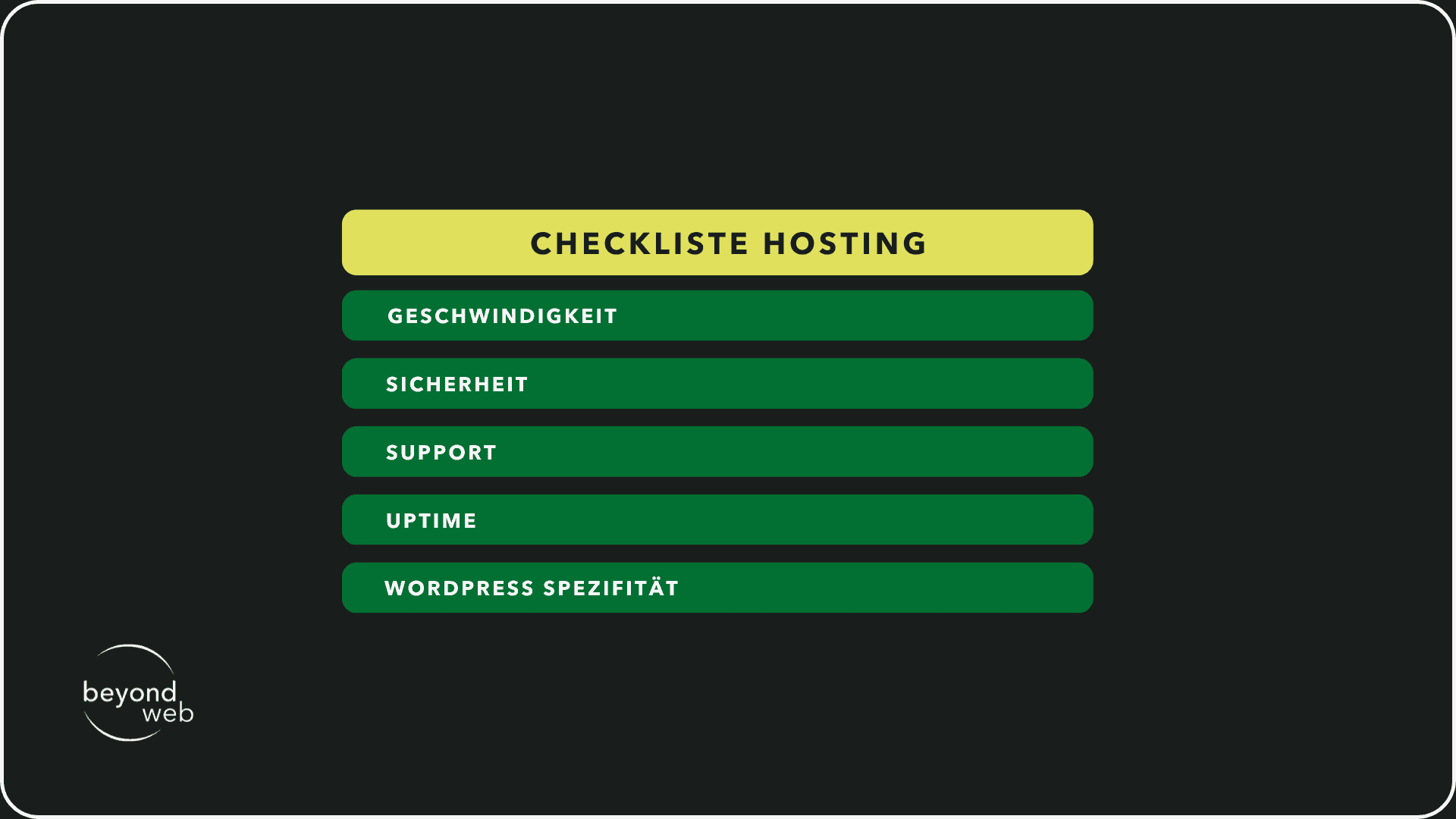
Checklist for good WordPress SEO hosting
1) Speed
Search engines prefer fast websites.
Make sure that the hosting provider offers fast servers and optimized technologies.
2) Security
Security vulnerabilities can negatively impact your WordPress SEO results.
Choose a host that offers regular security updates and monitoring.
3) Support
Good customer support is crucial, especially when technical problems occur
Reliable support can help to minimize downtimes.
4) Uptime
Your website should be available as often as possible.
Search for hosting services with a high availability guarantee (ideally 99.95% or higher).
5) WordPress specificity
Some hosts offer services specially optimized for WordPress, which can ensure better performance and easier management.
My recommendation for WordPress hosting providers in Switzerland
There are some excellent hosting providers in Switzerland that are specially tailored to the needs of WordPress users.
Personally, I would recommend one of the following three hosting providers:
1) Hostpoint
Hostpoint is one of the largest hosting providers in Switzerland, known for its excellent performance and customer service.
2) Swisscom
Swisscom offers reliable hosting with strong data protection guidelines, ideal for those who value security.
3) Infomaniac
Another popular choice is Infomaniak. They are characterized by environmentally friendly hosting and strong performance.
It is important that you choose the provider that best suits your needs and budget.
You should also make sure that it meets the criteria on the checklist.
This will give you a solid foundation for your WordPress SEO strategies.
WordPress themes
Once you have selected the perfect hosting for your WordPress website, the next step is to choose a suitable theme.
A good theme is not only visually appealing, but also SEO-friendly.
This means that it loads quickly, is responsive and has clean coding.
I will now explain what you should look out for when choosing a theme.
Then I'll also show you some of my favorite theme providers.
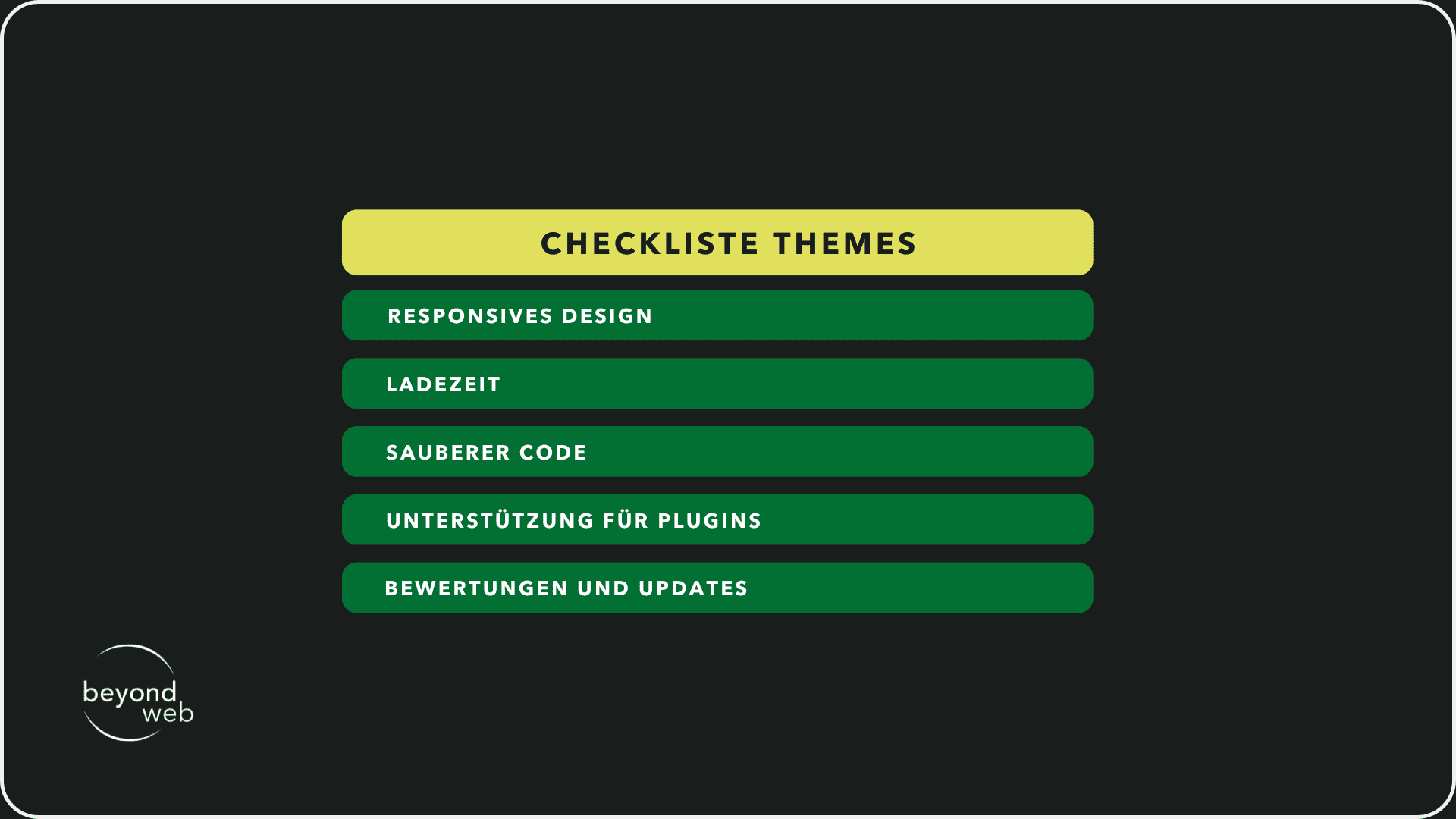
Checklist for choosing an SEO-friendly WordPress theme
1) Responsive design
Your theme should look and work well on all devices, from desktops to smartphones.
2) Loading time
Choose a theme that is optimized for fast loading times to satisfy both users and search engines.
3) Clean code
A well-coded theme supports SEO by making it easier for search engines to understand and index your content.
4) Support for plugins
Make sure that the theme is compatible with important SEO plugins such as Yoast SEO or Rank Math.
5) Ratings and updates
A good theme is updated regularly and has positive reviews from other users
My recommendation for WordPress theme providers
There are many providers of WordPress themes.
I personally recommend the following three WordPress theme providers, which are known for their SEO-friendly and high-quality designs
1) StudioPress
StudioPress themes, including the popular Genesis Framework, are known for their speed, security and SEO friendliness.
2) Astra
A lightweight, highly customizable theme that is perfect for different types of websites and guarantees a fast loading time.
3) Elegant Themes
The provider of the Elegant theme is also the provider of the popular Divi theme.
They are known for their visual design possibilities and yet good performance.
By choosing an SEO-friendly theme, you lay the foundation for your WordPress SEO strategy.
Check each theme against the checklist above to make sure it meets your requirements.
Custom WordPress designs
A customized WordPress design allows you to make your website unique and unmistakable.
But be careful: Not every custom design is SEO-friendly at the same time.
To ensure that your design not only looks good, but also achieves good rankings, there are a few points to consider
In the following, I'll explain what makes an SEO-friendly custom design and where you can find professional help to create your individual WordPress design .
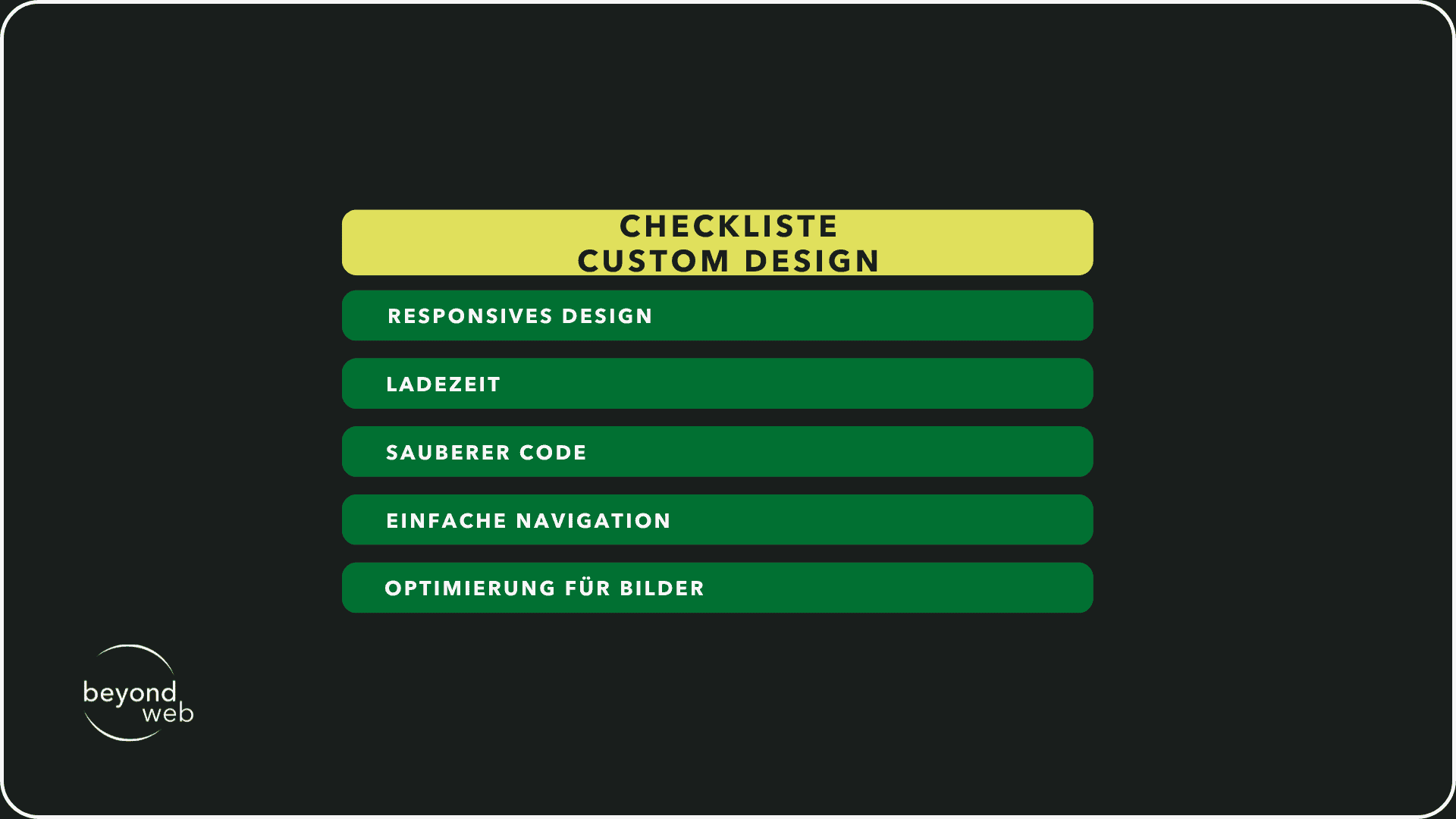
Checklist for SEO-friendly WordPress custom design
1) Responsive design
Your website should look and function well on all devices - from desktops to tablets and smartphones.
2) Fast loading times
A lean design ensures faster loading times, which is an important ranking factor.
3) Clean code
Superfluous or poorly written code can increase loading times and confuse search engine crawlers.
4) Simple navigation
A logical and simple structure helps both users and search engines to find and understand your content.
5) Optimization for images
Use images sparingly and optimize them for the web (size, format, ALT texts).
My recommendation for WordPress custom designs
There are many talented developers and agencies for individual WordPress designs.
Here are three providers that I can particularly recommend:
1) Elementor
A powerful page-building platform for WordPress that allows you to create visually appealing designs without coding knowledge.
2) StudioPress
Offers themes that are based on the Genesis Framework and are known for their SEO friendliness.
You can customize an existing theme or create a completely individual design.
3) Artbees Themes
Developer of the popular Jupiter X theme, a versatile WordPress theme suite valued for its customizability and SEO friendliness.
By choosing one of these providers or working with experienced web designers and developers, you can ensure that your custom WordPress design is not only visually appealing, but also optimized for search engines.
The best all-in-one SEO plugins for WordPress
When it comes to optimizing your WordPress website, all-in-one SEO plugins can save you a lot of time and effort.
These plugins offer a wide range of functions, from keyword optimization to performance analysis.
Here are three of the most popular WordPress all-in-one SEO plugins that can help you optimize your website for search engines.
Each of these plugins has its own strengths and special features, which we will look at in more detail below.
Rank Math
Rank Math is indeed an innovative WordPress SEO plugin that is characterized by its user-friendliness and a wide range of functions.
It has quickly made a name for itself and is considered by many to be the go-to tool for search engine optimization.
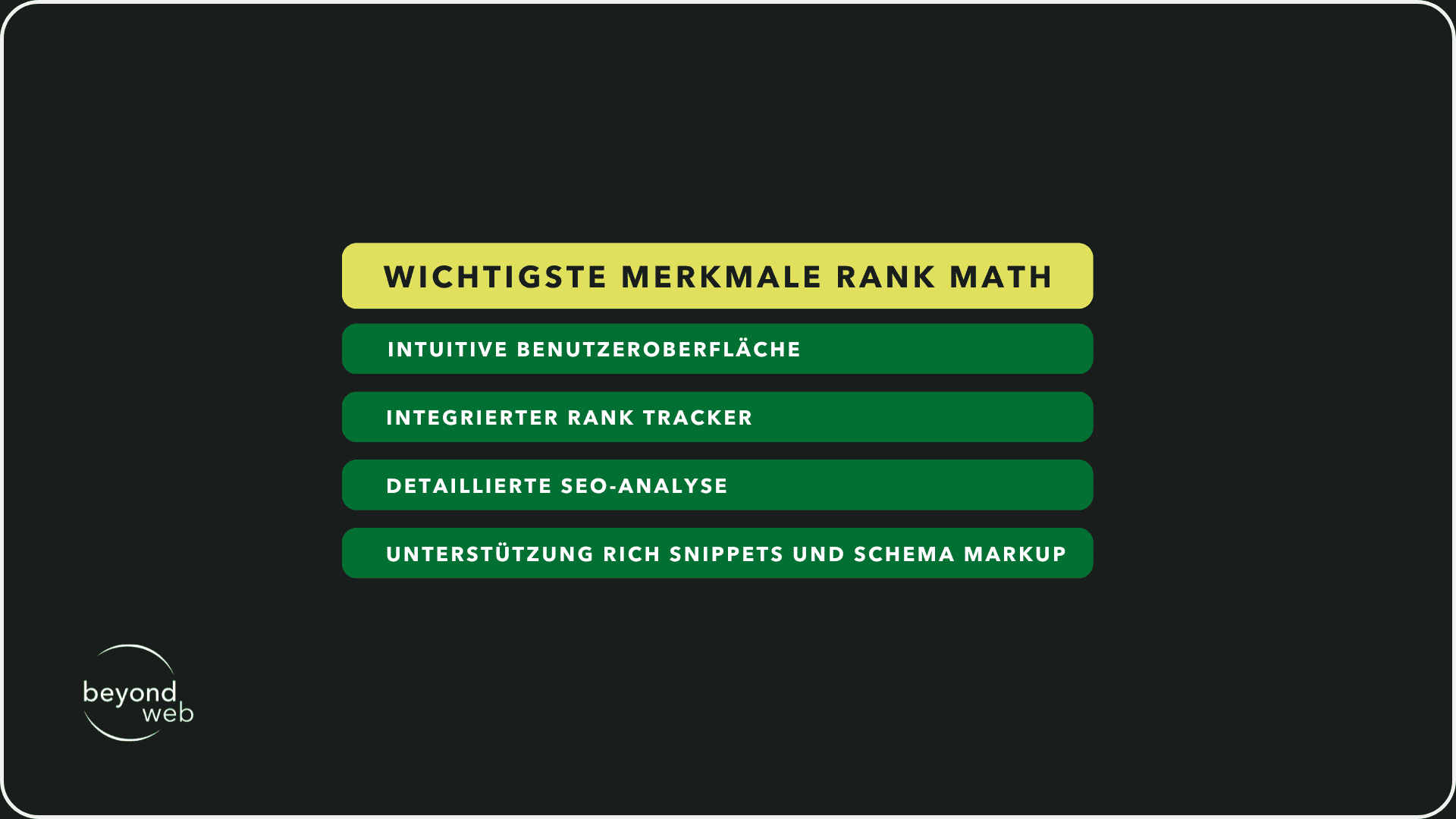
I will now give you an overview of some of the most important features of Rank Math:
1) Intuitive user interface
Rank Math is designed to be accessible to users of all experience levels.
The user interface is clear and concise, making it easy to navigate through various settings and functions.
For newcomers to SEO, Rank Math offers a setup wizard that guides you through the basic settings and helps you to optimize your website efficiently.
2) Integrated rank tracker
One of the main features of Rank Math is its integrated rank tracker.
This tool allows you to monitor the positions of your most important keywords in the search results.
You can track the performance of your keywords over time and gain valuable insights into which content performs best and where there is room for improvement.
This is particularly useful for measuring the success of your WordPress SEO strategies and adjusting them accordingly.
3) Detailed SEO analysis
Rank Math performs a comprehensive analysis of your website to identify potential SEO issues.
It checks a variety of factors, including the use of keywords, metadata such as meta tags or meta descriptions, the structure of your posts and pages as well as technical aspects such as loading speed.
Based on the results, you can make targeted adjustments to improve the SEO performance of your website.
4) Support for rich snippets and schema markup
Rank Math offers advanced support for rich snippets and schema markup, two important elements for effective SEO.
By improving the presentation of your search results, rich snippets can increase the click-through rate and give you an advantage over your competitors.
Rank Math facilitates the implementation of schema markup by providing a variety of pre-built schemas that you can easily apply to make your content more understandable to search engines.
In addition, Rank Math offers other features such as automatic redirect management, 404 error monitoring, and integrations with Google Search Console.
Yoast SEO
Yoast SEO is one of the best WordPress SEO plugins and has established itself over the years as an indispensable tool for webmasters and content creators.
With its user-friendly interface and a wide range of SEO functions, Yoast SEO helps to optimize websites and improve visibility in search results.
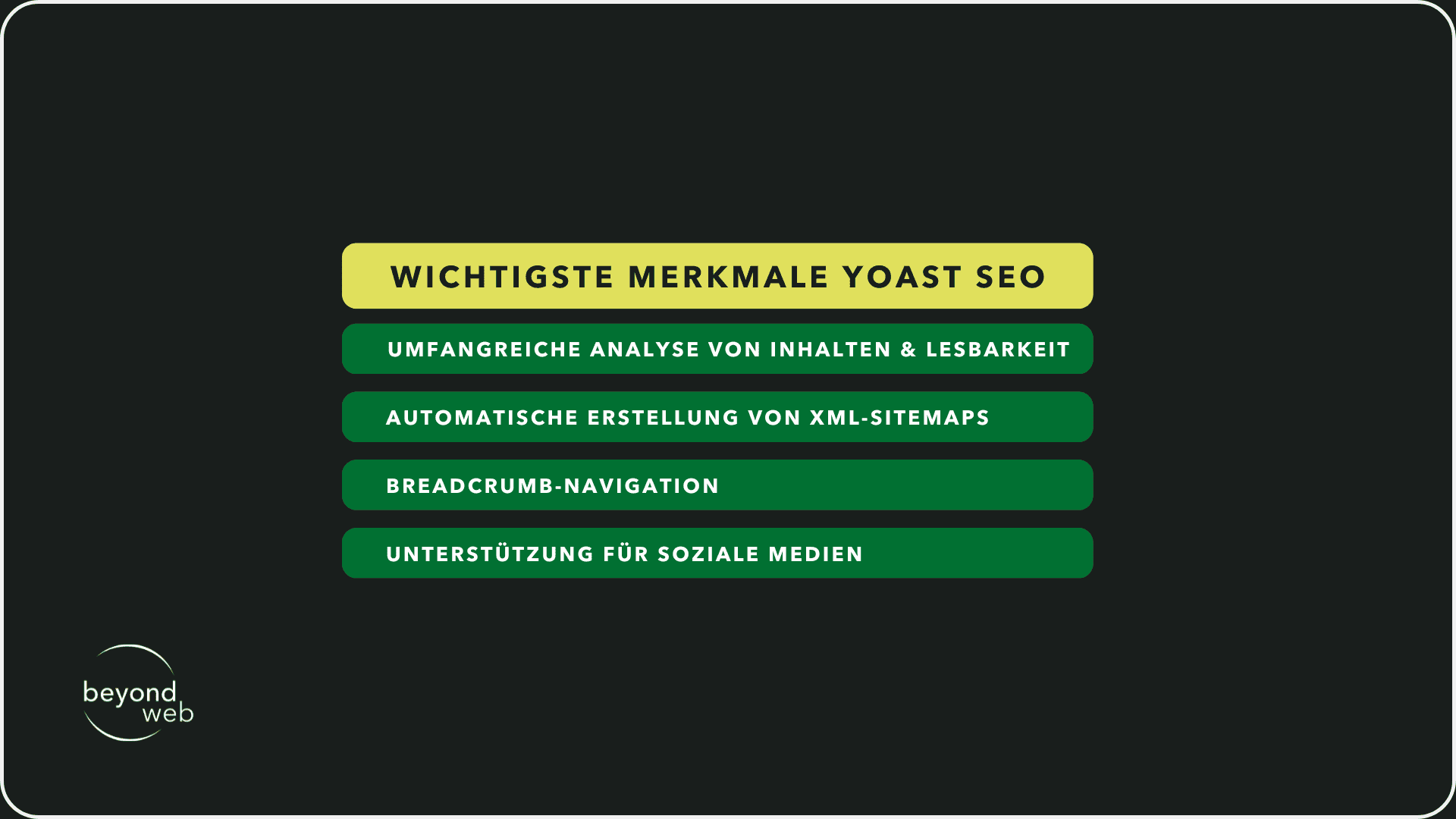
In the following section, I will explain more about the core functions and benefits of Yoast SEO:
1) Extensive analysis of content and readability
Yoast SEO evaluates your content in real time and offers concrete suggestions for improving both the SEO elements and the readability of your texts.
It takes into account aspects such as the use of the focus keyword, the density of keywords, the length of paragraphs and sentences and the use of headings.
This helps you to create content that is not only optimized for search engines, but also appealing to your readers
2) Automatic creation of XML sitemaps
An XML sitemap is crucial for search engines to crawl and index the content of your website effectively
Yoast SEO automatically generates an XML sitemap for your website and keeps it up to date when you add new content or edit existing content.
This makes it easier for search engines to understand the structure of your website and index all pages efficiently
3) Breadcrumb navigation
Breadcrumbs not only improve navigation on your website, but also contribute to SEO by providing a clear structure for your content and helping to strengthen internal linking.
Yoast SEO allows you to easily configure breadcrumb trails and embed them on your website, which improves the user experience and gives search engines additional context.
4) Support for social media
In today's world, a presence on social media is indispensable.
Yoast SEO helps you optimize your content for social platforms like Facebook and Twitter by allowing you to customize titles, descriptions and images that appear when you share your content.
These customized snippets can increase the click-through rate and expand your social reach
In addition to these core functions, Yoast SEO offers other advanced options such as the management of metadata such as meta tags and meta descriptions, the analysis of keywords and synonyms, control over the indexing of specific pages and the ability to integrate Schema.org data, which is important for display in rich snippets.
The SEO Framework
The SEO Framework is a somewhat underrated plugin among WordPress SEO plugins.
It stands out with its lean, efficient approach to search engine optimization.
This makes it ideal for those looking for a direct, uncomplicated solution without unnecessary frills.
I will now give you a more detailed look at this plugin and its features:
1) Automated SEO solutions
The SEO Framework saves you a lot of effort by automating some SEO processes.
After installation and minimal configuration, the plugin immediately starts optimizing your content.
It dynamically adjusts meta tags, optimizes titles and descriptions for search engines and ensures that your pages follow SEO best practices.
This saves time and energy, especially if you are not an SEO expert or prefer to focus on creating content.
2) Integrated sitemap and breadcrumb functions
The structure of your website is crucial for SEO.
The SEO Framework supports this with integrated functions for sitemaps and breadcrumbs.
Automatic sitemap generation ensures that search engines can find and index all pages of your website.
Breadcrumbs not only improve the user experience by helping visitors understand their position on your site, but also strengthen internal linking and content structuring, which in turn improves SEO
3) No advertising or upsells within the plugin
One of the most notable features of The SEO Framework is the lack of advertising or constant upsell attempts within the plugin.
Many free SEO plugins are financed by advertising or try to persuade users to pay for upgrades
The SEO Framework, on the other hand, relies on a clear, uncluttered user interface, resulting in a more pleasant user experience and a focused working environment.
The SEO Framework also offers advanced features such as social media integration, fine-tuning SEO settings for individual posts and pages, and analyzing the readability of content.
It is also compatible with a variety of other WordPress plugins and themes, which highlights its versatility and customizability.

The SEO Framework Extension Manager
The SEO Framework's Extension Manager is a powerful add-on module that significantly extends the flexibility and functionality of the basic plugin.
It is a collection of extensions that have been specially developed to further develop your WordPress SEO strategy and optimize your website for specific requirements.
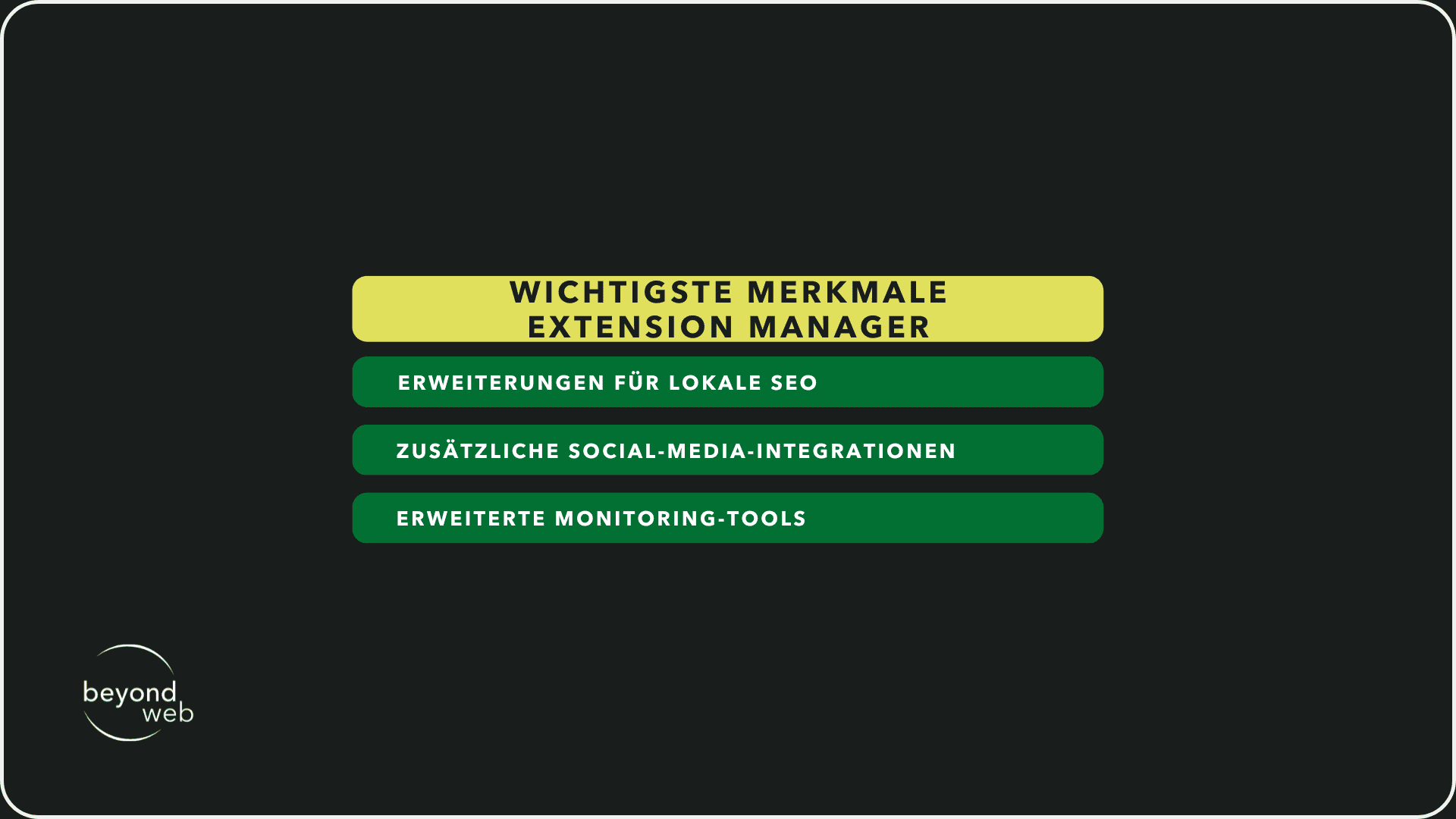
In the following section, I will explain the most important functions offered by the Extension Manager:
1) Extensions for local SEO
Local SEO is essential for small businesses and service providers that operate locally.
With the Extension Manager's local SEO extensions, you can boost your presence in local search results.
This includes optimizing your website for local search terms, improving visibility in Google Maps and adapting your content for a local target group.
By using these extensions, your company can rank higher in local search results and be found more easily by potential customers.
2) Additional social media integrations
As already mentioned, social media plays a crucial role in your SEO strategy.
The Extension Manager extends the possibilities of The SEO Framework with additional social media integrations.
These allow you to influence how your content appears on platforms such as Facebook, Twitter and Instagram.
You can set custom titles, descriptions and images that are specifically optimized for social media, which increases the likelihood that your posts will be shared and generate more traffic.
3) Advanced monitoring tools
To effectively measure the success of your SEO strategy, the Extension Manager offers advanced monitoring tools.
These tools enable a deeper analysis of your website's SEO performance, including tracking keyword rankings, monitoring backlinks and analyzing website traffic.
By using these tools, you can gain a clear understanding of which SEO measures are working and where improvements are needed.
The Extension Manager also offers other useful functions such as improved sitemap options, automation of meta tags, and the option to set user-defined guidelines for indexing
Overall, the Extension Manager makes the already powerful The SEO Framework even more versatile and adaptable.
The most popular WordPress plugins
In the world of WordPress, there is an almost endless selection of plugins that can help improve your website, optimize the user experience and ultimately increase your traffic and conversions.
But with so many options, it can be difficult to filter out the really useful ones.
To make it easier for you to choose, here are some of the most popular WordPress plugins that stand out for their performance, user-friendliness and functionality.
WP Rocket
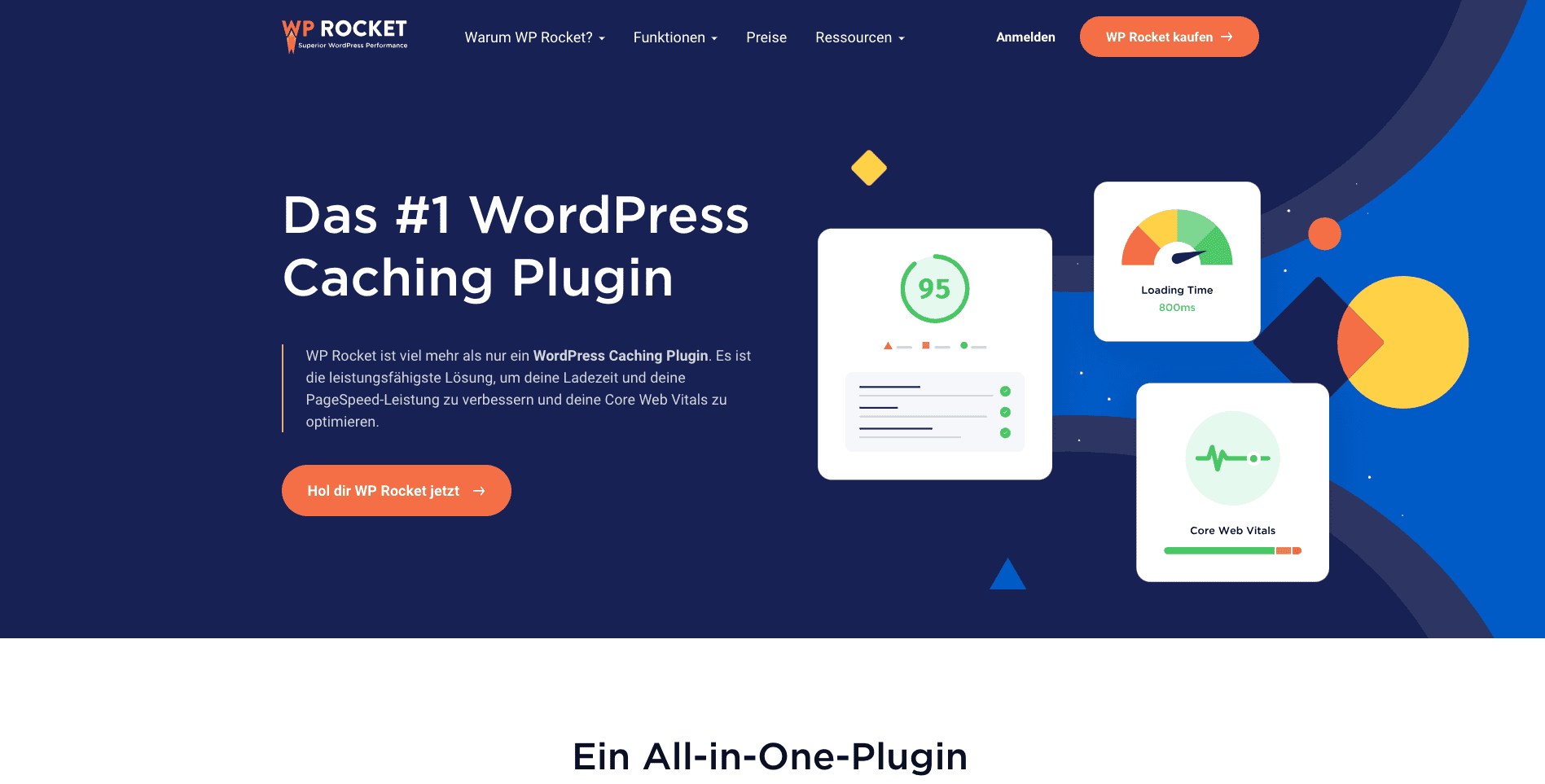
WP Rocket is one of the leading caching plugins for WordPress, known for its simplicity and effectiveness.
By implementing various caching strategies, WP Rocket helps to significantly reduce the loading times of your website.
This includes page caching, cache preloading and the minimization of HTML, CSS and JavaScript.
In addition, WP Rocket offers functions such as lazy loading for images, database optimization and integration with content delivery networks (CDNs).
All of these features help to improve the speed and performance of your website, which is crucial for both user experience and search engine optimization.
ShortPixel
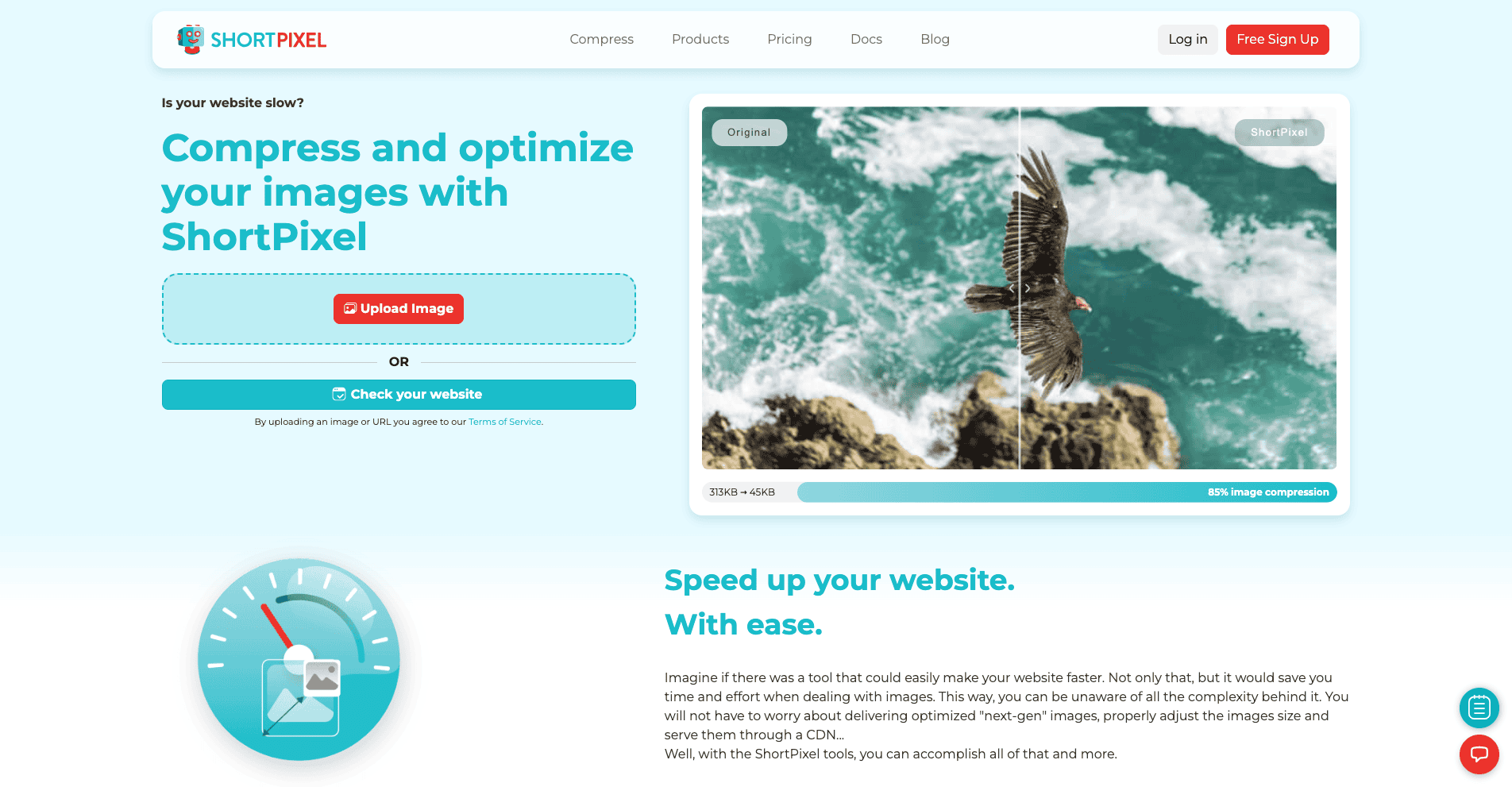
Image optimization is an essential part of website performance, and this is where ShortPixel comes in.
This plugin reduces the file size of your images without noticeably affecting the quality.
With ShortPixel you can automatically compress new images when uploading them and optimize existing images in your media library.
It supports both lossless and lossy compression techniques and works with all image types, including JPEG, PNG and GIF.
By reducing image load times, ShortPixel can help increase the overall speed of your website and improve the user experience.
ManageWP
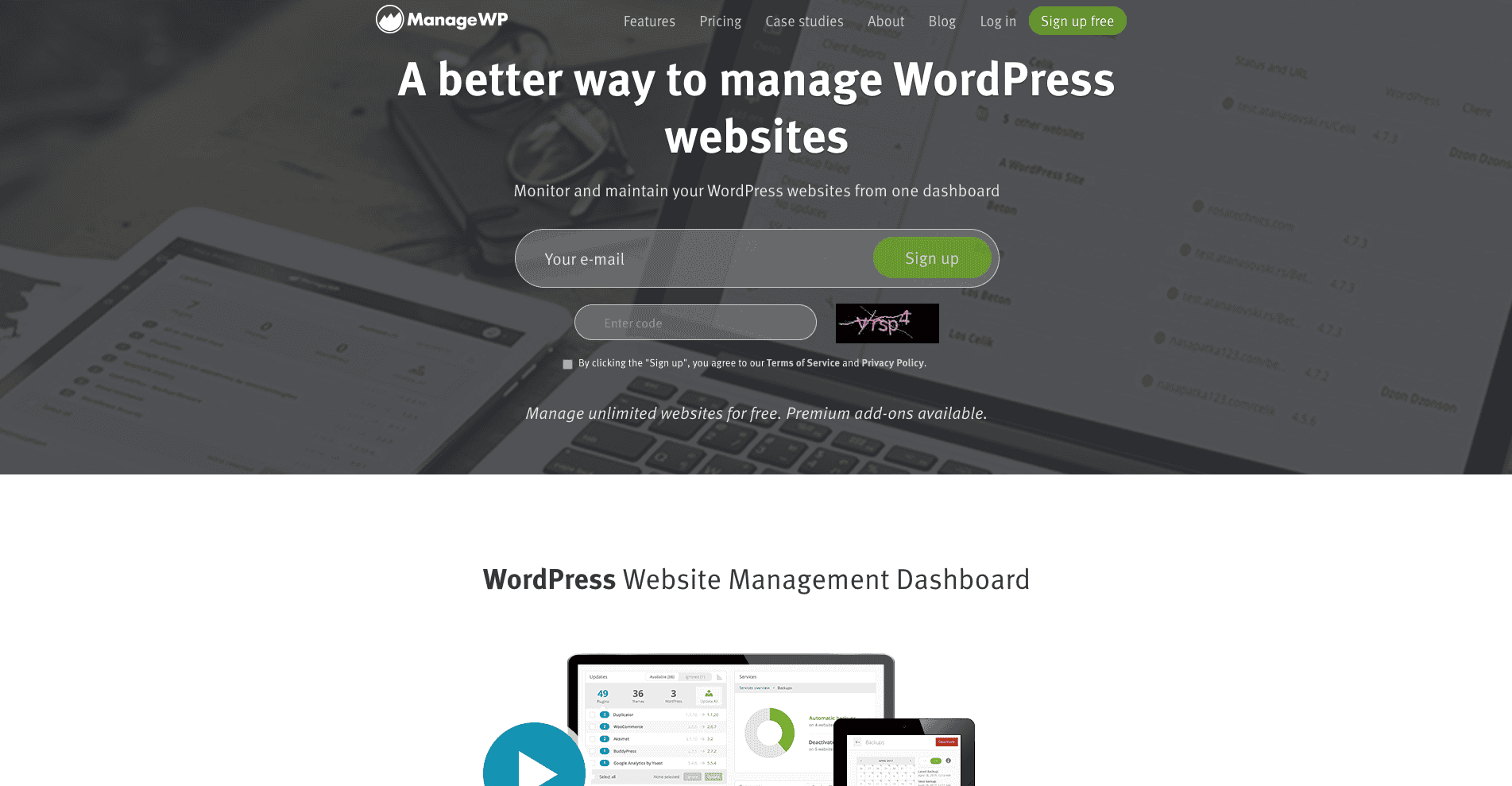
ManageWP is a plugin that aims to simplify the management of multiple WordPress websites.
With this tool, you can perform updates, backups, security checks and performance checks from a single dashboard.
ManageWP also offers functions such as automatic website backups, uptime monitoring and SEO ranking tracking.
For website owners who manage multiple WordPress websites, ManageWP can be a significant time saver while helping to keep all websites secure and up to date.
Elementor
Elementor is a powerful page builder that allows you to create professional-looking pages with an easy-to-use drag-and-drop interface.
Elementor offers a wide range of widgets and templates that you can use to customize your pages without having to write a line of code.
What's more, Elementor is compatible with most WordPress themes and plugins and supports responsive designs so that your website looks and works well on all devices.

WooCommerce
For those who want to run an online store, WooCommerce is the leading e-commerce plugin for WordPress.
The WooCommerce Shop offers a flexible and user-friendly solution for selling products, accepting payments and managing shipping options.
WooCommerce is highly customizable and can be extended with a variety of extensions to support additional features such as bookings, subscriptions and memberships.
More plugins sorted by function
In addition to the very popular WordPress plugins mentioned above, there are numerous other specialized tools that focus on specific aspects of website design and optimization
To help you improve your website even further, we have put together an additional selection of useful plugins and sorted them according to their function:
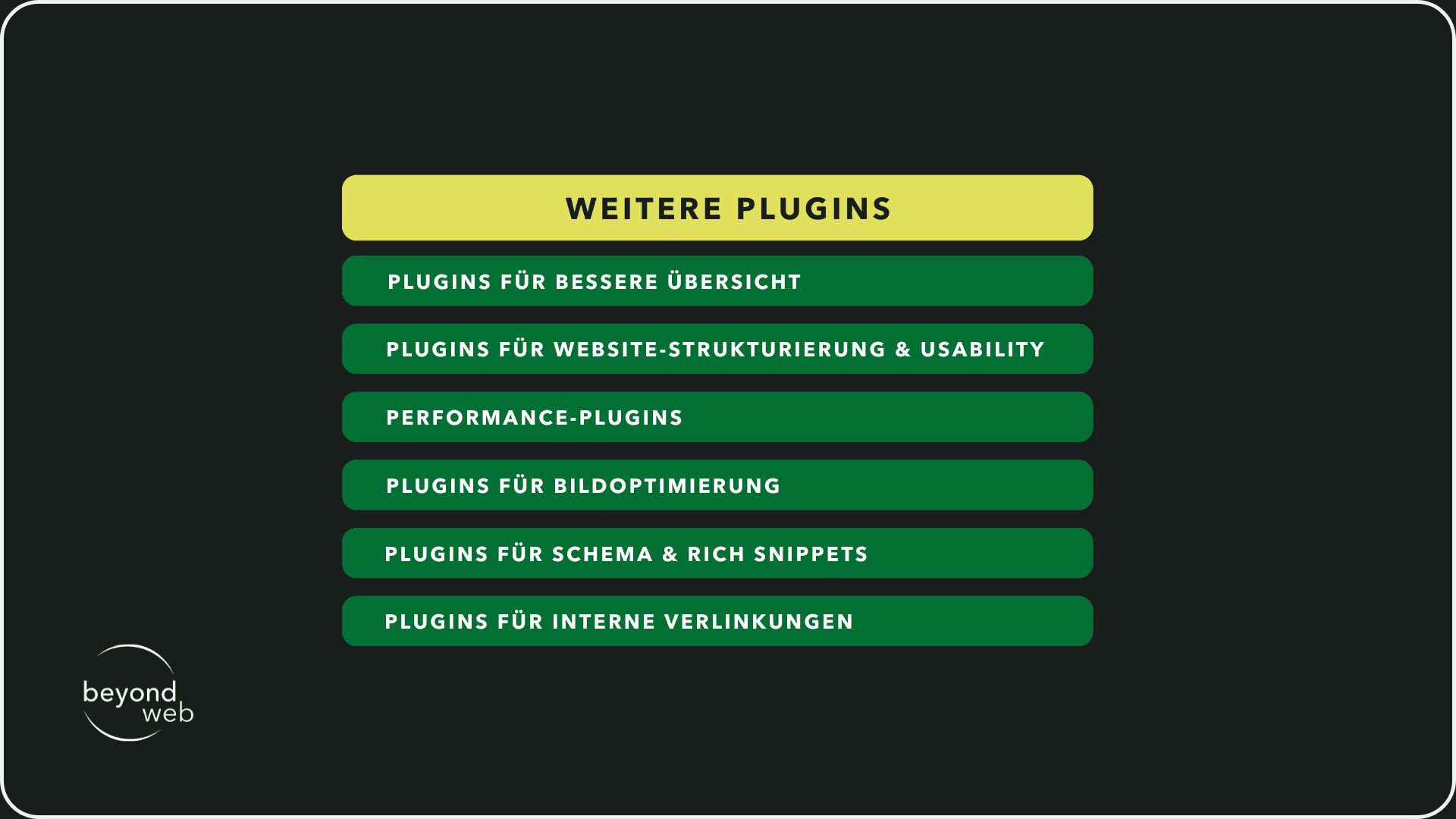
Plugins for a better overview
1) Admin Columns Pro
This plugin allows you to add and edit additional columns to your overview pages in the WordPress dashboard.
This allows you to find important information quickly and manage your content more efficiently.
2) WP Dashboard Notes
Stay organized with customizable notes directly on your WordPress dashboard.
Ideal for leaving reminders, to-do lists or instructions for other users of your website.
Plugins for website structuring & usability
1) Beaver Builder
A page builder that allows you to design your page layouts with an intuitive drag-and-drop system
It supports the creation of responsive and user-friendly designs without programming knowledge.
2) User Role Editor
With this plugin, you can easily manage and customize the access rights and capabilities of different user roles on your website, which contributes to the overall structure and security.
Performance plugins
1) W3 Total Cache
Improves website performance through browser, page, object and database caching, minimization and Content Delivery Network (CDN) integration.
2) Autoptimize
Optimizes your website by minimizing scripts and styles, as well as offering lazy load for images to improve loading speed.
Plugins for image optimization
1) Imagify
This plugin automatically optimizes your images by reducing the file size without affecting the image quality
Ideal for shortening the loading times of your pages.
2) EWWW Image Optimizer
Improves the loading times of your website by reducing image sizes and automatically optimizing images.
Plugins for schema & rich snippets
1) All In One Schema Rich Snippets
Creates and configures rich snippets to highlight your pages in search results.
Supports different content types such as articles, products and events.
2) WP Schema Pro
Allows you to quickly and easily add schema markup throughout your website, which improves search engine optimization and increases the likelihood of your content being displayed as rich snippets.
Plugins for internal links
1) Link Whisper
An intelligent tool that automatically offers suggestions for internal links based on the content of your pages and posts.
2) Internal Link Juicer
Optimizes your internal linking structure with automated links tailored to your preferences and keywords to improve SEO performance and user experience.
WordPress SEO basics
The basics of WordPress SEO are crucial to ensure that your WordPress website is found by your target audience and that you ideally end up at number 1 in the search engine rankings.
From choosing the right keyword to making sure search engines can understand your content, there are a number of steps you can take to maximize your SEO efforts.
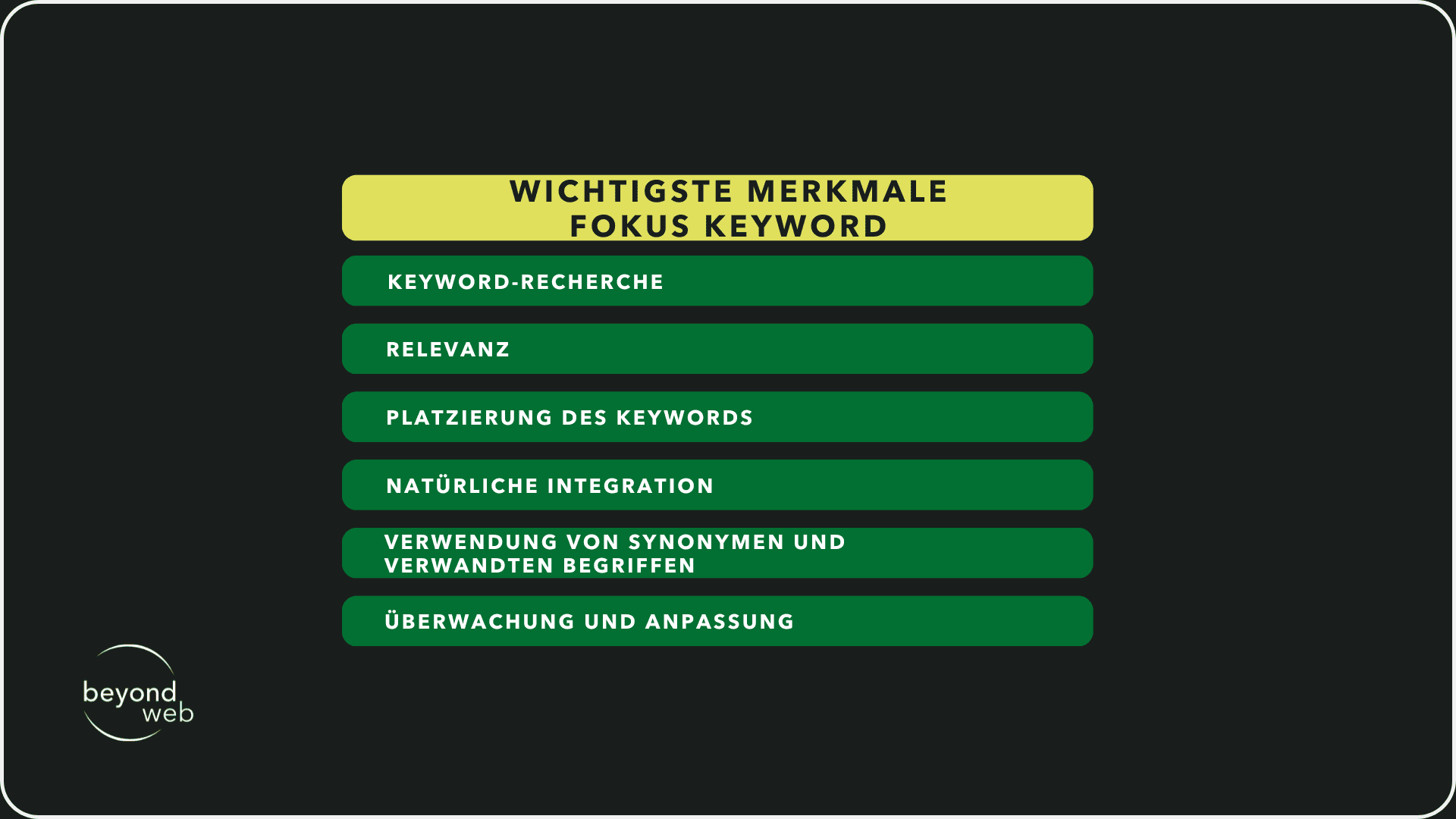
One focus keyword per page
Selecting a focus keyword per page is a basic but crucial strategy in the SEO process
It serves as a central point around which the content and structure of a page are built.
I will now give you some tips on how you can use the focus keyword effectively and maximize its potential:
1. keyword research
Before you decide on a focus keyword, thorough keyword research is essential.
Use tools such as Google Keyword Planner, SEMrush or Ahrefs to find relevant keywords that have a high search volume and are not too competitive at the same time.
Also consider long-tail keywords, as these are often more specific and can offer a higher conversion rate
2. relevance
The selected focus keyword must be relevant to the content of your page.
It should accurately reflect the theme or main purpose of the page.
When visitors come to your site via a search query, they expect content that answers their questions or fulfills their needs.
High relevance leads to a better user experience and can increase the time spent on your site.
3. placement of the keyword
Once selected, the focus keyword should be placed in strategic locations within your page.
This includes the title of the page, the headings (especially H1), the introduction, the main text, the meta description and the URL.
This visible placement helps search engines to quickly capture and index the content of your page.
4. natural integration
While the focus keyword should be present in your content, it is important that it is naturally integrated.
Keyword stuffing—that is, the excessive use of keywords—can have a negative impact on your search ranking and make your text harder to read.
Write for your readers, not for the search engines.
5. use of synonyms and related terms
Search engines are becoming increasingly intelligent and can recognize synonyms and thematically related terms.
The integration of such terms can increase the relevance of your page for a wider range of search queries and at the same time promote natural readability.
6. monitoring and adjustment
SEO is not a one-off process.
Regularly monitor how well your page ranks for the focus keyword (and related terms).
Use analytics to understand how visitors interact with your site and be ready to make adjustments to improve performance.
By assigning a specific focus keyword to each post or page and integrating it effectively, you create a strong foundation for your search engine optimization.
Appendix pages
Attachment pages in WordPress are an important function that automatically creates a separate page for each uploaded media element (such as images, videos or documents).
Although this can be useful for organizing and presenting media content, these sites come with some challenges, especially in terms of search engine optimization (SEO).
But what are the challenges posed by attachment pages?
1) Little or no content
Attachment pages often only contain the medium (e.g. an image) without accompanying text or further information.
This means that they offer little added value and can be classified as "thin content" by search engines.
2) Duplicate content
If the same image is used in several posts and a separate attachment page is created for each occurrence, this can lead to duplicate content.
Search engines may have difficulty deciding which version of the content is most relevant, which can have a negative impact on rankings.
3) Fragmentation of the link juice
Backlinks are an important factor for the ranking of a website.
If links are spread across numerous attachment pages that offer no added value, this can lead to the "link juice" being fragmented and less effective.

However, there are some strategies you can use to optimize your attachment pages:
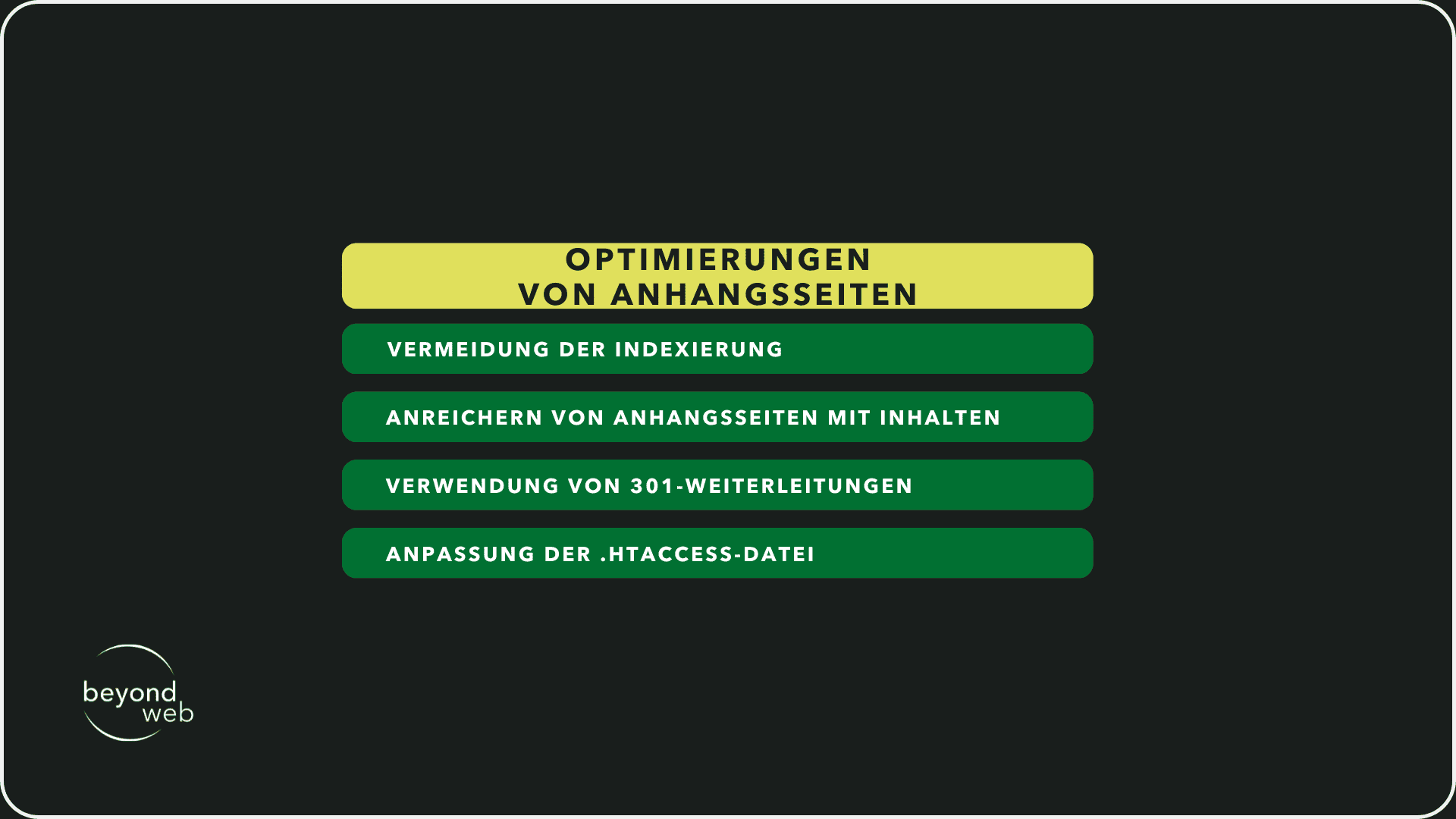
1) Avoidance of indexing
An effective way to minimize the negative SEO impact of attachment pages is to instruct search engines not to index these pages.
This can be done through the settings in SEO plugins such as Yoast SEO or The SEO Framework by selecting the option to redirect attachment pages to the parent posts.
2) Enriching attachment pages with content
If you decide to keep attachment pages, make sure they contain relevant and valuable content.
This could include text descriptions, comments or additional media to make the page more useful.
3) Use of 301 redirects
Another solution is to set up 301 redirects for attachment pages that take visitors directly to the parent posts or pages where the medium is used.
This prevents users from landing on pages with little content and concentrates traffic and link juice on more content-rich pages.
4) Adaptation of the .htaccess file
For advanced users, the .htaccess file can be adapted so that attachment pages are automatically redirected to the parent post.
However, this requires a certain amount of technical understanding and caution so as not to cause any unintentional errors in the website configuration.
By considering these aspects, you can ensure that attachment pages do not negatively impact your SEO efforts.
In most cases, however, it is advisable to avoid indexing attachment pages and instead focus on optimizing your main content to achieve the best possible SEO results.
Cornerstone Content
Cornerstone content plays a central role in your SEO and content marketing strategy
This content is in-depth, informative and provides a comprehensive insight into the topics that are most relevant to your audience and your industry.
They serve as the foundation of your website and help build authority in your field.
I will now give you some ideas on how you can fully exploit the potential of Cornerstone Content:
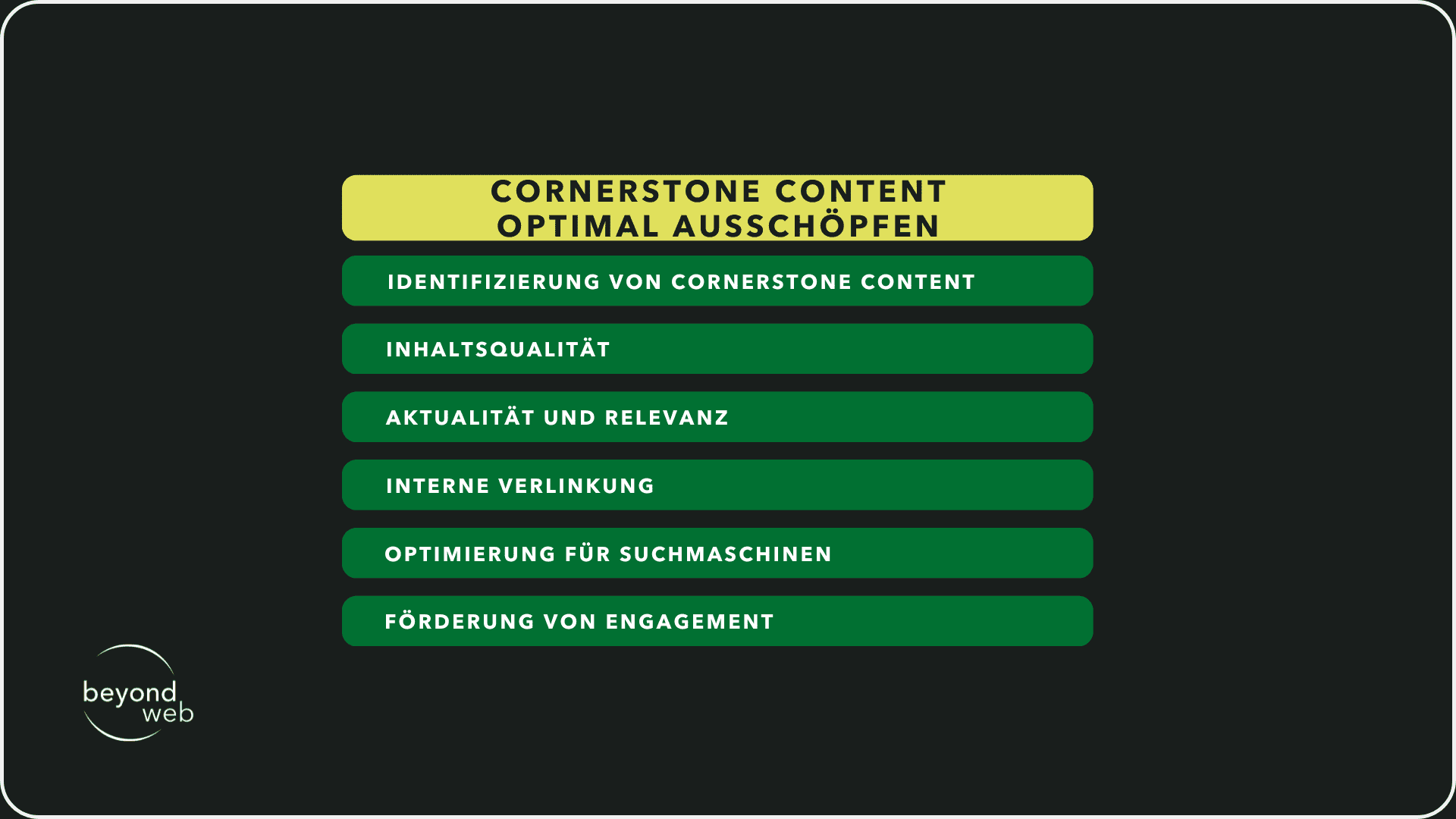
1) Identification of cornerstone content
Start by identifying the topics that are most valuable to your audience and where you want to be seen as an authority.
These can be frequently asked questions, basic principles of your industry or comprehensive guides on specific topics.
2) Content quality
Cornerstone content should be of the highest quality, well researched and precisely written.
This content should not only answer your visitors' questions, but also encourage them to spend more time on your website and explore other pages.
3) Topicality and relevance
Even though Cornerstone Content often covers timeless topics, it is important that this content is updated regularly to ensure its accuracy and relevance.
This shows search engines and visitors that you are an active and reliable information provider.
4) Internal linking
A strong internal linking structure that points to your cornerstone content is crucial.
By linking to this key content from other pages and posts on your website, you increase their visibility and support the formation of a hierarchical structure that helps search engines to recognize the importance of this content
5) Optimization for search engines
While cornerstone content is primarily written for your visitors, it should also be optimized for search engines.
This includes using relevant keywords, setting meta tags and creating appealing meta descriptions that encourage people to click.
6) Promotion of commitment
Encourage readers to interact with your cornerstone content, whether by commenting, sharing on social media or offering downloadable resources
Engagement can increase the visibility of this content and provide valuable feedback for future optimization.
Define visibility for search engines
Defining the visibility of your website for search engines is an important step to ensure that your content can be found and seen by your target audience.
In WordPress, there is a specific setting that is often overlooked but is crucial: the setting that allows search engines to index your website.
By default, this option should be enabled, but during development or major revisions of the website, it is sometimes disabled to hide incomplete content from the public.
It is essential to check whether indexing is permitted again once this work has been completed.
You can find this setting in the "Settings" section under the "Read" tab in your WordPress dashboard.
There is the option "Prevent search engines from indexing this website".
This box should not be checked so that search engines can crawl and index your website effectively.
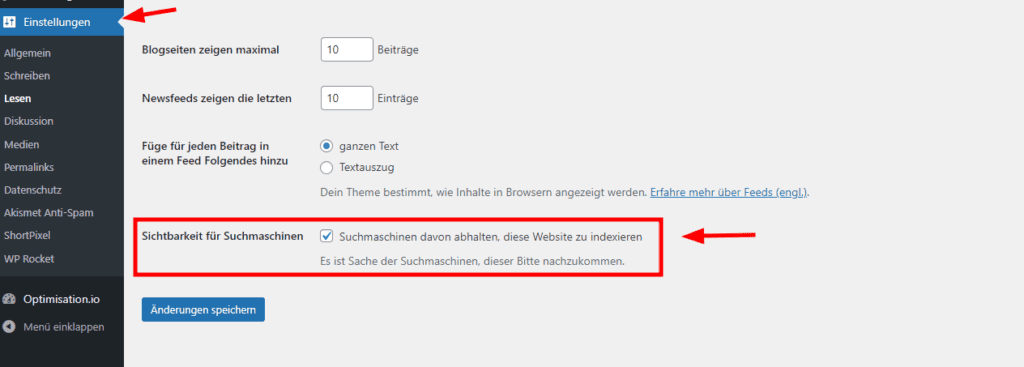
If a checkmark is set, as shown in the image, your website will no longer be crawled by search engines.
Inadvertently deactivating this function can therefore lead to your website disappearing from the search results or not appearing at all, which severely limits the accessibility and visibility of your content.
It is therefore important to check this setting regularly, especially after updates or changes to your website.
Subdomains or directories
The choice between subdomains and directories for structuring your content on a website is an important decision with long-term implications for your SEO and the overall performance of your site.
I will now explain in more detail what subdomains and directories are and why directories are often the preferred choice:
1) Subdomains
Subdomains (e.g. blog.www.beyondweb.ch) are often used to delimit a part of the website that is very different from other areas in terms of content or functionality.
Subdomains can be treated as separate entities by search engines.
This means that the strength and authority of the main domain is not automatically transferred to the subdomain
This can be useful if you want to isolate certain content or areas of your site, but can also mean that these areas need to work harder to gain authority and rankings of their own.
2) Directories
Directories (e.g. www. beyondweb.ch/blog) are part of the main domain and share its authority.
Content that is organized in directories benefits from the already established strength of the main domain.
This can help new pages to be indexed faster and ranked higher in search results.
Directories are particularly suitable for content that is closely related to the main theme of your website, as they strengthen the thematic consistency and authority of the main domain.
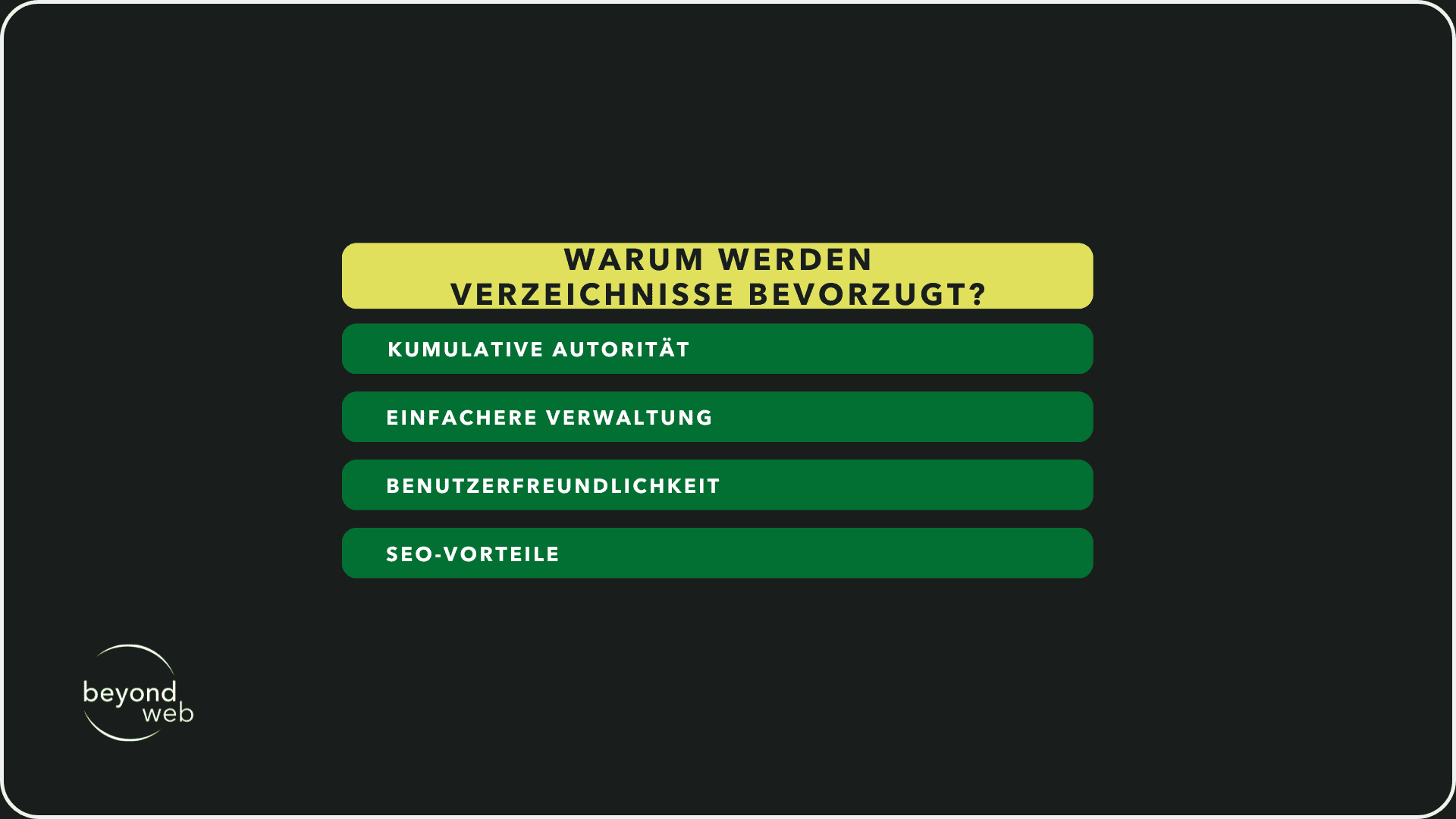
But why are directories often preferred?
This is for the following reasons:
1) Cumulative authority
Directories contribute to the authority of the main domain by concentrating signals such as backlinks on the main domain instead of distributing them over several subdomains.
2) Simpler administration
Managing a single domain with different directories is usually easier than managing multiple subdomains with separate SEO strategies.
3) User friendliness
Directories can be more intuitive for users as they show a clear and logical structure within the website.
4) SEO advantages
Although Google states that there is no direct ranking disadvantage for subdomains, experience and studies show that content in directories tends to perform better, possibly due to cumulative authority and easier internal linking.
There are situations in which subdomains can be useful, for example for large companies with different business areas or for offers that require a clear separation from the main content of the website.
In most cases, however, directories support a stronger, centralized SEO strategy that boosts the visibility and ranking of the entire website
Choose domain with or without "www"?
Deciding whether your domain should appear with or without "www" may seem trivial at first glance, but it has important implications for your website's brand identity, user experience and SEO.
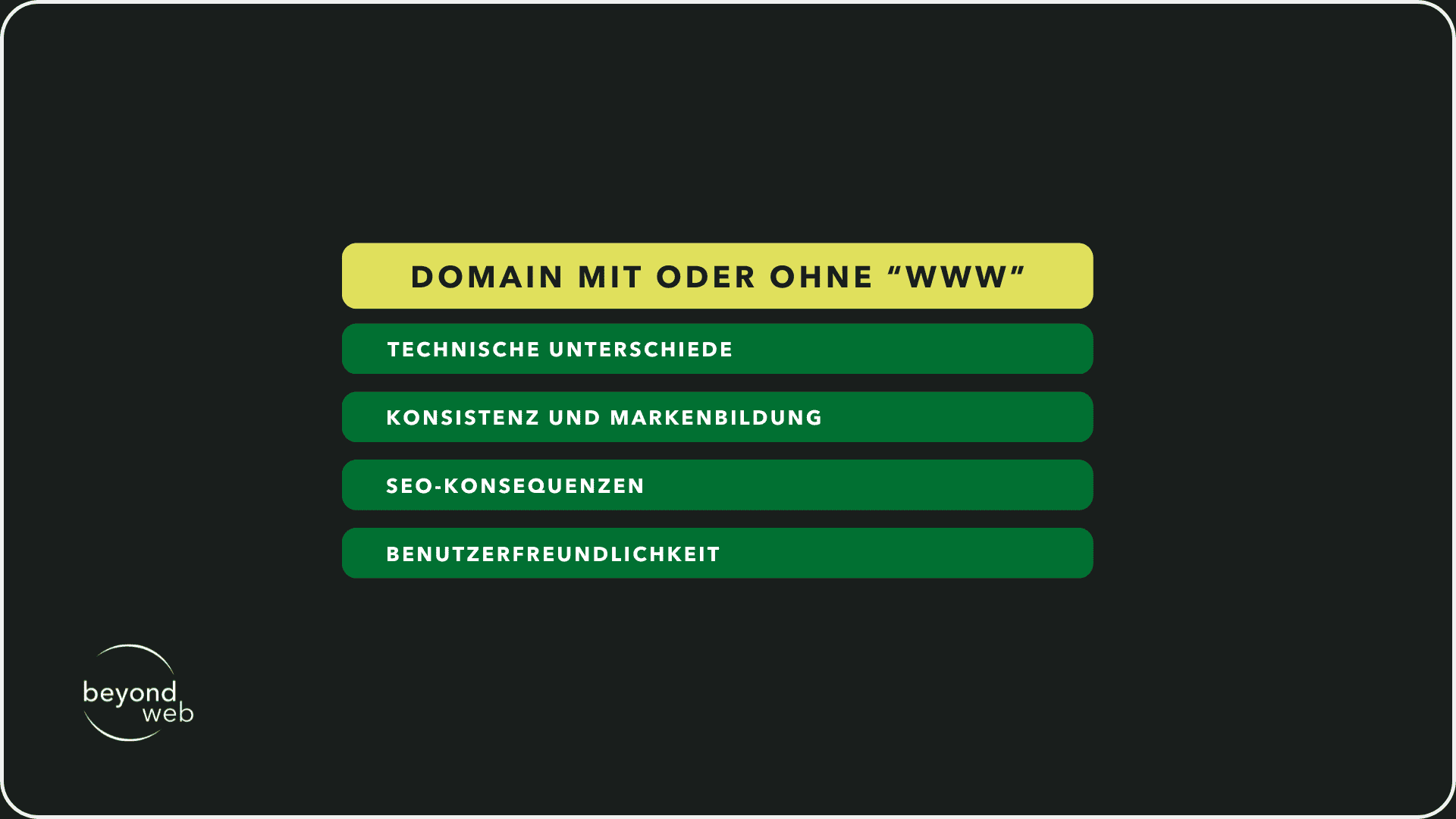
1) Technical differences
Technically, "www" domains are subdomains used to separate web traffic from other types of traffic, such as email, within a domain.
Today, this distinction is less relevant, but the "www" can still be useful to enable technical flexibility, e.g. in DNS configuration or load balancing.
2) Consistency and branding
The choice between "www" and non-"www" should also be considered from a branding perspective
Some brands deliberately choose the shorter, non-"www" version for a cleaner, more modern look
Others stick with the more traditional "www" variant, which is sometimes seen as more trustworthy or professional.
No matter what you choose, consistency across all your marketing materials and online presences is key.
3) SEO consequences
From an SEO perspective, Google treats "www" and non-"www" domains as separate entities.
Without a correct redirect, this could lead to duplicate content, which can have a negative impact on your ranking.
Regardless of which option you choose, it is therefore important to set up a 301 redirect that redirects all requests to your preferred domain.
This helps to consolidate the authority of your domain and ensure that search engines and users are always directed to the right address
4) User friendliness
Some users may instinctively enter "www" before a domain.
If you choose a non-"www" domain, make sure that users who add "www" are redirected to your website without any problems.
This prevents frustration and ensures that no potential visitor is lost.
SSL / HTTPS certificates
SSL (Secure Sockets Layer)/HTTPS (Hypertext Transfer Protocol Secure) is essential for every website today.
This is an encryption technology that secures data transmission between the web server and the visitor's browser.
In the next section, I will show you the points that underline the importance of SSL/HTTPS.
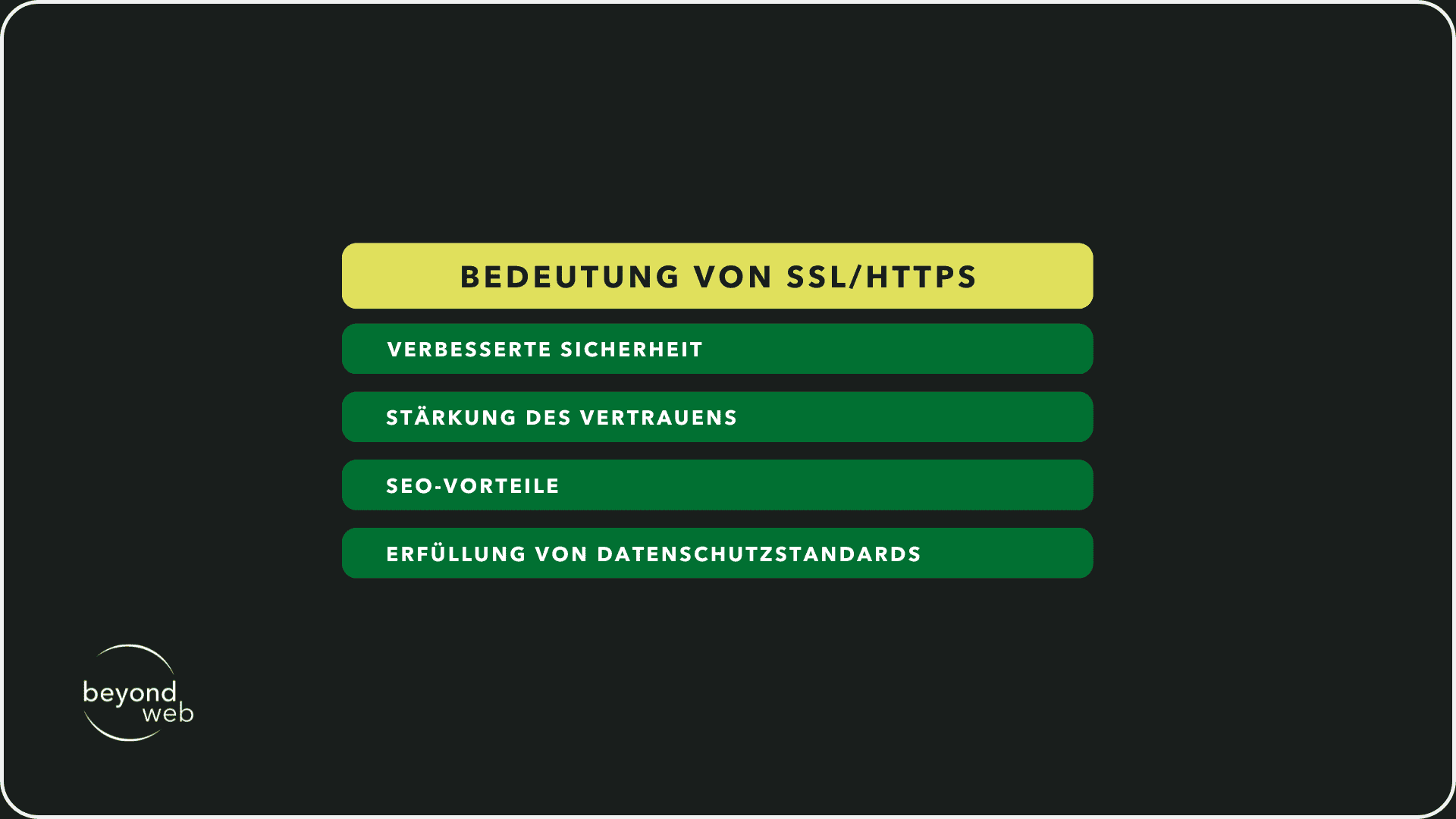
1) Improved security
SSL certificates encrypt the data exchanged between users and the website, which protects sensitive information such as passwords, credit card details and personal data.
This is particularly important for e-commerce websites and anyone who collects user data.
2) Strengthening trust
Websites with an active SSL certificate display a lock symbol in the browser line.
This signals to visitors that their data is secure, which increases trust in the website and its credibility.
3) SEO advantages
Google has confirmed that HTTPS serves as a ranking factor.
Websites with an SSL certificate are favored in search results, which can improve the visibility and ranking of your site.
4) Compliance with data protection standards
With the increasing importance of data protection worldwide, SSL certificates help to fulfill legal requirements and protect the privacy of users.
Configure permalinks & URL structure
Configuring your permalinks and URL structure is a fundamental step in improving both the user-friendliness and search engine optimization (SEO) of your WordPress website.
I will now give you some guidelines to help you establish an optimal structure:
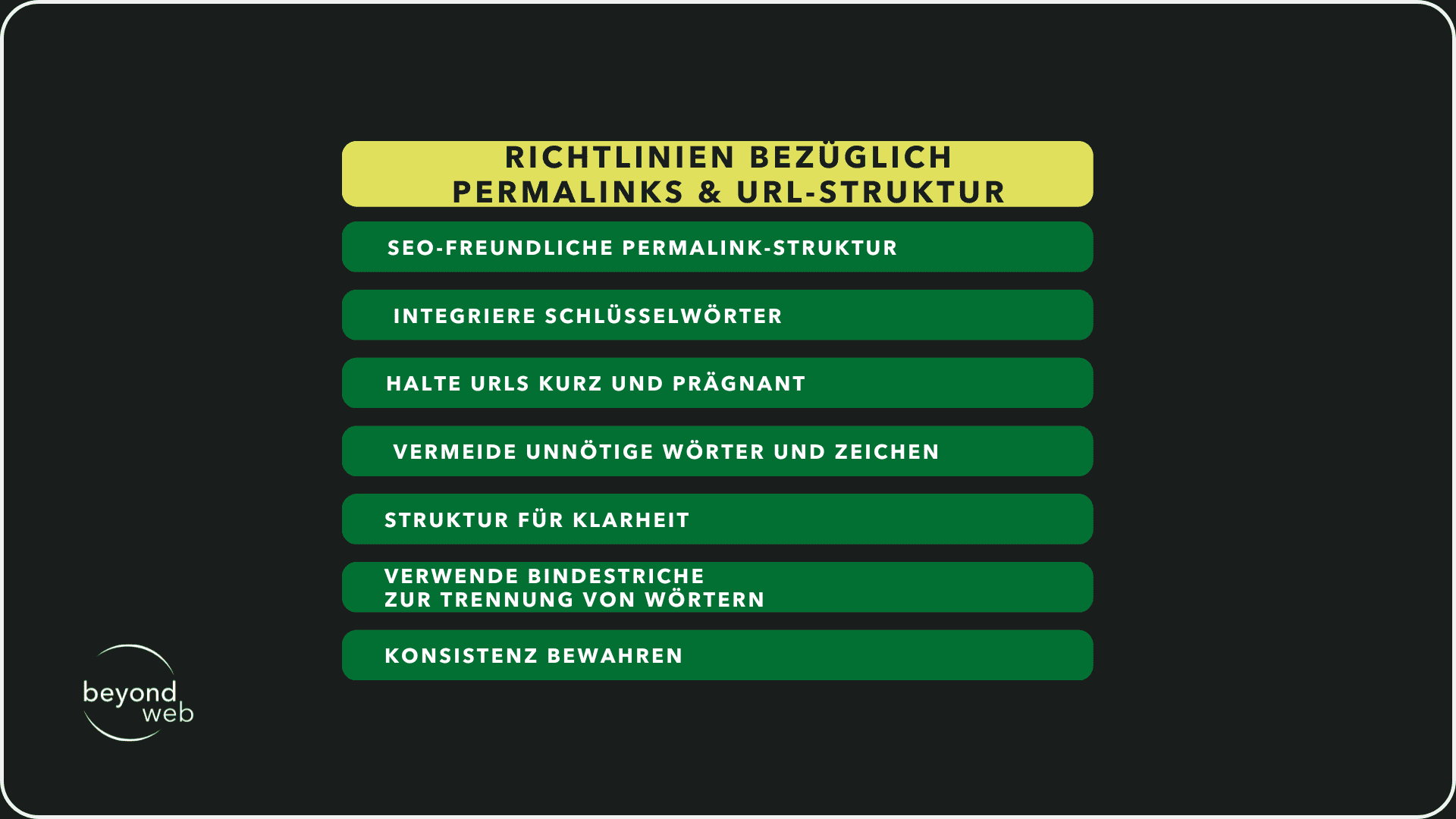
1) Choose an SEO-friendly permalink structure
WordPress allows you to choose from different permalink structures.
For the best SEO performance, the "post name" structure is usually the most beneficial, as it is clear and concise and allows the focus keyword to be placed in the URL
2) Integrate keywords
URLs are an important part of on-page SEO.
By including the focus keyword in the URL of each post or page, you help search engines to better understand the content of your page and recognize its relevance for certain search queries.
3) Keep URLs short and concise
Long URLs can be difficult for users to read and remember.
Try to keep your URLs as short as possible without losing their meaningfulness.
This not only improves the user experience, but can also make a positive contribution to SEO.
4) Avoid unnecessary words and characters
Avoid using filler words and unnecessary parameters and characters in your URLs.
These can reduce the clarity and readability of your URLs and potentially reduce their effectiveness in search engines.
5) Structure for clarity
If your website has a complex structure with many pages, consider using a logical hierarchy in your URLs
This could include the inclusion of categories or subcategories.
A clear structure not only helps users to find their way around your website, but also makes it easier for search engines to crawl and understand your website.
6) Use hyphens to separate words
Hyphens (-) should be used in URLs instead of underscores (_) to separate words
Search engines treat hyphens as word separators, which improves the readability and indexing of your pages.
7) Maintain consistency
Once set, you should try to keep the structure of your URLs constant.
Frequent changes can lead to 404 errors and undermine the authority you may have built up through backlinks.
Multilingual function
Implementing a multilingual function on your website is crucial if you want to appeal to an international audience.
The correct use of hreflang tags is a key element in helping search engines like Google to understand the linguistic and geographical target groups of your content
Here are some important points to bear in mind:
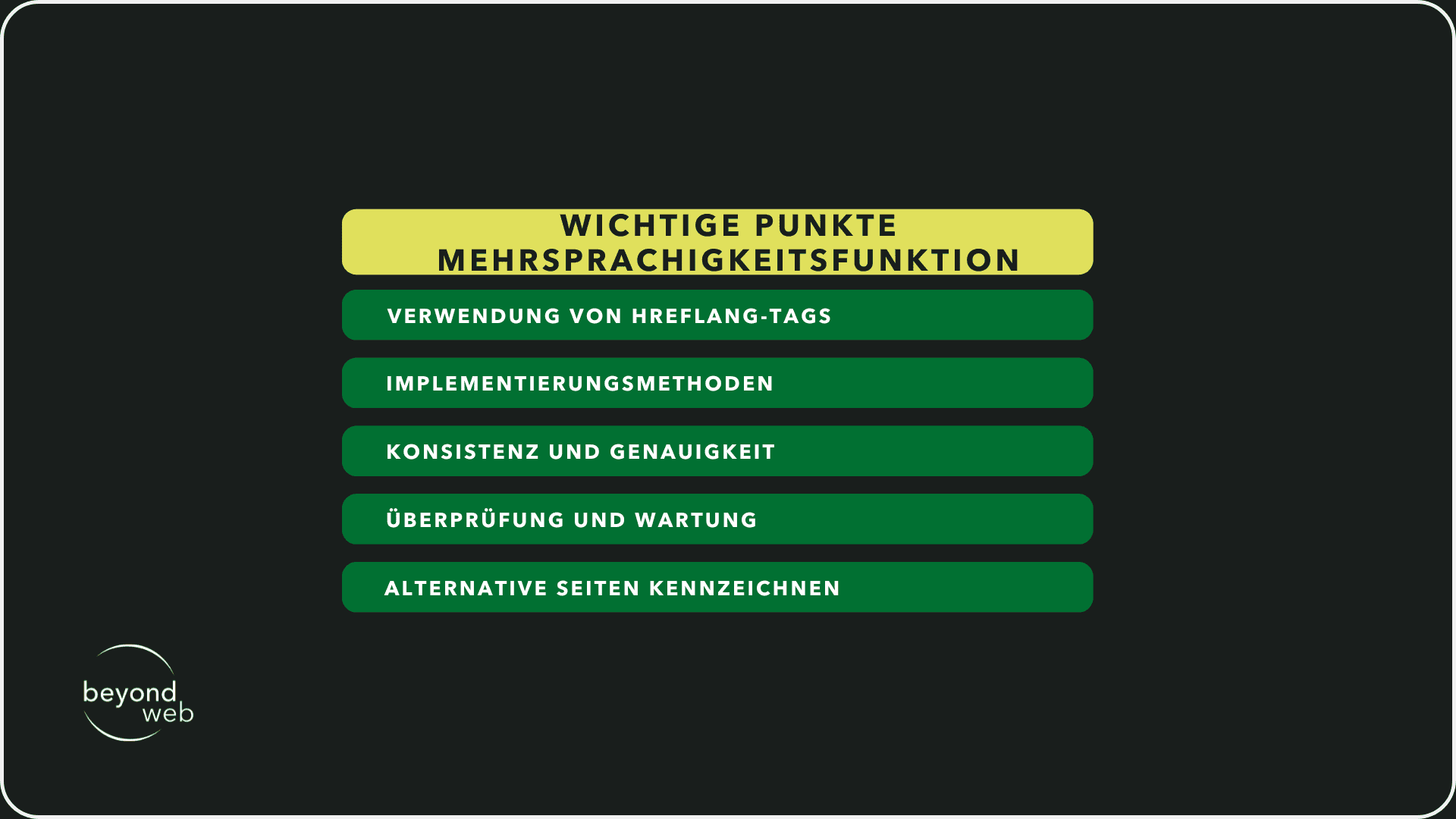
1) Use of hreflang tags
These tags indicate the language and geographical orientation of a specific page.
By implementing hreflang tags correctly, you can prevent users from being redirected to content in a language they don't understand or to content intended for a different region
This improves the user experience and can increase the effectiveness of your international SEO.
2) Implementation methods
Hreflang tags can be implemented in various ways, including in the header of your HTML pages, in the HTTP headers or in the sitemap of your website.
Each method has its advantages and disadvantages, so you should choose the option that best suits your website structure and your technical capabilities.
3) Consistency and accuracy
Make sure that the hreflang attributes are applied correctly and consistently across your entire website.
Inconsistencies or errors in implementation can cause confusion for search engines and potentially hurt your SEO efforts.
4) Inspection and Maintenance
Once you have implemented hreflang tags, it is important to check regularly that they are working correctly.
Tools like Google Search Console can help you identify and fix errors in your hreflang implementations.
As your website and its content may change over time, ongoing maintenance is required to ensure your multilingual SEO efforts remain effective.
5) Mark alternative pages
In addition to specifying the language and region for each page, hreflang tags also allow you to create relationships between content variants
This means that you can tag versions in different languages or for different regions for each page, allowing search engines to show the appropriate alternatives to the appropriate users.
Sitemap configuration
A carefully configured sitemap is very useful to support the SEO of your website.
The sitemap contains a list of all the important pages on your website to help search engines like Google understand the structure of your website
It serves to facilitate the crawling and indexing of your pages by search engines by providing a clear overview of all available content.
Sitemaps are particularly useful for new websites or those with extensive content, as well as for pages that may not be well connected by internal links
By using plugins such as Google XML Sitemaps, the creation and maintenance of your sitemap is largely automated
This ensures that new content is quickly discovered by search engines.
It is important to store the sitemap in the Google Search Console settings in order to speed up indexing and gain valuable insights into the indexing process.
robots.txt
The robots.txt file is an important tool that you can use to control the access of search engine crawlers to certain areas of your website.
By providing specific instructions, you can prevent unimportant or sensitive pages from appearing in the search results, which improves the efficiency of crawling and ensures that only the content you actually want to present is indexed.
It is important to use the robots.txt file with caution, as incorrect instructions could unintentionally exclude important pages from indexing.
Regular checks and adjustments to robots.txt are recommended to ensure its effectiveness and optimize the visibility of your website.
.htaccess
The .htaccess file enables in-depth adjustments and optimizations to the way your website works and how it is experienced by visitors and search engines.
In the following section, I will give you some areas in which the .htaccess file can be particularly useful
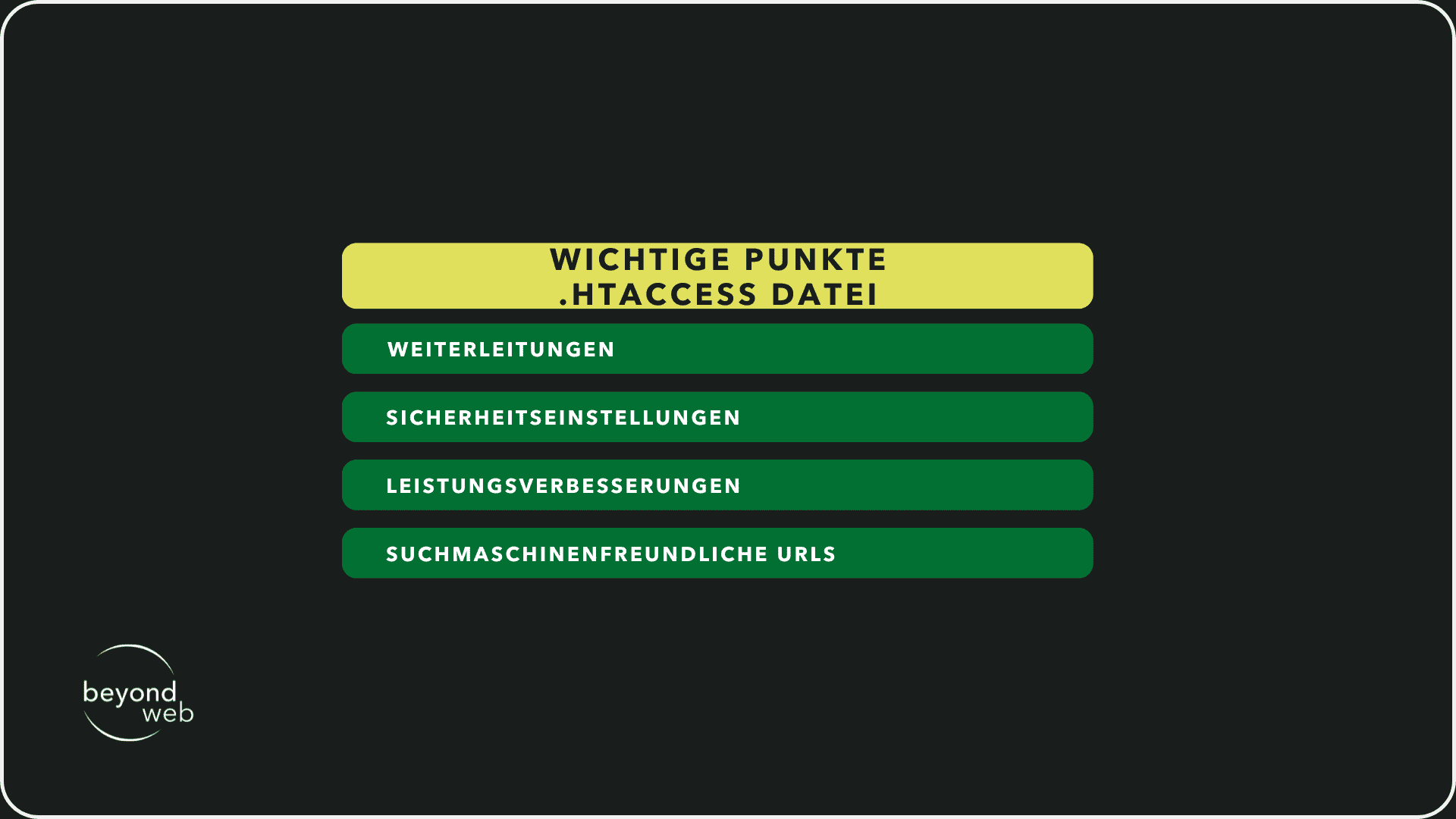
1) Forwarding
Use .htaccess for 301 redirects to redirect visitors and search engines from old to new URLs.
This is particularly helpful when restructuring your website or after deleting pages to avoid broken links and ensure link juice preservation.
2) Security settings
With .htaccess, you can better protect your website from unwanted access and attacks
Among other things, you can block IP addresses, restrict access to selected directories or deny access to important files such as wp-config.php in WordPress.
3) Performance improvements
The .htaccess file allows you to control and optimize browser caching, which can significantly reduce loading times for returning visitors.
You can also compress files to reduce the data size and improve the speed of your website.
4) Search engine friendly URLs
You can use .htaccess to clean up URLs and make them more user and search engine friendly, for example by removing "index.php" from URLs
Care should be taken when working with the .htaccess file, as errors can lead to serious problems.
I advise you to make the changes in a test environment first.
You should also always create a backup of the current .htaccess file before making any changes.
How should a WordPress website be structured?
Structuring a WordPress website is crucial not only to ensure an excellent user experience, but also to ensure that search engines can crawl and index your content effectively.
A well-thought-out structure improves SEO, helps visitors find the information they are looking for and ultimately increases conversion rates.
In the following sections, I will show you what should be considered when structuring a WordPress website:
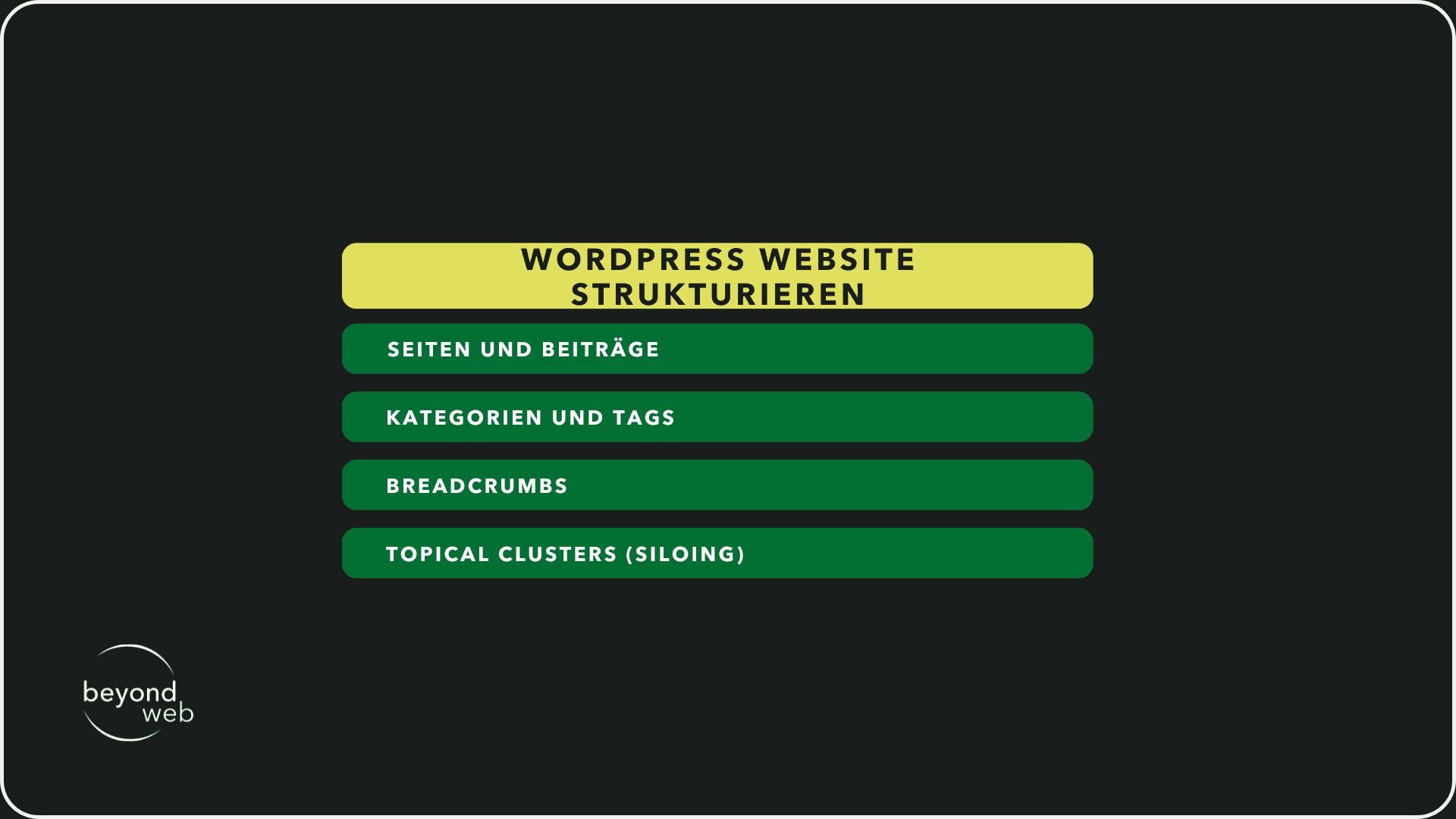
Pages vs. posts
WordPress makes a fundamental distinction between pages and posts
Pages are generally intended for static content that does not need to be updated often.
This includes information such as "About Us", "Contact Us", "Privacy Policy" and other basic information about your company or organization.
Pages are typically organized hierarchically, which means you can create subpages to provide a clear structure and navigation
Posts, on the other hand, are dynamic and are usually presented in a blog format.
They are dated and displayed in reverse chronological order, with the most recent posts first.
Posts can be assigned to categories and tags to group them thematically and make navigation easier.
Posts are great for news, blog articles, industry updates and other content that is updated regularly
Categories and tags
Categories are used to divide your posts into broader topics
Each post should be assigned to at least one category, which allows you to roughly categorize your content by topic.
Categories help both users and search engines to understand the structure of your website.
Tags are more specific than categories and are used to label posts according to more specific topics or keywords.
While a post is usually only assigned to a few categories, it can have several tags to reflect the breadth and depth of the topics covered.
Tags facilitate cross-linking between relevant posts and can improve the user experience by helping visitors discover related content.
Breadcrumbs
Breadcrumbs are a form of secondary navigation that allows users to easily retrace their steps within the website hierarchy.
They show the path from the start page to the current page and improve usability by providing a visual representation of the navigation path
For search engines, breadcrumbs provide additional information about the structure of the website, which can make indexing easier
Topical clusters (siloing)
Creating topical clusters, also known as siloing, is an advanced SEO strategy that aims to group content around core topics (or "silos").
Each silo focuses on one main area or topic, and all the pages or posts it contains are thematically related and linked to each other
This method helps to increase thematic relevance and shows search engines the depth of your knowledge in certain areas.
Topical clusters can also improve internal linking and help users to dive deeper into your content.
If you take these aspects into account when structuring your WordPress website, you can create a solid foundation for an excellent user experience as well as strong SEO performance.
On-page optimization on WordPress websites
On-page optimization is a crucial aspect of search engine optimization (SEO) that has a direct impact on your WordPress website's ability to rank higher in search results and attract more organic traffic
This process involves a variety of techniques and strategies, from keyword research to optimizing your content and the structure of your website.
In the following sections, I'll explain the different aspects of on-page optimization so that you understand how to use them effectively on your WordPress website.
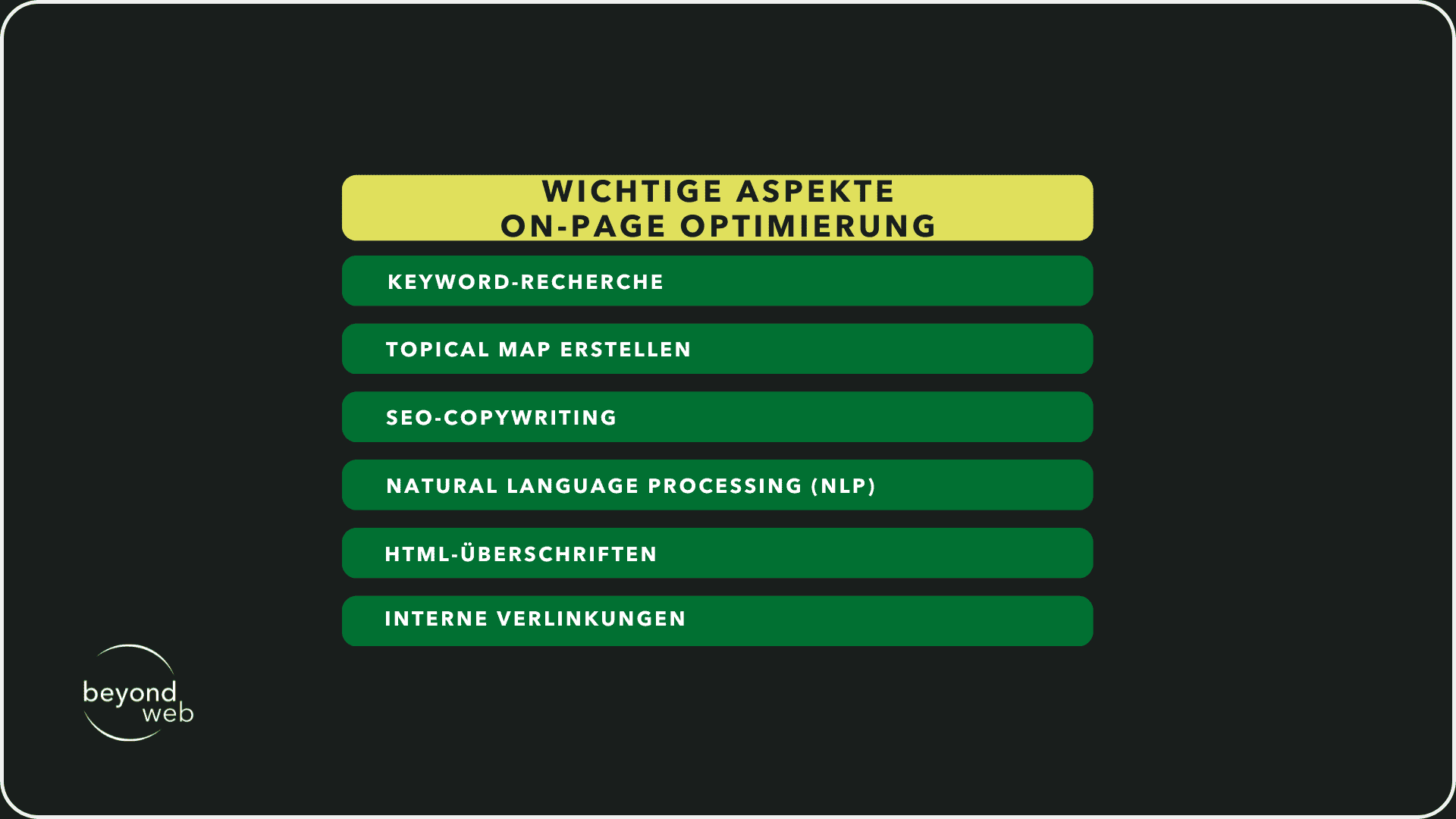
Keyword research
Careful keyword research lays the foundation for successful SEO.
It's about identifying the terms and phrases your target audience uses when searching for the products, services or information you offer.
Focus keyword
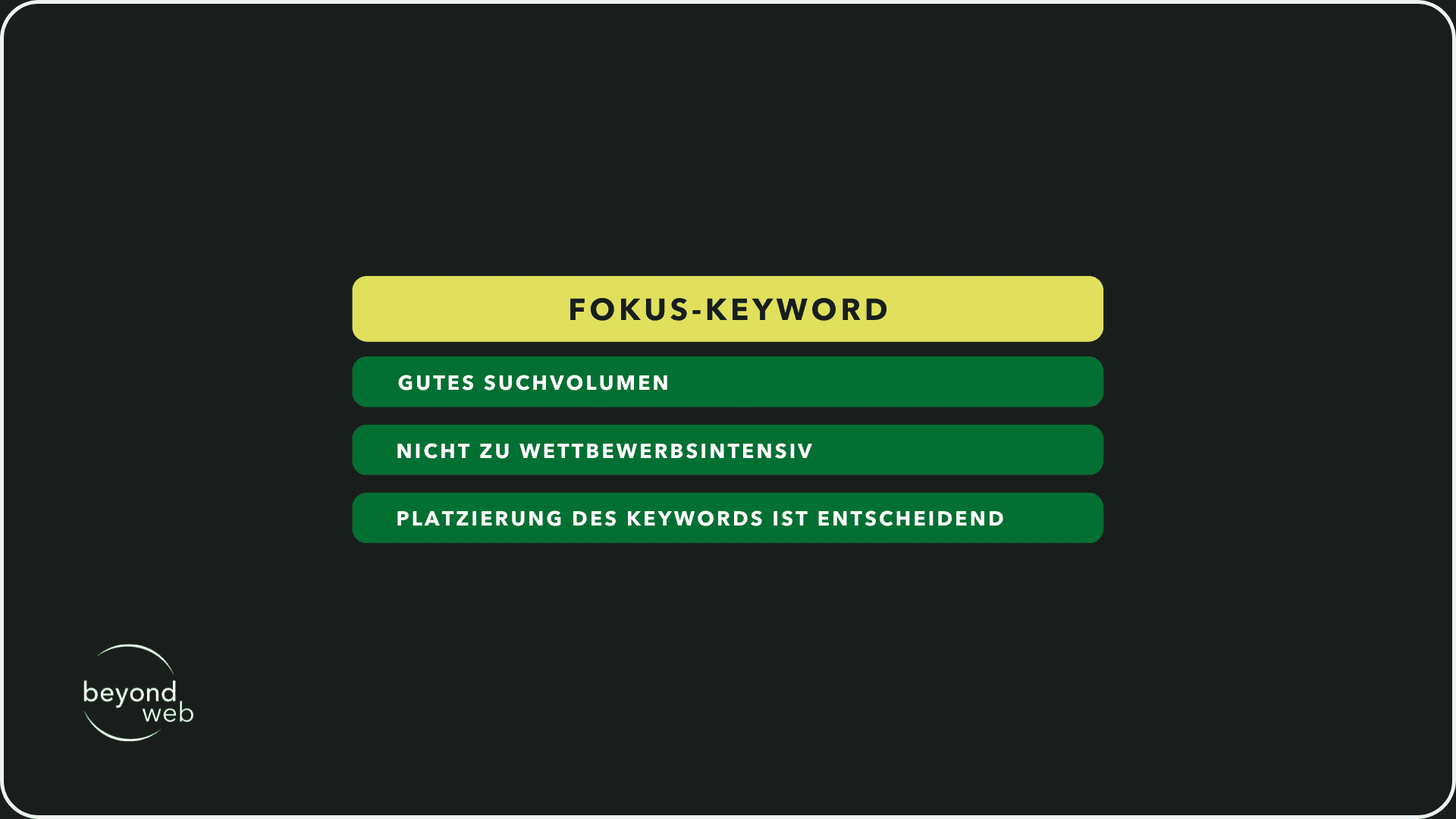
The focus keyword is the main keyword around which your page or post is built.
It should be highly relevant to the content of the page and have a good search volume without being too competitive.
The placement of the focus keyword is crucial; it should appear in your title, headings, first paragraph and throughout the text.
Using the focus keyword in the URL, in the meta description and in the ALT text of images can also boost SEO
Secondary keywords
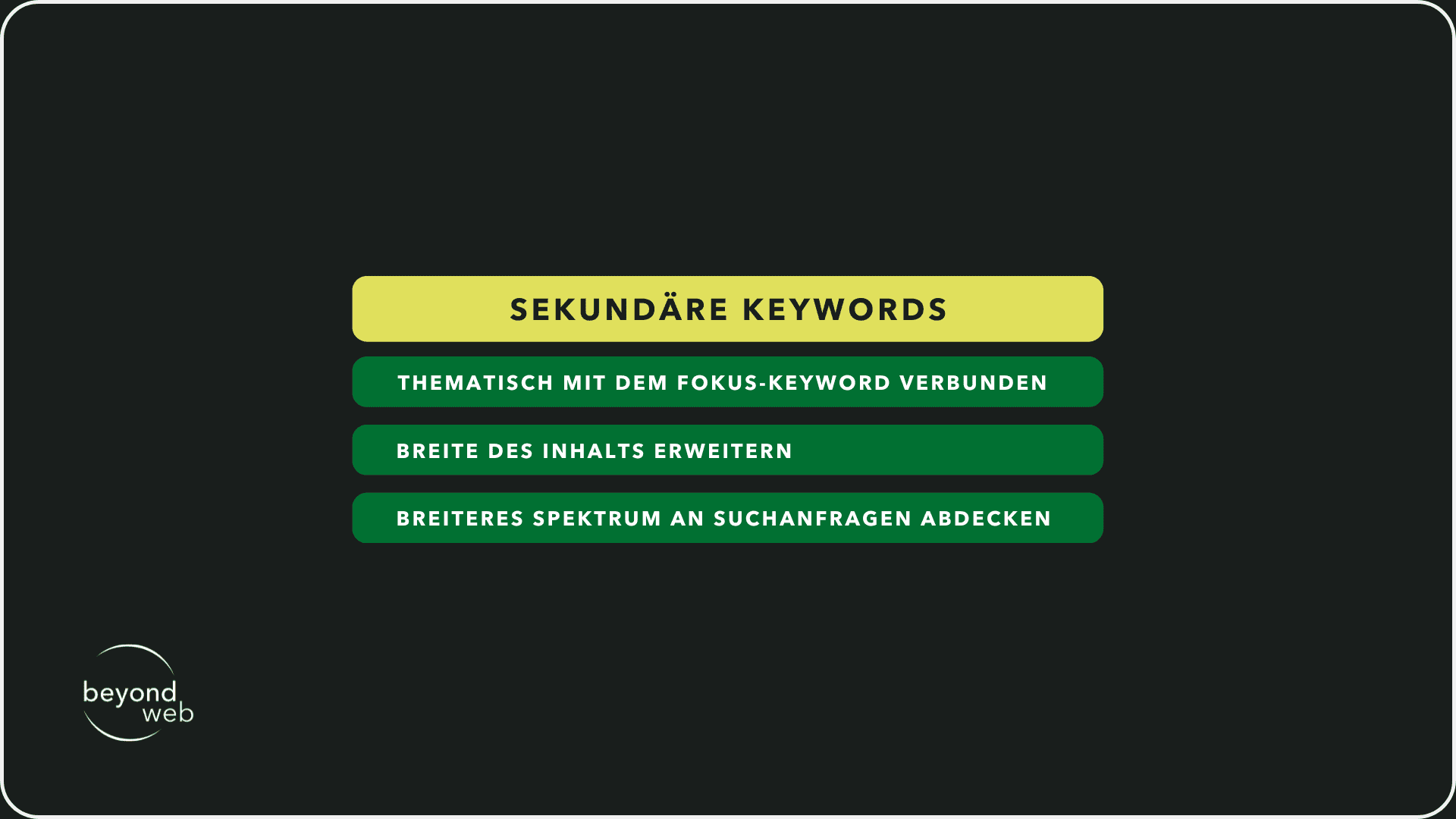
These are supporting keywords that are thematically related to your focus keyword.
They help to expand the breadth of your content and give search engines a deeper insight into the topic of your page.
The integration of secondary keywords helps to cover a broader spectrum of search queries and increase the visibility of your content.
Create topical map
A topical map helps to organize the structure of your content and ensure that all relevant topics are covered.
It visualizes the relationships between your main topic (represented by your focus keyword) and the related subtopics (represented by your secondary keywords).
Not only does this aid SEO by boosting your website's topical relevance and authority, but it also improves the user experience by providing a comprehensive resource on a specific topic.
SEO copywriting
SEO copywriting is the art of writing compelling, valuable and optimized content that is appealing to both search engines and people.
It's about naturally integrating your keywords into high-quality, informative and engaging text that aims to fulfill the needs and questions of your target audience.
Good SEO copywriting keeps readers on the page, encourages interactions and shares content, which sends direct and indirect positive signals to search engines.
Natural Language Processing (NLP)
NLP is a technology used by search engines to understand the context and meaning of text.
By optimizing your content for NLP, you can improve the relevance of your pages for certain search queries.
This includes the use of natural language, the consideration of search intentions and the inclusion of semantically related terms and phrases.
NLP helps search engines recognize the quality and depth of your content, which can lead to better rankings.
HTML headings
HTML headings structure your content and make it easier to understand for both users and search engines.
The use of H1 to H6 tags helps to define the hierarchy and importance of different content sections.
Your H1 tag should contain the focus keyword and give a clear overview of the topic of the page.
Subordinate headings can be used to structure subtopics and to integrate secondary keywords.
Links
Internal links are links that lead from one page of your website to another.
They are crucial for SEO as they help distribute authority, facilitate navigation and strengthen the page architecture
Internal links
By creating a network of internal links, you can help search engines understand the relevance and relationship between different pages on your website
Use internal links to direct readers to related content that offers depth and value.
This can increase the dwell time and contribute to several of your pages being indexed.
External links
While internal links strengthen the structure within your website, external links (links to other websites) build trust and authority by showing that your content is based on reliable sources.
Make sure to link to high-quality and relevant external sources to underline the credibility of your content
Technical SEO for WordPress
Technical SEO is an important aspect to ensure that your WordPress website can not only be easily found and indexed by search engines, but also to provide an optimal user experience.
From the optimization of loading times to the implementation of structured data, there are numerous technical factors that need to be taken into account.
I will now show you the various elements of technical SEO for WordPress.
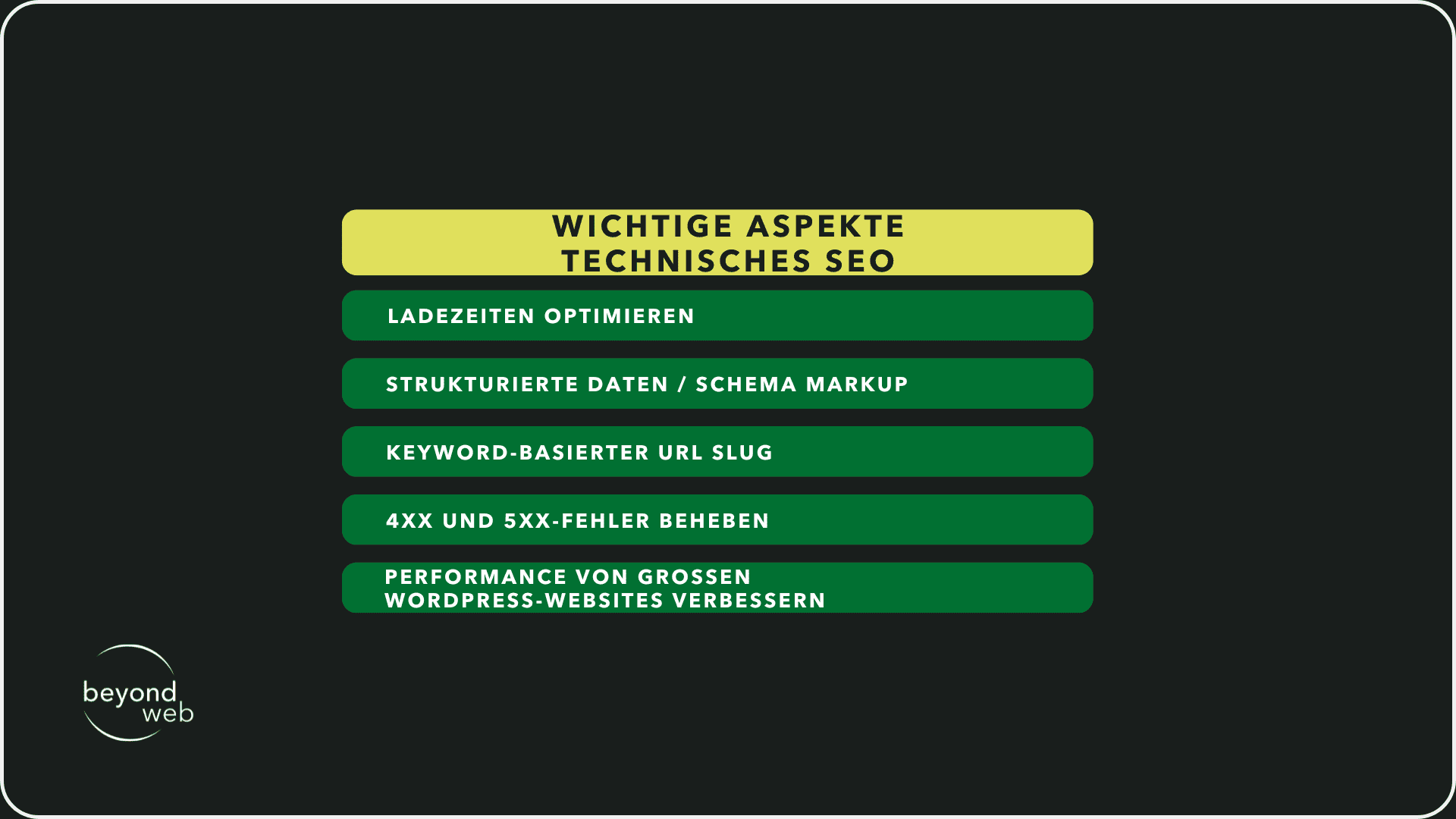
Optimize loading times
The speed of your website is a decisive factor for the user experience and a well-known ranking factor for search engines
A fast website makes for happier visitors and improves your chances of higher positions in the search results
Image SEO & alt texts
Images can have a significant impact on the loading times of your website
Optimize your images by reducing the file size without compromising the quality
Tools such as Adobe Photoshop, TinyPNG or WordPress plugins such as Smush can help.
The use of alt texts for images also improves accessibility and helps search engines to understand the context of the images
A good alt text should be descriptive and, if relevant, contain the focus keyword.
Reduce unused CSS
Superfluous CSS can increase the loading time of your page.
Tools such as PurifyCSS or uncss can help to identify and remove unused CSS rules.
Modern WordPress plugins also offer options to automatically reduce unused CSS.
Structured data / schema markup
Structured data helps search engines to better understand the content of your pages and display richer search results (rich snippets) such as reviews, events or FAQs.
Implement schema markup to increase your visibility in search results and improve click-through rates.
WordPress plugins such as Yoast SEO or Schema Pro can simplify the implementation of structured data.
Keyword-based URL slug
A URL slug that contains your focus keyword can increase the relevance of your page for specific search queries.
A clean and concise URL structure improves readability and can contribute positively to the ranking
Avoid long and complex URLs and focus on clarity and relevance instead.
Correct 4xx and 5xx errors
Error pages such as 404 (not found) or 500 (server error) can provide a poor user experience and affect the crawling of your website.
Regularly monitor your website for such errors and correct them quickly to ensure that visitors and search engines can access the desired content.
Improve the performance of large WordPress websites
Large websites face unique challenges when it comes to performance.
The implementation of caching, the use of a content delivery network (CDN) and the optimization of the database can significantly improve loading times.
It is also important to regularly check and clean up your WordPress installation to ensure that everything is running smoothly.
Technical SEO requires ongoing attention and customization, but investing in these areas will pay off by improving both the user experience and your visibility in search engines.
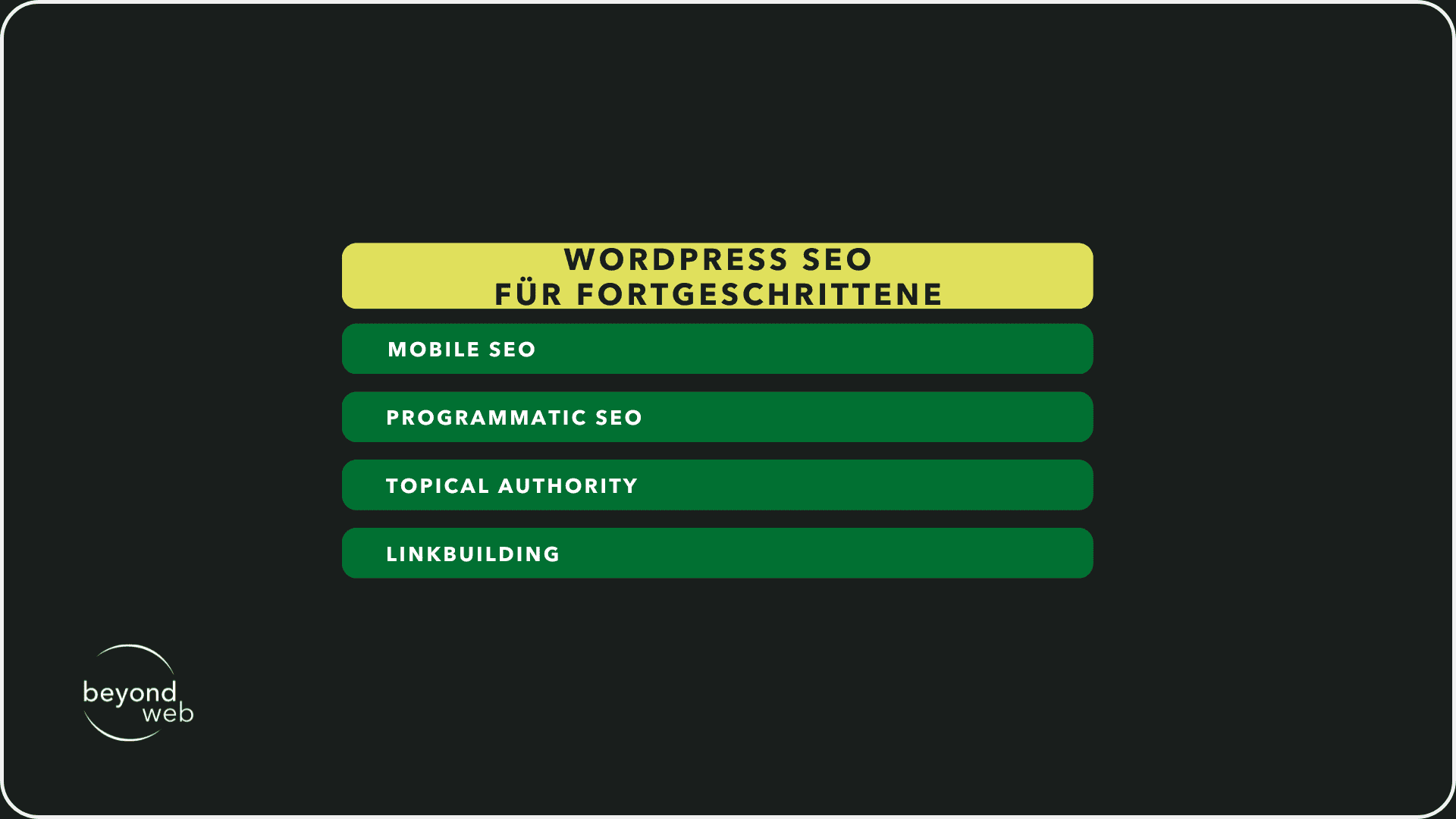
WordPress SEO for advanced users
To be successful beyond the basics, WordPress SEO requires a deeper understanding and implementation of advanced strategies
These advanced techniques can help to further optimize your website to achieve better rankings, generate more traffic and ultimately strengthen your online presence.
Some of these advanced strategies are explained in detail below.
Mobile SEO
With the increasing share of mobile internet, optimizing your website for mobile devices has become essential
This includes responsive design, fast loading times on mobile devices and consideration of the mobile user experience.
Google uses mobile-first indexing, which means that the mobile version of your website is decisive for the ranking in the search results.
Make sure that your content is easy to read on mobile devices and that interaction elements are easy to use.
Programmatic SEO
This strategy includes the automated creation of landing pages for specific keywords or phrases on a large scale
By using templates and databases, you can efficiently generate pages that are tailored to long tail keywords or specific user queries.
Programmatic SEO can be particularly useful to increase your visibility in niche areas.
Topical Authority
Building thematic authority means being recognized as a trustworthy source of information in a particular subject area.
You can achieve this by providing comprehensive, high-quality content that covers a wide range of related topics.
Internal links between thematically related content strengthen authority and help search engines understand the structure and focus of your website
Link building
High-quality backlinks from other websites are an important factor for search engine optimization.
Focus on building natural links through valuable content, guest posts, partnerships and digital PR.
Avoid aggressive or manipulative link building practices, as these can be penalized by search engines.
Frequently asked questions about WordPress SEO
Various questions and uncertainties can arise when optimizing your WordPress website for search engines.
To help you clarify this, some frequently asked questions about WordPress SEO are answered below
Website cannot be found on Google, what to do?
If your website cannot be found on Google, there are a few steps you can take to fix the problem
First of all, it is important to ensure that your page has not been accidentally marked as "not indexable".
This can be done in the settings of your content management system, such as WordPress, or via the robots.txt file.
Once you have carried out this check, you can use the Google Search Console tool in the next step.
Here you can submit your website directly to Google, which is particularly useful for improving your visibility in search results.
However, it is also crucial for a WordPress website to implement SEO strategies.
This includes optimizing meta tags, using SEO plugins such as Yoast SEO and applying SEO-friendly practices in the content management system.
Using an efficient WordPress theme can also improve loading speed and therefore SEO performance.
It is also important to optimize the permalink structure of your WordPress website and ensure that content is well organized through relevant categories and tags.
Another important point is internal linking.
It not only helps users to find their way around your website, but also enables search engines to better assess the relevance and authority of your site.
You should also not underestimate the value of a reliable WordPress hosting provider
Why does Google not display my meta description correctly?
If Google does not display the meta description of your website as you have entered it, this is because Google is trying to show users the most relevant result.
The search engine evaluates the content of the page and the specific search query and then decides whether your given meta description or another text section from your website is better suited to give searchers an overview.
To increase the likelihood of Google using your meta description, you should make sure that it is precise and relevant.
A good meta description summarizes the content of the page succinctly and concisely and contains relevant keywords that directly address the user's search query.
Nevertheless, it is important to understand that Google's ultimate goal is to provide users with the most useful information and therefore sometimes generates its own snippets from the page content that are better suited to individual search queries.
Do I really need a sitemap?
Yes, a sitemap is highly recommended for most websites.
It plays an important role in helping search engines like Google to capture and crawl the structure of your website more efficiently.
This is particularly important for large websites or pages that are regularly updated, as it ensures that new or changed content is discovered and indexed more quickly.
How can I configure the robots.txt file?
To configure the robots.txt file of your website, you must place or edit this file in the root directory of your website.
This text file gives the search engine crawlers instructions on which parts of your website they may and may not index.
Start by making sure the robots.txt file is accessible by saving it in your website's root directory—the same location where your main index file (e.g., index.html) is located.
You can edit the file with a simple text editor.
You can set specific instructions for different search engine bots in the robots.txt file.
For example, the entry "User-agent: *" allows all bots access, while "Disallow: /directory/" blocks access to the specified directory for all bots.
If you want to protect specific areas of your website from crawling, such as user profiles or internal search pages, you can exclude these via "Disallow: entries".
However, it is important that you do not block any important content that could contribute to indexing.
Check the robots.txt file regularly to ensure that it is up-to-date and correctly implements your desired access rules.
An incorrectly configured robots.txt can result in important content not being found and indexed by search engines.
Are there WordPress plugins where I can integrate ChatGPT?
Yes, there are actually several WordPress plugins that enable the integration of ChatGPT or similar AI technologies.
These plugins often use the OpenAI API to integrate artificial intelligence into WordPress sites, which enables various applications such as automated customer support, content creation or interactive FAQ areas.
To find such a plugin, you should search the official WordPress plugin directories or look for current solutions on third-party websites.
When choosing a plugin, it is important to check its ratings, compatibility with your WordPress version and support from the developers.
The costs must also be taken into account, as the use of the OpenAI API is usually associated with fees
Once installed, the plugin usually allows for easy configuration via the WordPress dashboard, where you can enter API keys and configure specific settings for using the AI.
For example, you can control in which area of your website the chatbot appears and how it interacts.